Legend
Introduction
A multi-year program to embed AI across and , not on-prem FMC, without fragmenting into separate chat experiences.
Designing Cisco's across and , creating firewall policy, optimizing rules, troubleshooting flows, and acting on alerts from one conversational layer, without turning every capability into a separate chat product.
Operators in and already juggle dense policy pages, optimizer tools, and AIOps telemetry. The had to meet them inside those consoles: one docked panel, one thread model, and workflows that felt native to whichever product they were in. Different flows shipped on different surfaces; I owned design across onboarding and entry, the , Policy Rule Creation (), Policy Analyzer and Optimizer (), , and alerts and notifications.
This case study follows that story in order. Early sections set up the problem and architecture. Each workflow chapter shows one capability end to end, how we moved operators from blank-slate anxiety to guided, reviewable actions they could trust in production.
Complexity & constraints
Every squad needed depth; operators needed one coherent assistant.
The challenge was not adding a chat box. It was embedding high-risk, high-density firewall work, policy writes, optimizer recommendations, flow analysis, alert configuration, inside a conversational frame that stayed fast, legible, and aligned with and wherever each workflow shipped.
- Operators resented page-hopping for basic tasks; had to replace navigation friction without hiding what would change
- Multi-turn chat was technically costly, memory and latency constraints pushed us toward single-response steppers with clear checkpoints
- already existed as a native capability; the assistant could not feel like a different product
- AIOps returns enormous datasets; raw dumps in chat would overwhelm, not help
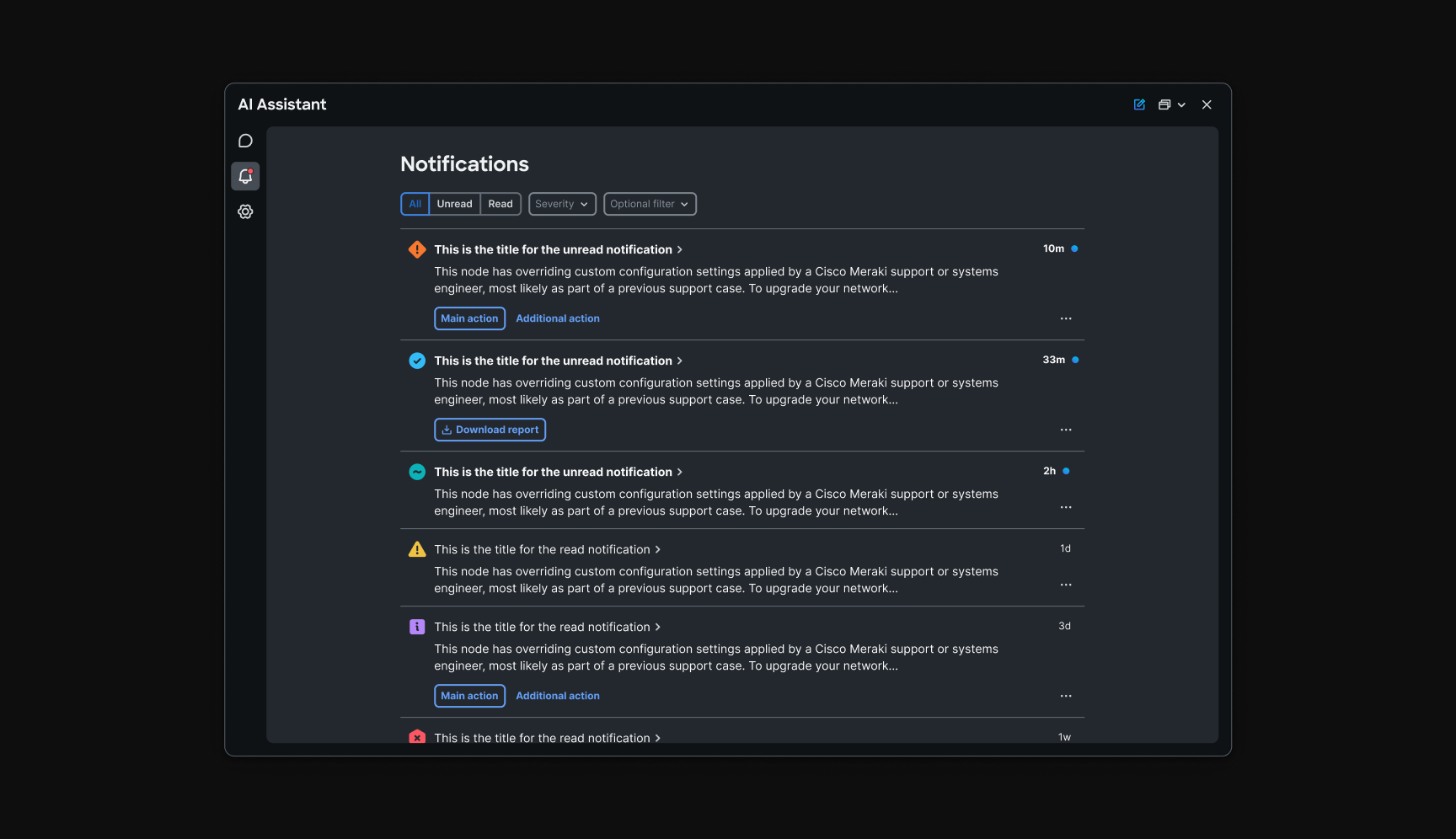
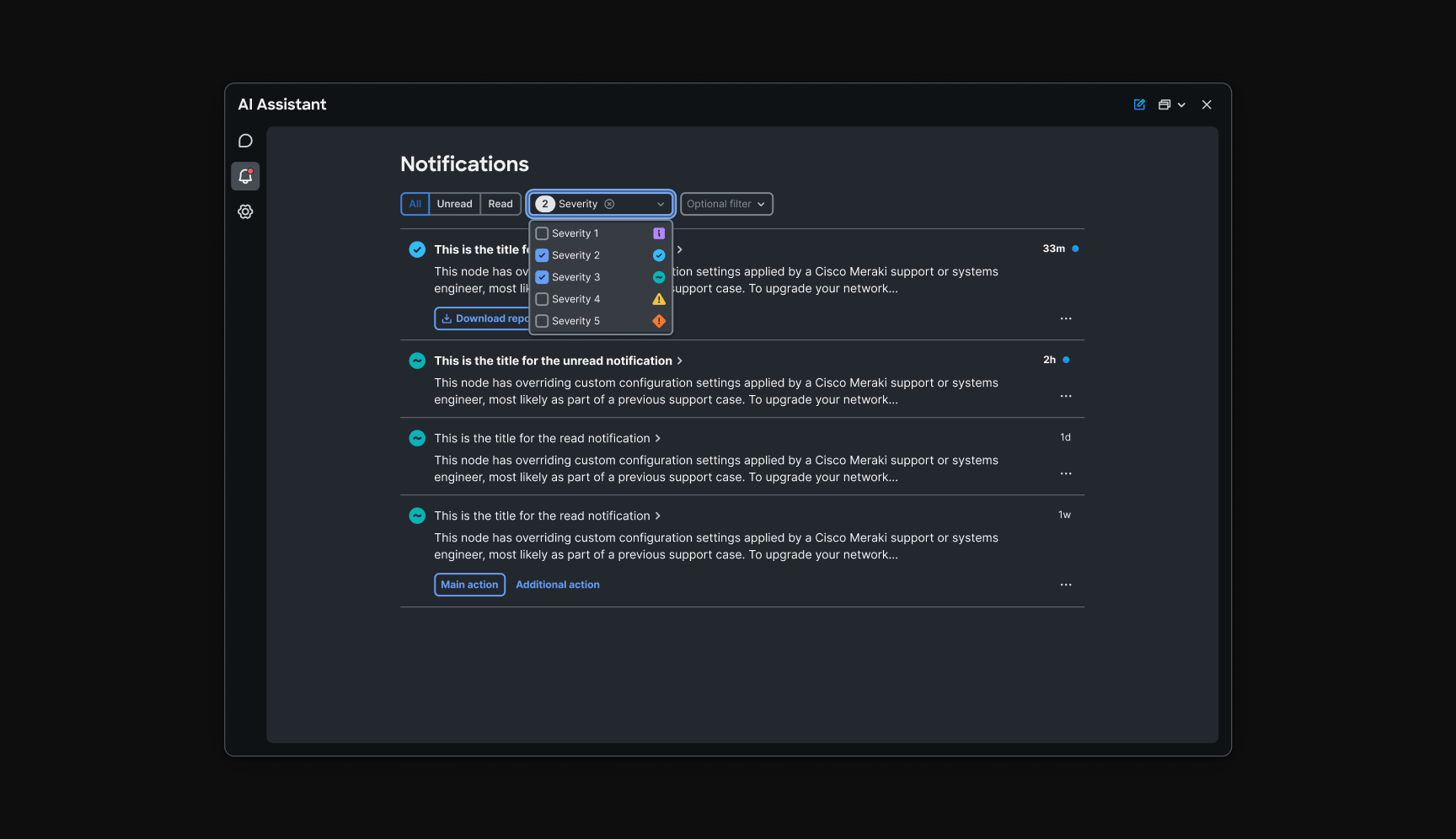
- Notifications needed a taxonomy, what to show, where, and how to link back to the thread that caused them
- Blank-slate chat failed new users; adoption depended on showing capabilities before asking operators to invent prompts
“The hardest part was not one screen. It was keeping one mental model while policy, optimization, AIOps, and notification teams shipped in parallel across and .”
Information architecture
How the program was structured as a story, not a feature list.
We aligned on a persistent shell, threads, , action footer, and a rollout sequence that mirrors how operators build trust: onboarding first, then entry surfaces that reduce blank-slate friction (home, , , discovery), then domain workflows that all end at the same review-and-confirm gate.
Entry composes; execution does not fork the chrome. The library and discovery surfaces get operators to the right intent. , , , and alerts handle the work, with shared confirmation language and feedback loops back into the thread.
- Assistant shell and onboarding
- Home and inline triggers
- Prompt library
- PRC (rule creation)
- PAO
- AIOps elephant flow
- Alerts
Early fragmentation
4 steps- 1Per-feature AI entry points
- 2Blank chat as default
- 3Inconsistent reply layouts
- 4Weak confirmation before apply
Unified model
4 phases- 1One docked shell
- 2Home, triggers, and library for intent
- 3Shared response container kit
- 4Explicit checkpoints before commit
Operators carry one mental model from entry through firewall, AIOps, and notification tasks.
Home and entry
Chapter 1: Trust, onboarding, and how sessions begin
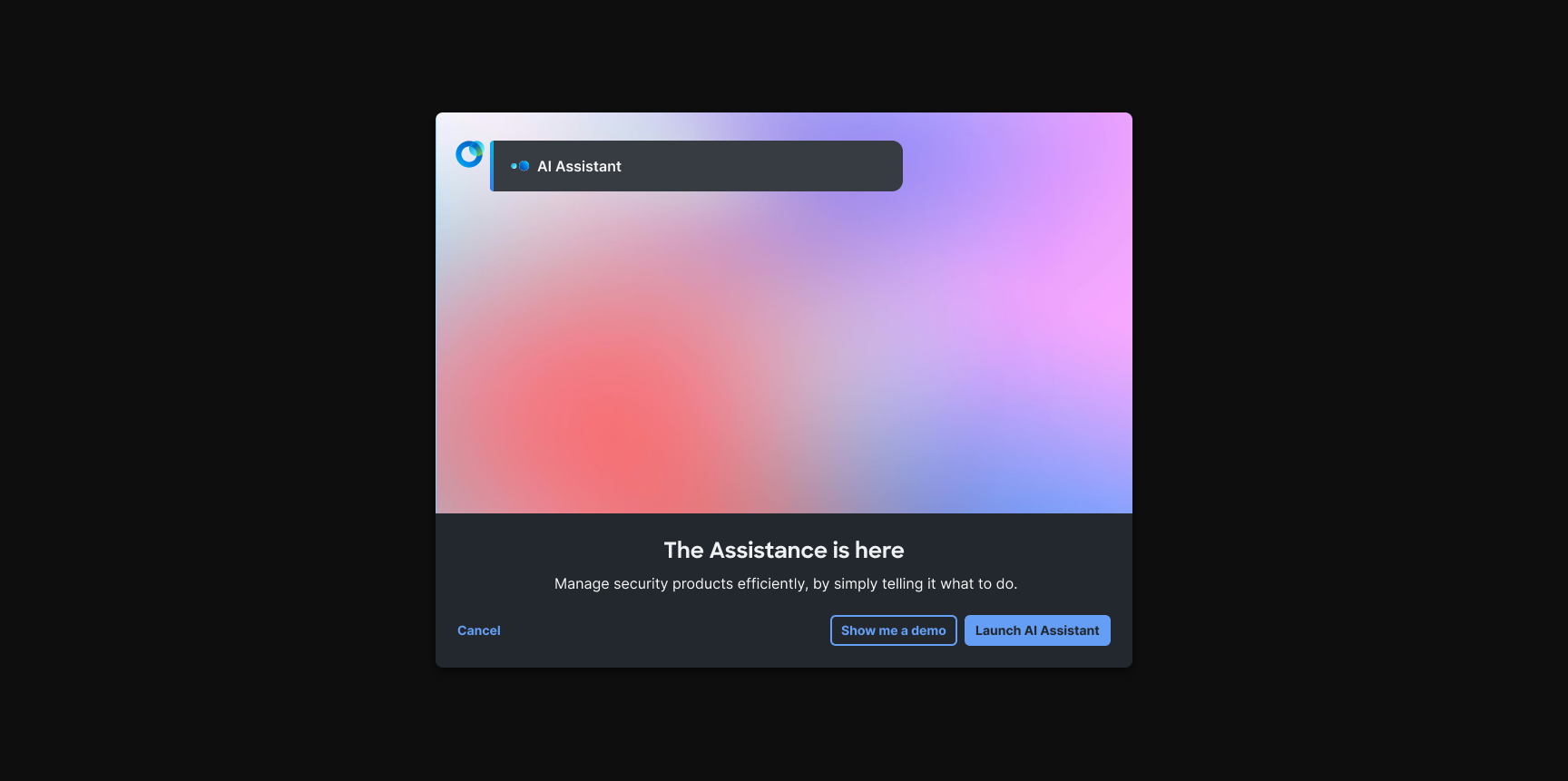
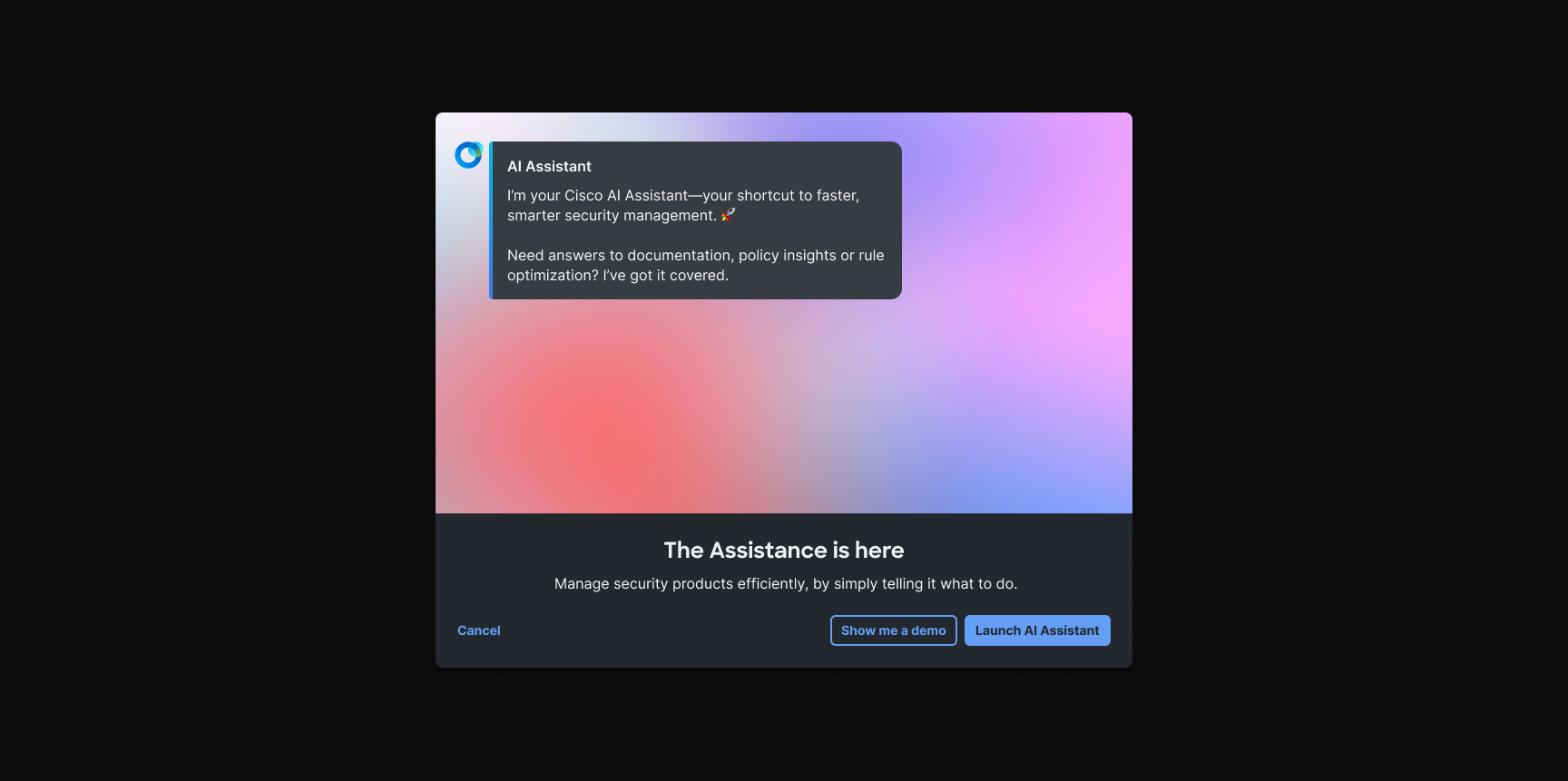
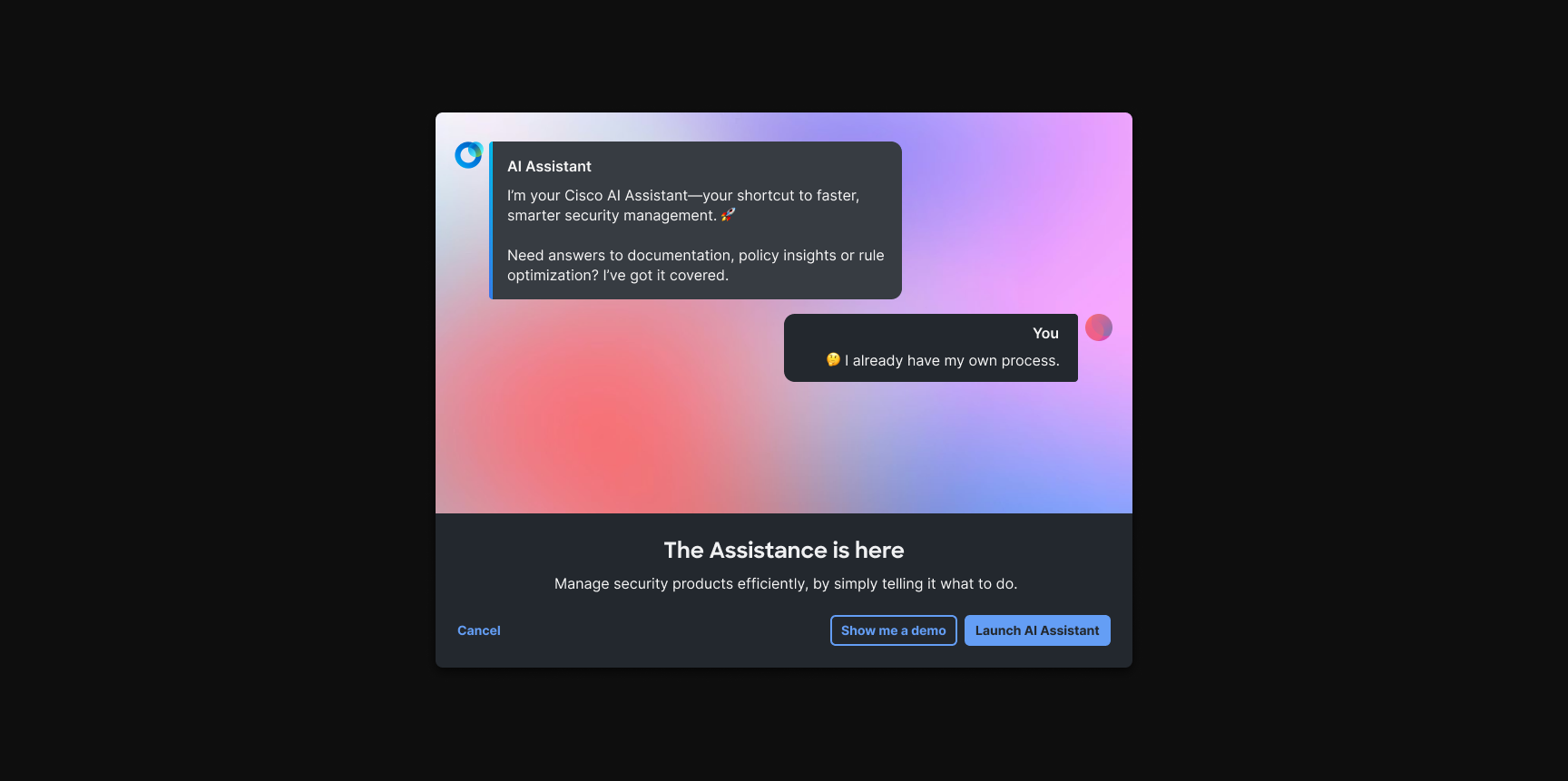
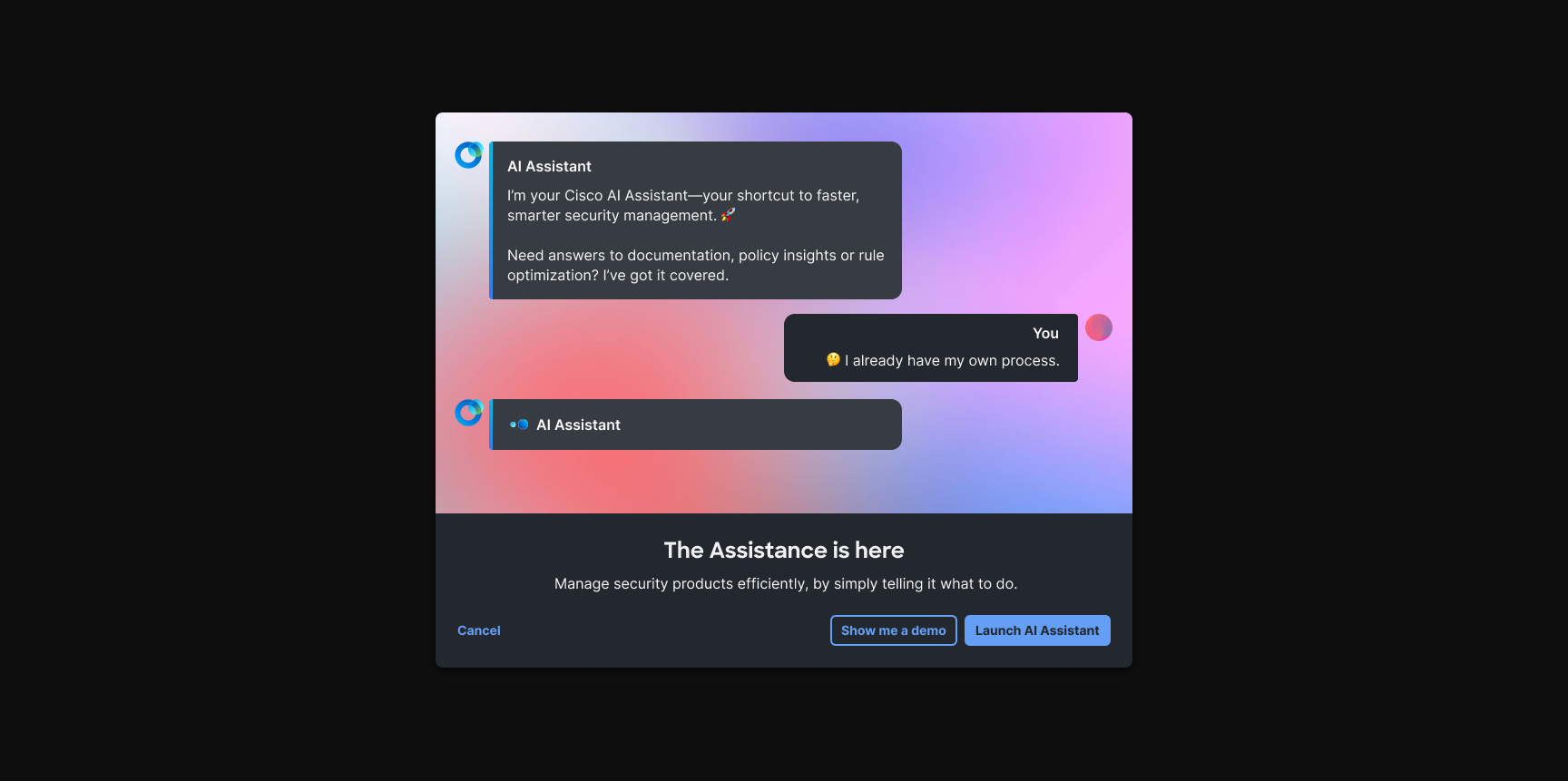
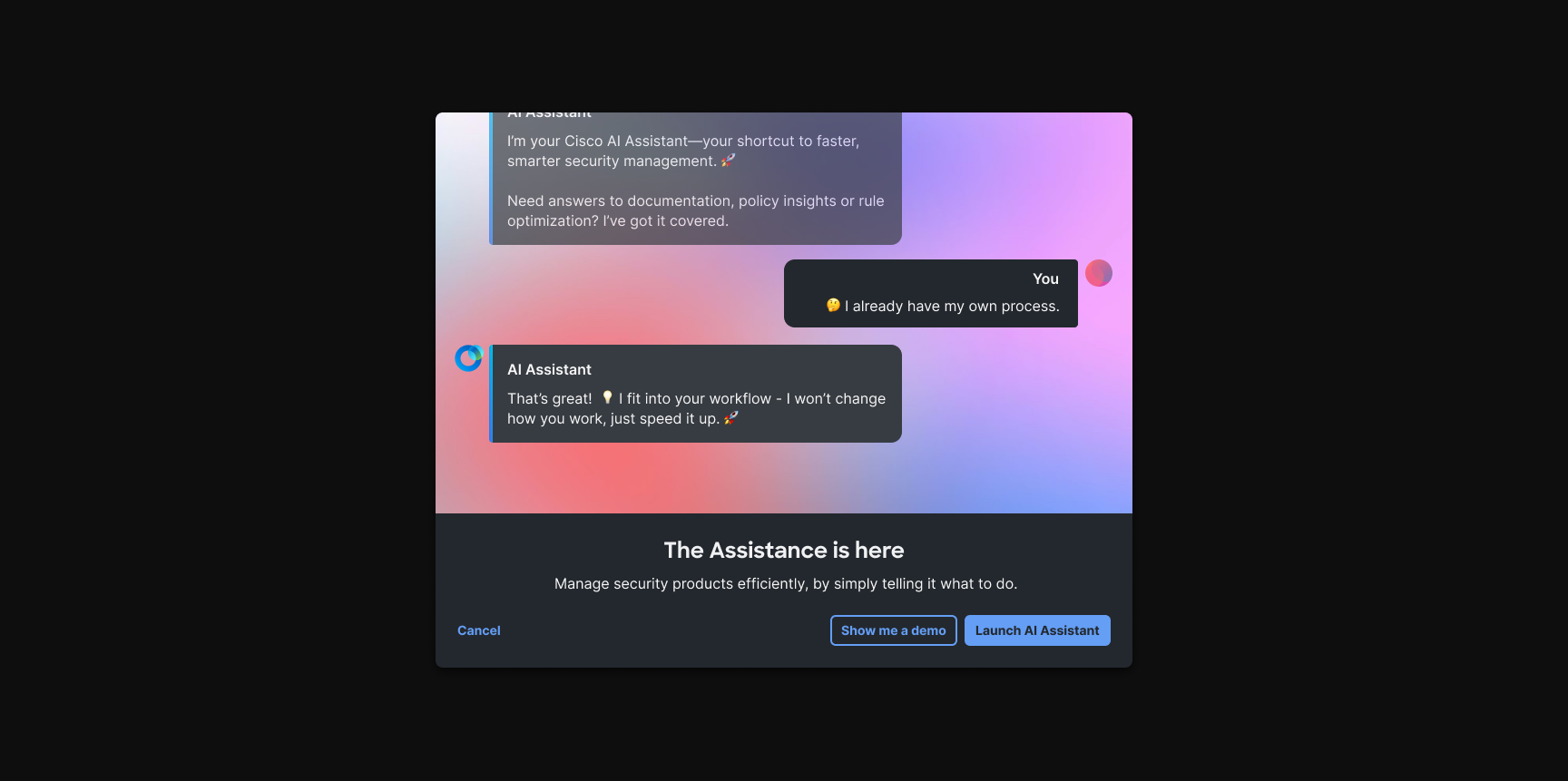
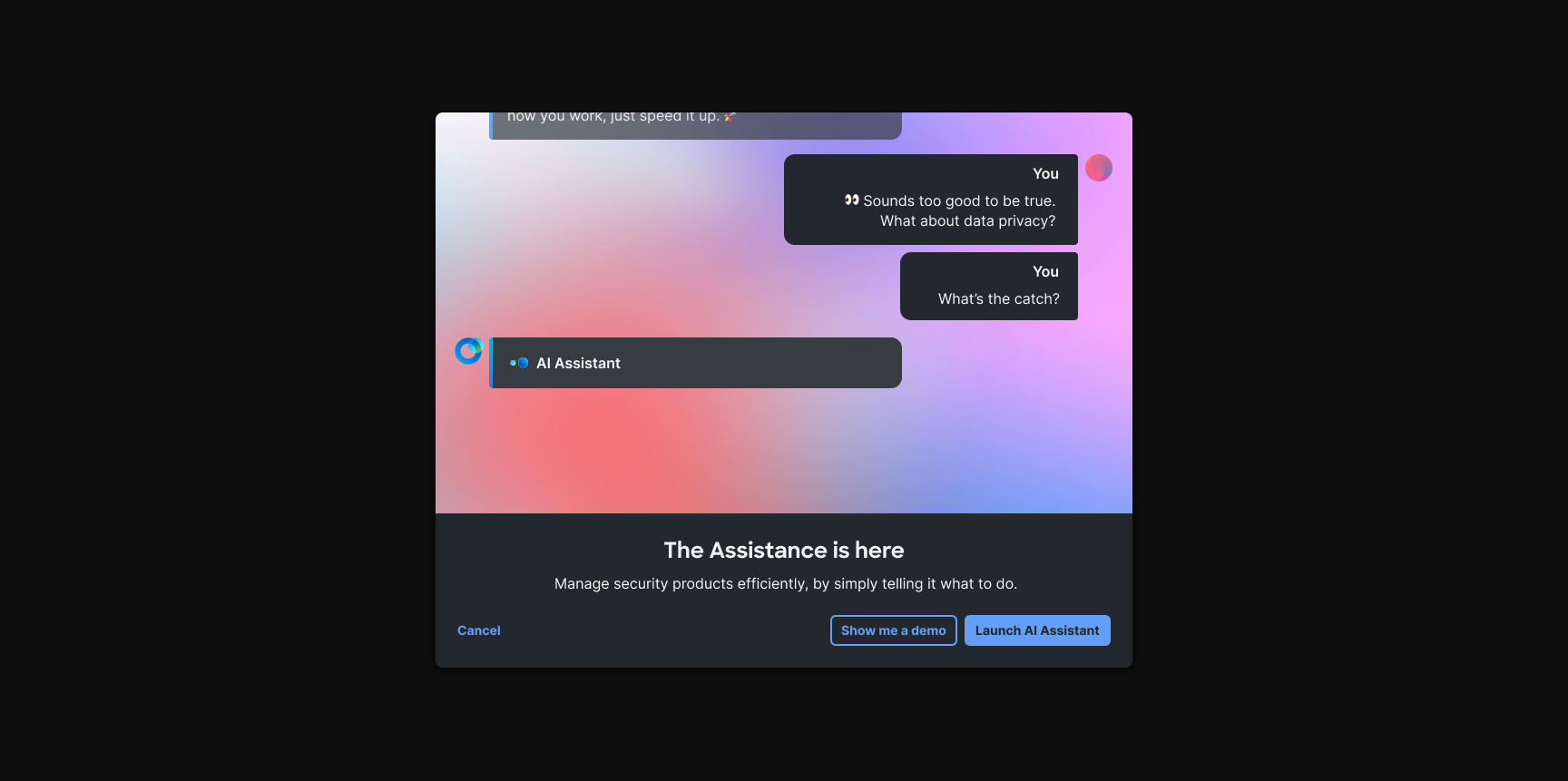
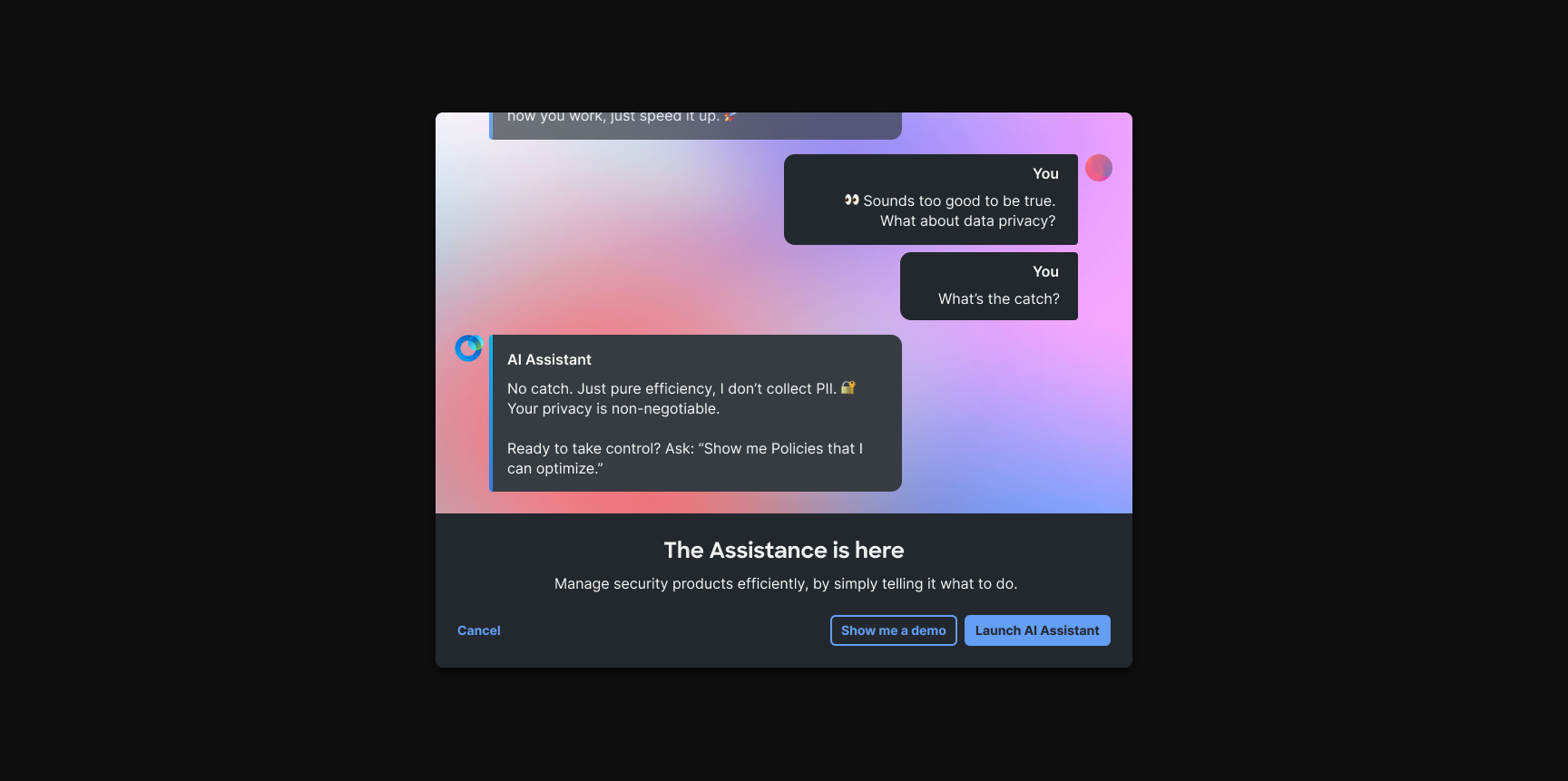
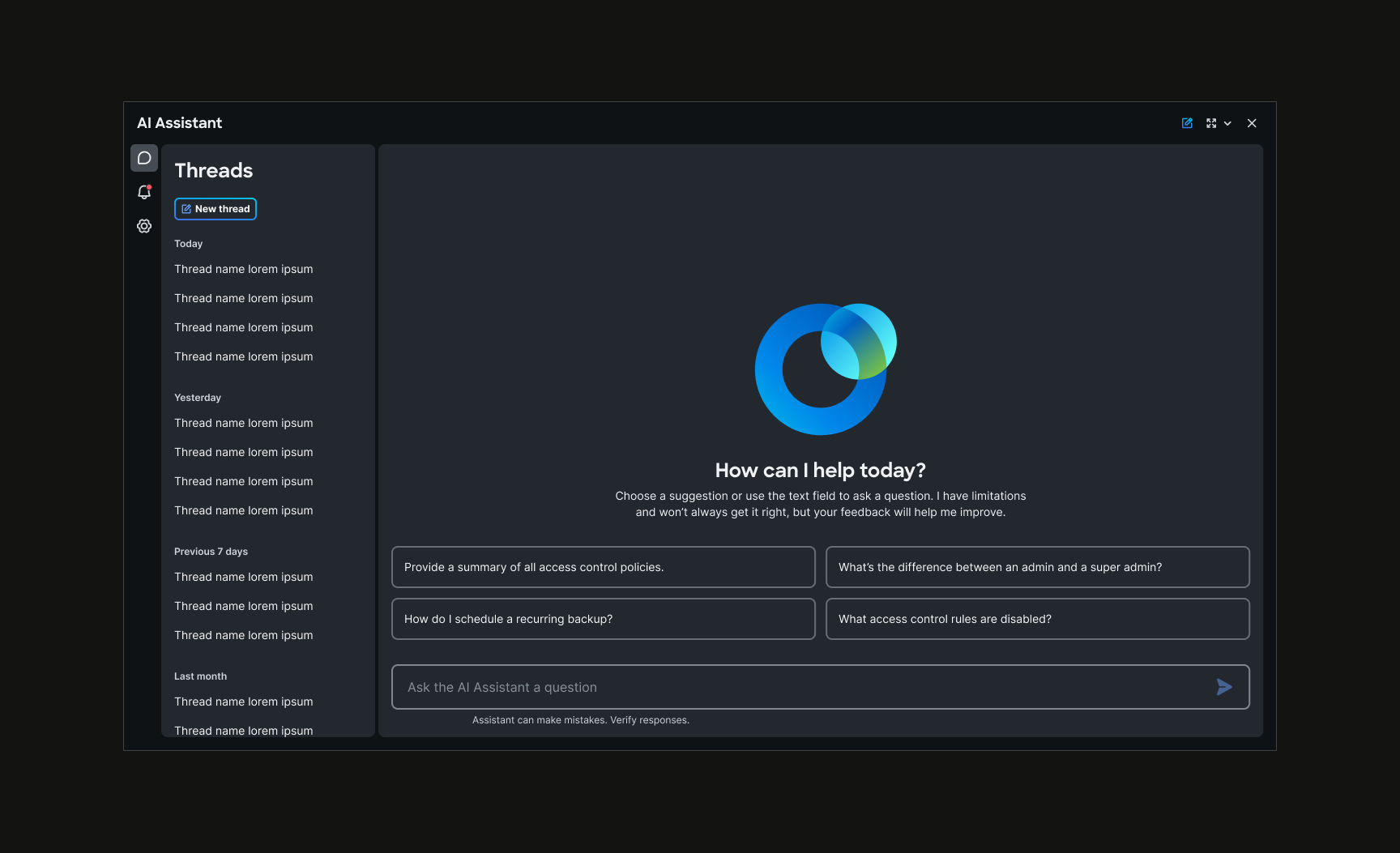
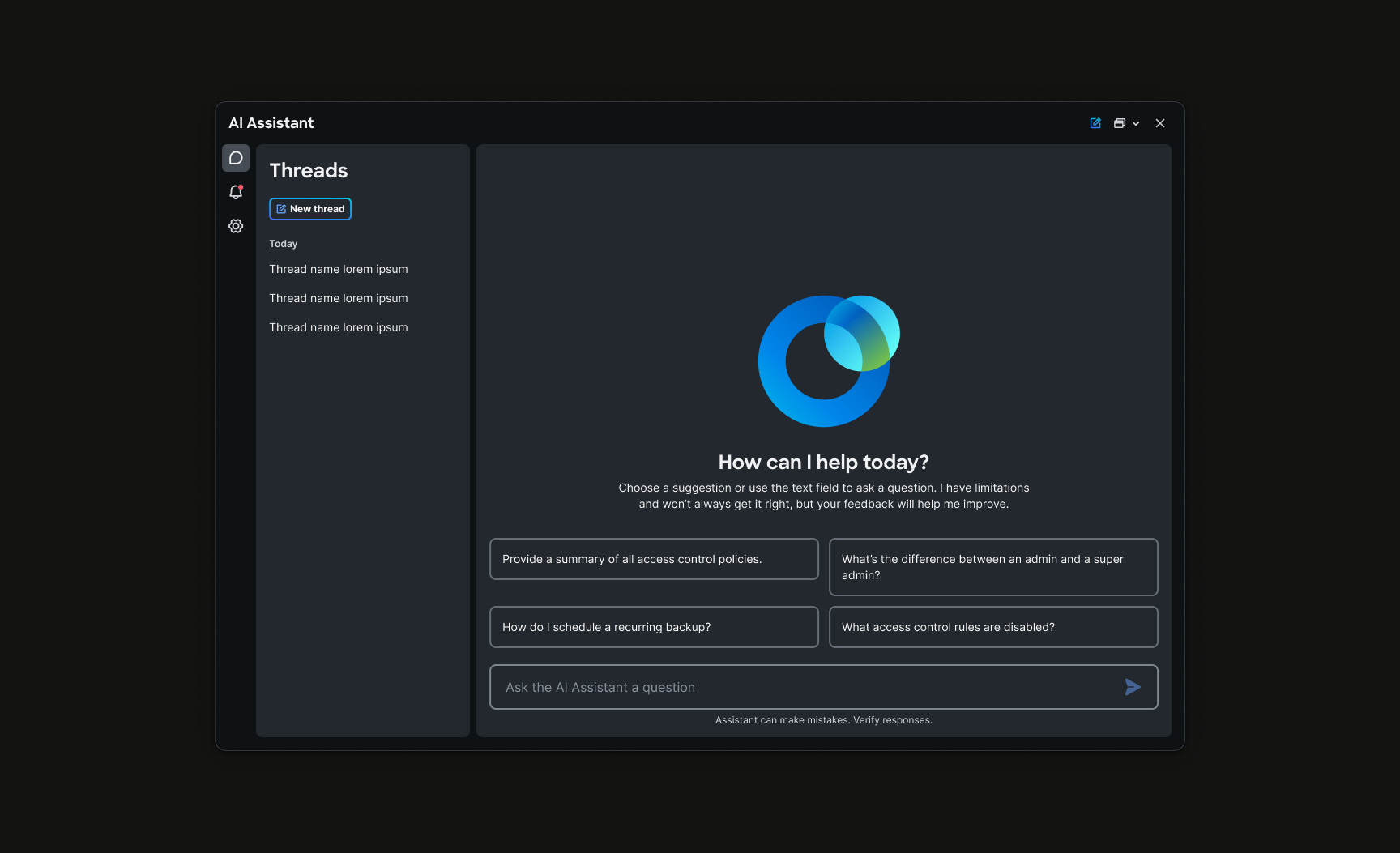
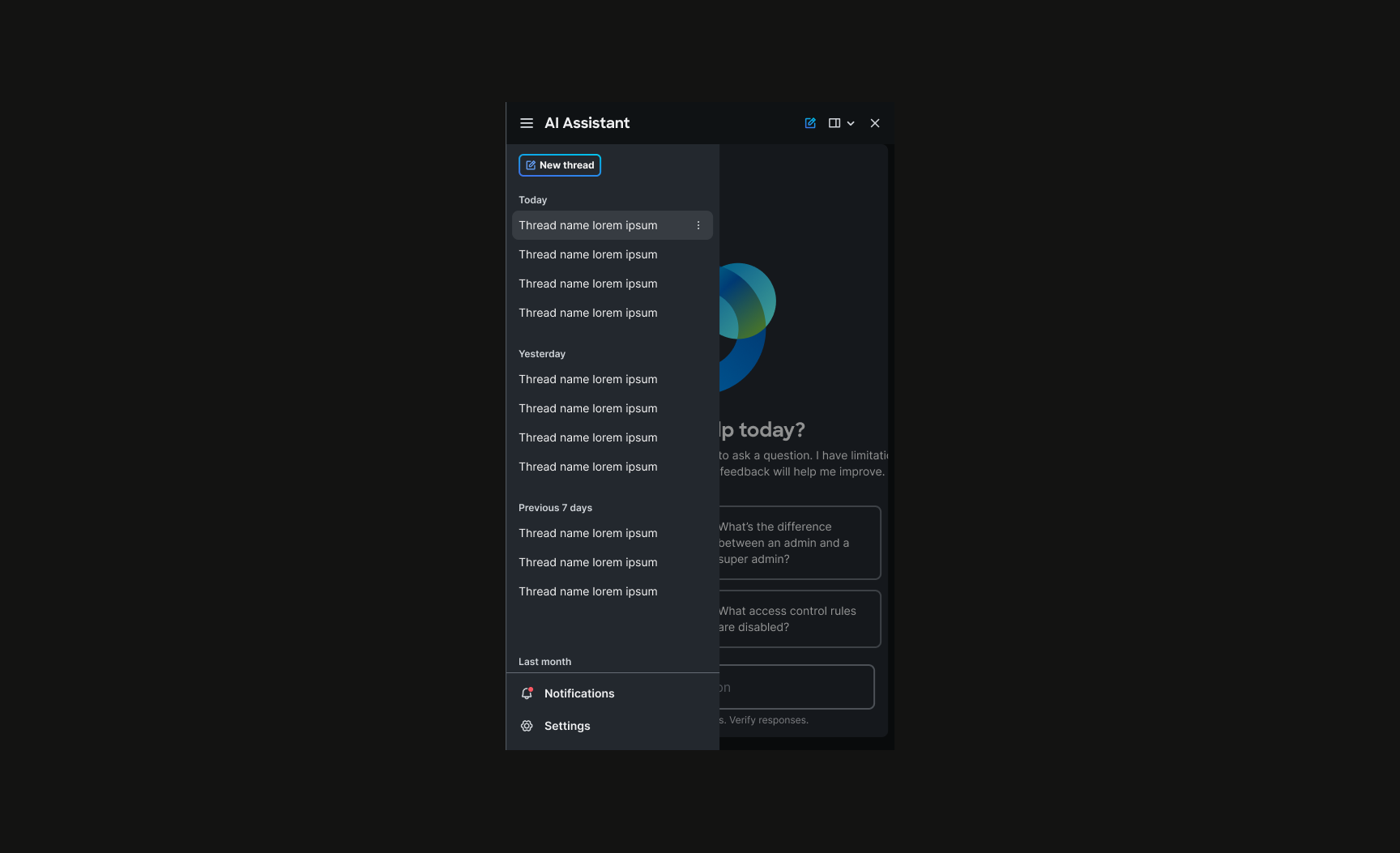
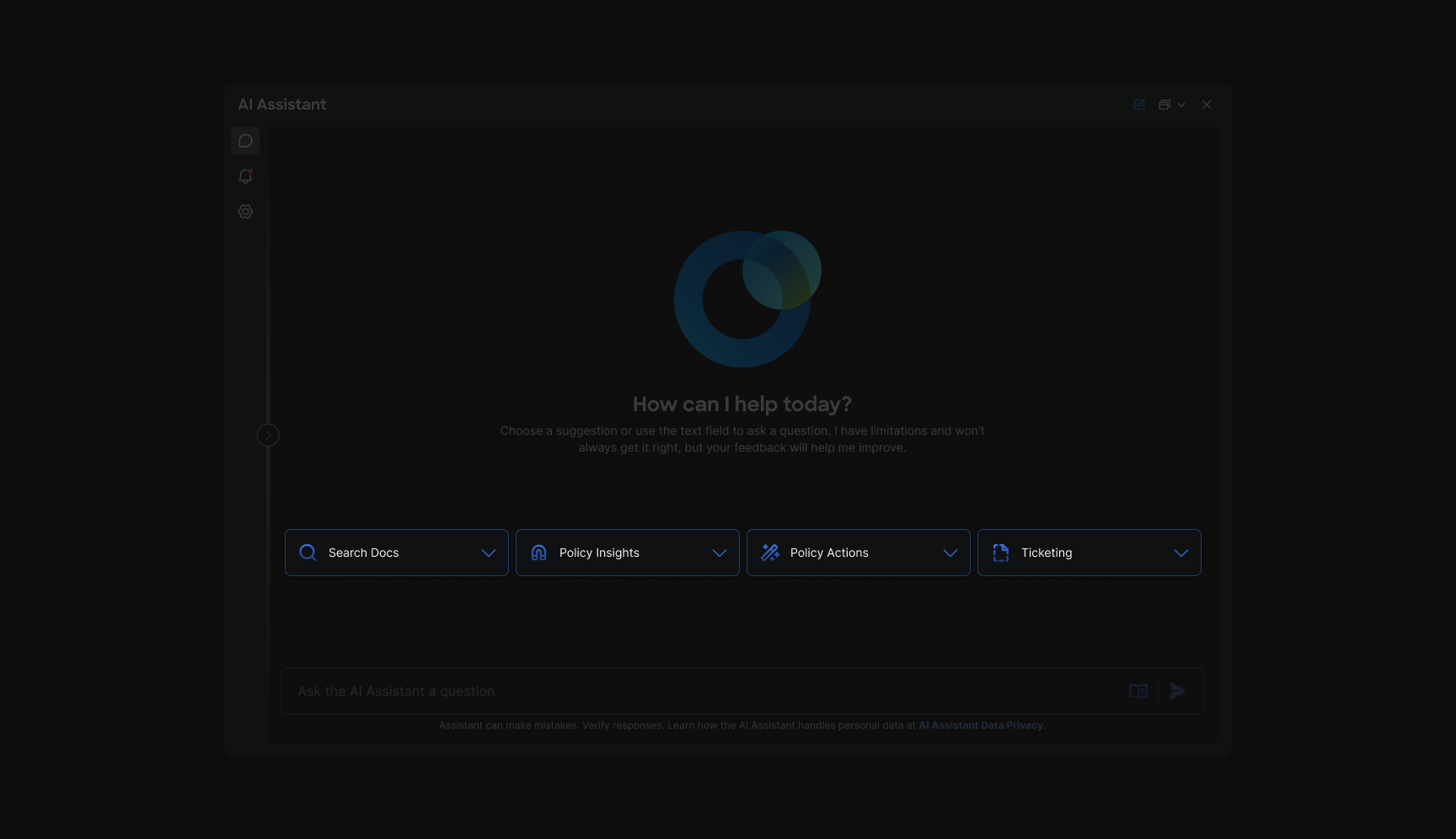
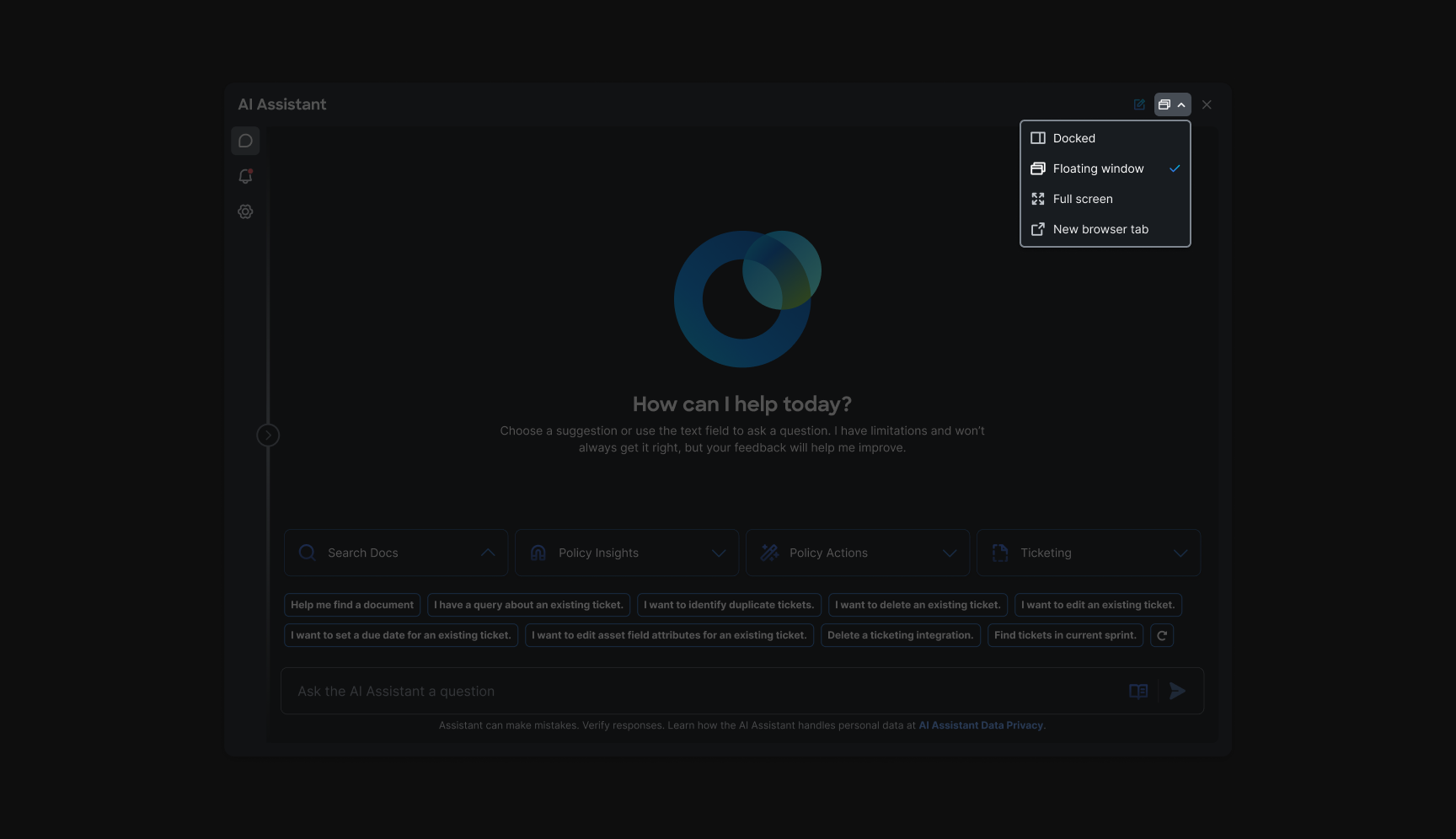
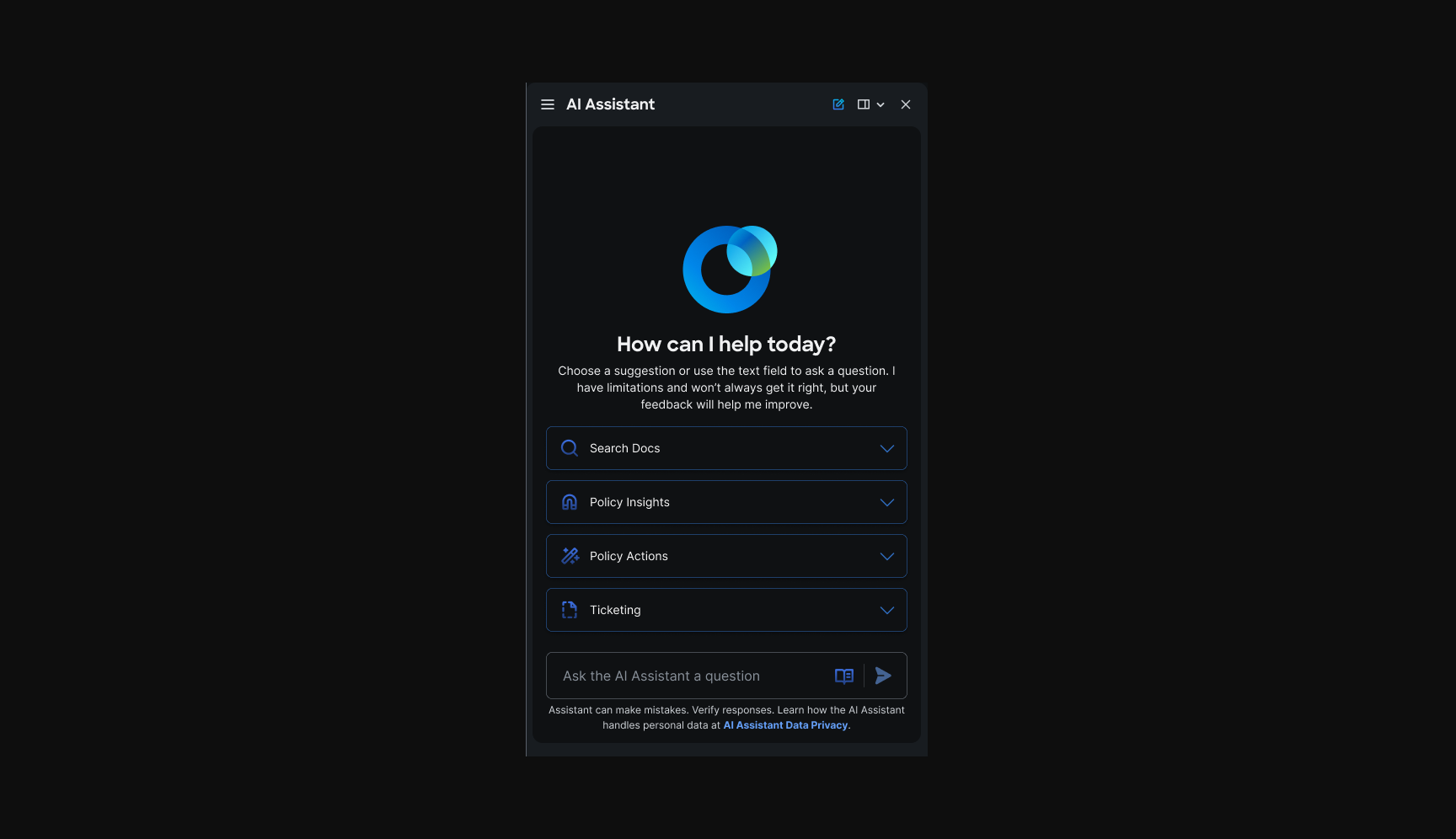
Before operators reach or , they need to understand what the assistant is, and what it is not. Onboarding set expectations: review before apply, confirmation on every change, and operational tooling rather than open-ended chat. The hero carousel walks through the conversational onboarding sequence; the introduction section shows how the home scales across docked layouts.
In-assistant onboarding
We also explored in-assistant onboarding as a chat-like first run inside the panel, with the same expectations baked in. That conversational pattern became the model for how operators learn capabilities before they reach production workflows.
Prompt library
Chapter 2: Solving the blank-slate problem
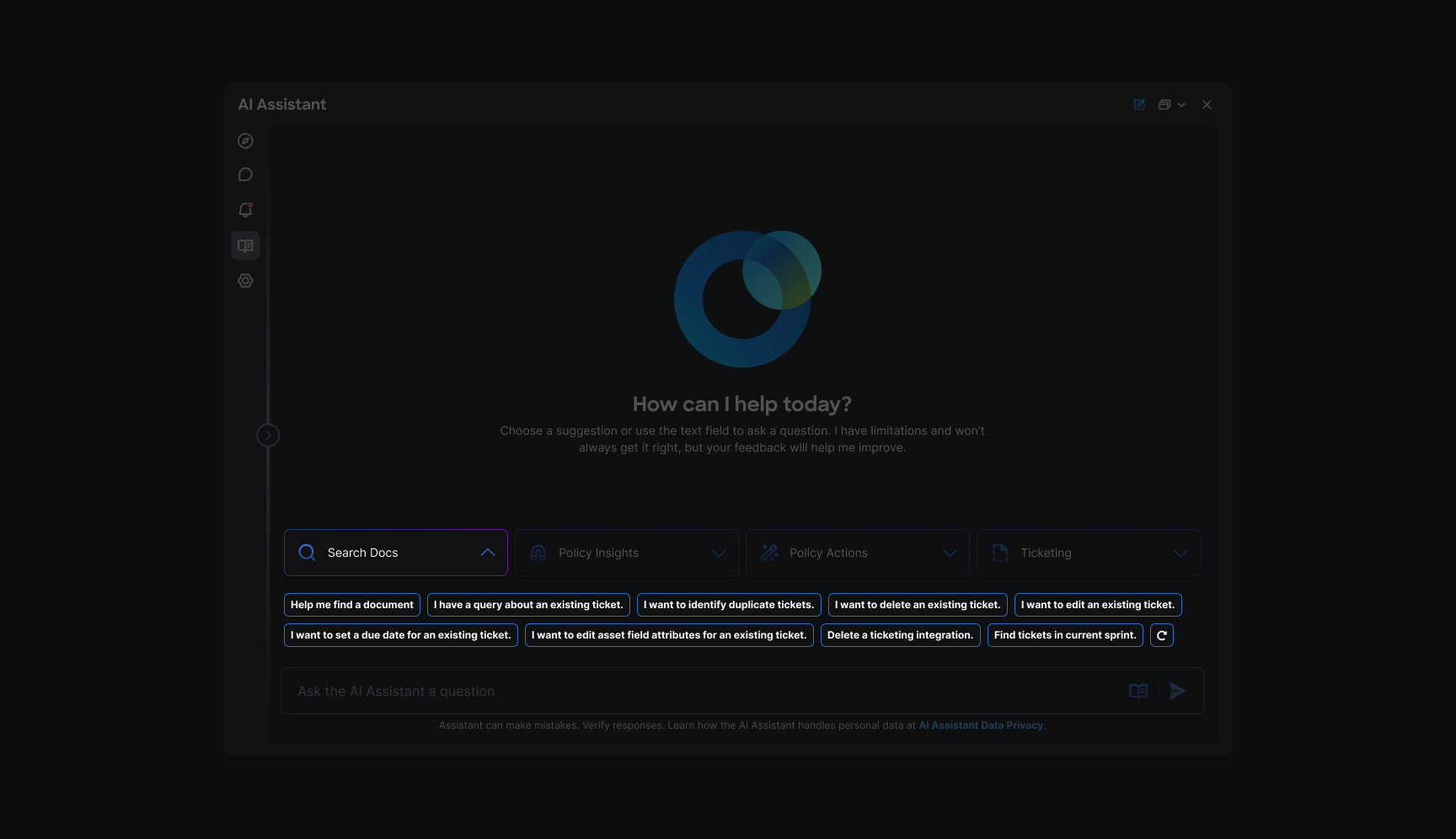
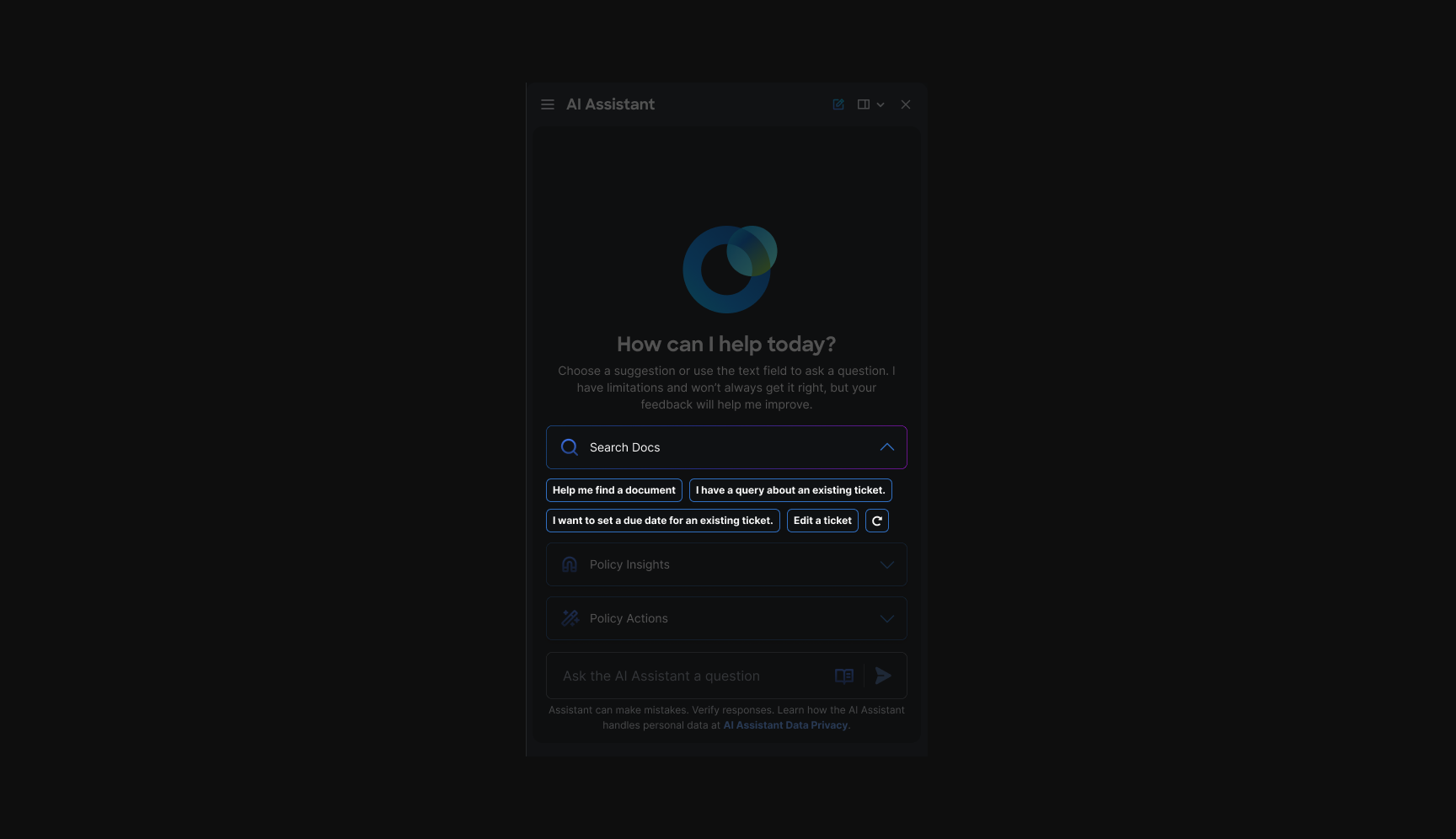
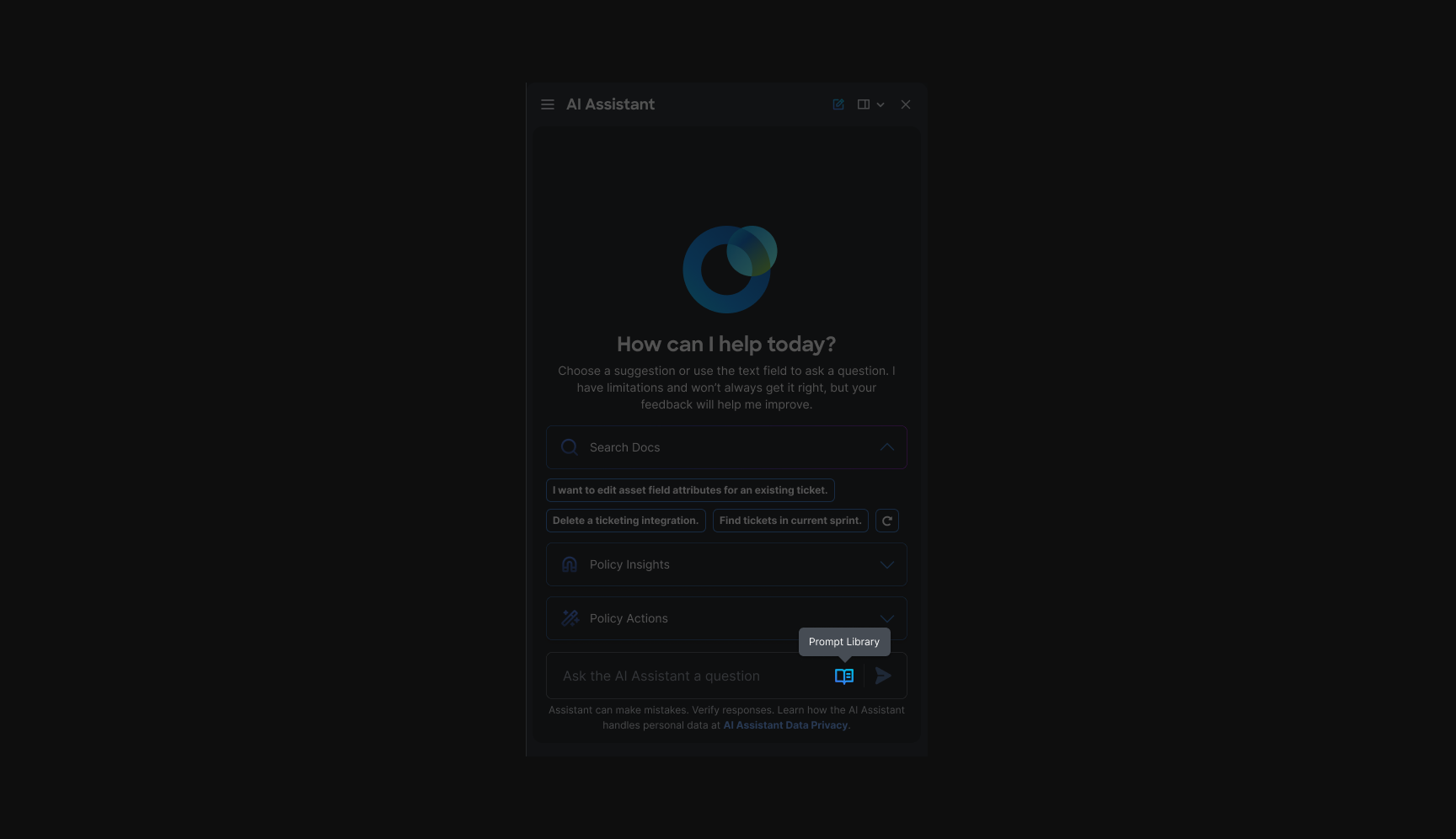
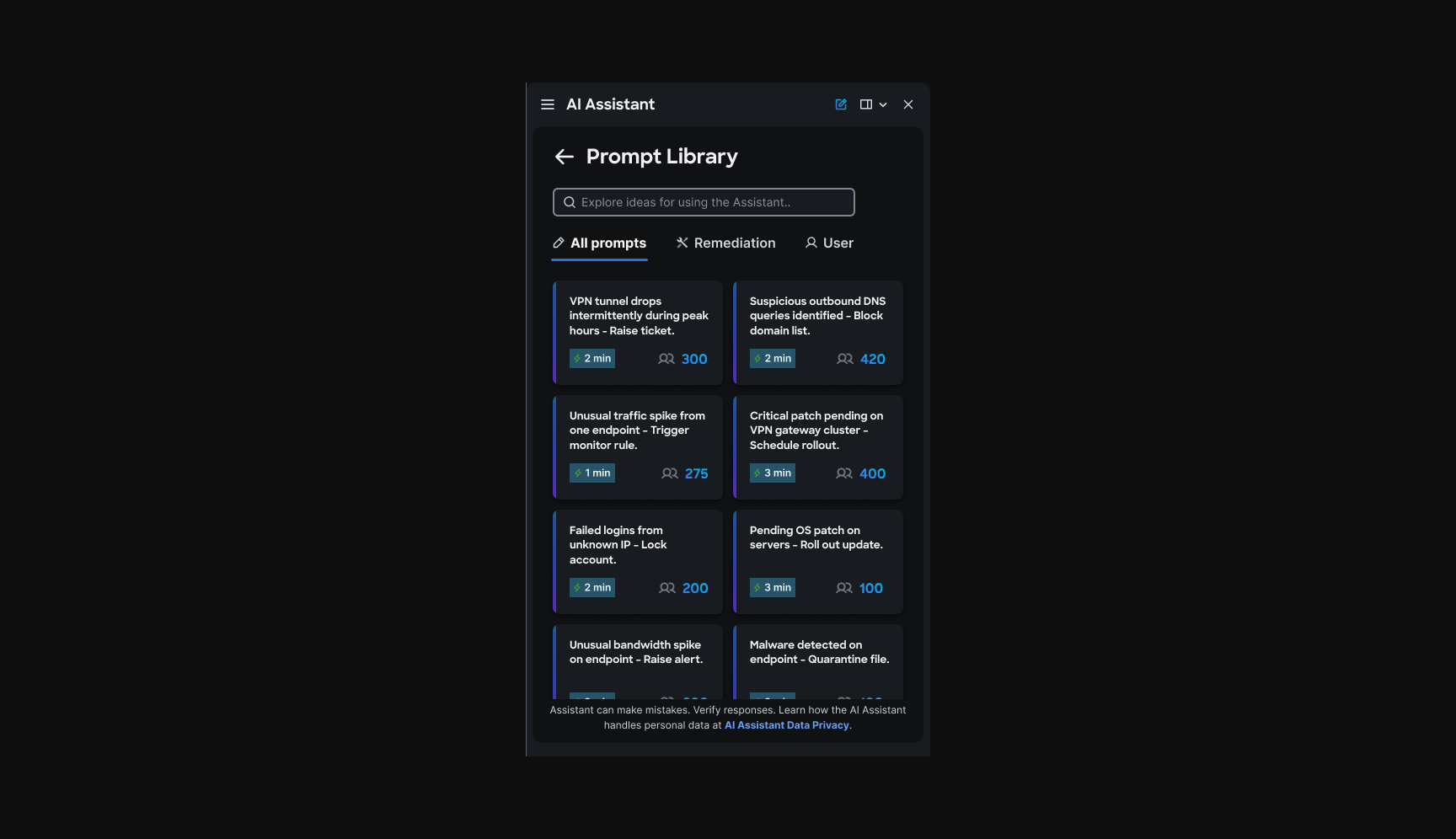
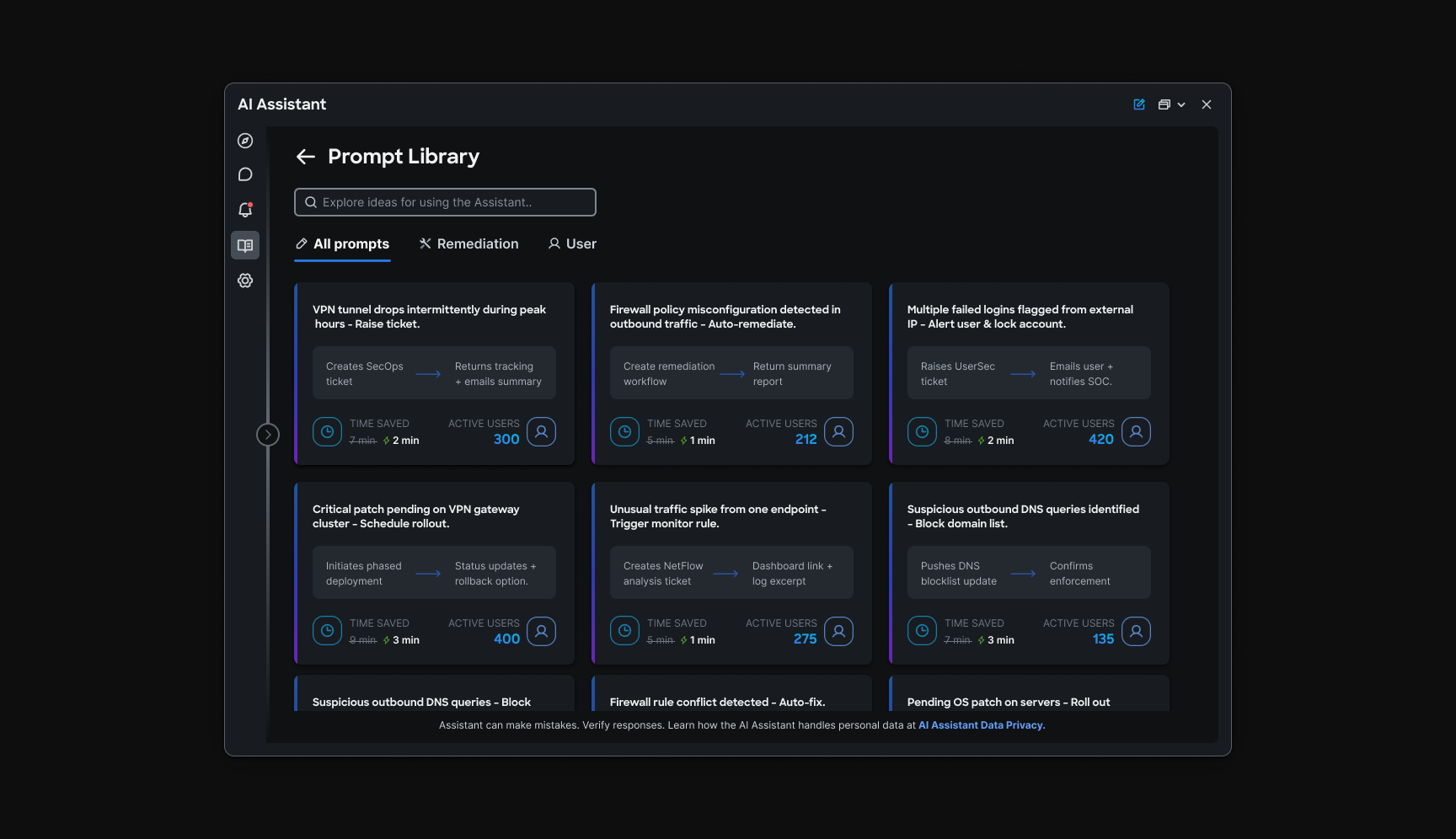
Most operators open the assistant and freeze. The was an exploratory answer: curated templates organized by task, so people start from vetted language instead of inventing prompts. The first four categories were product-specific; a shuffle control surfaced more templates and highlighted the breadth of what the assistant could handle.
Template browse
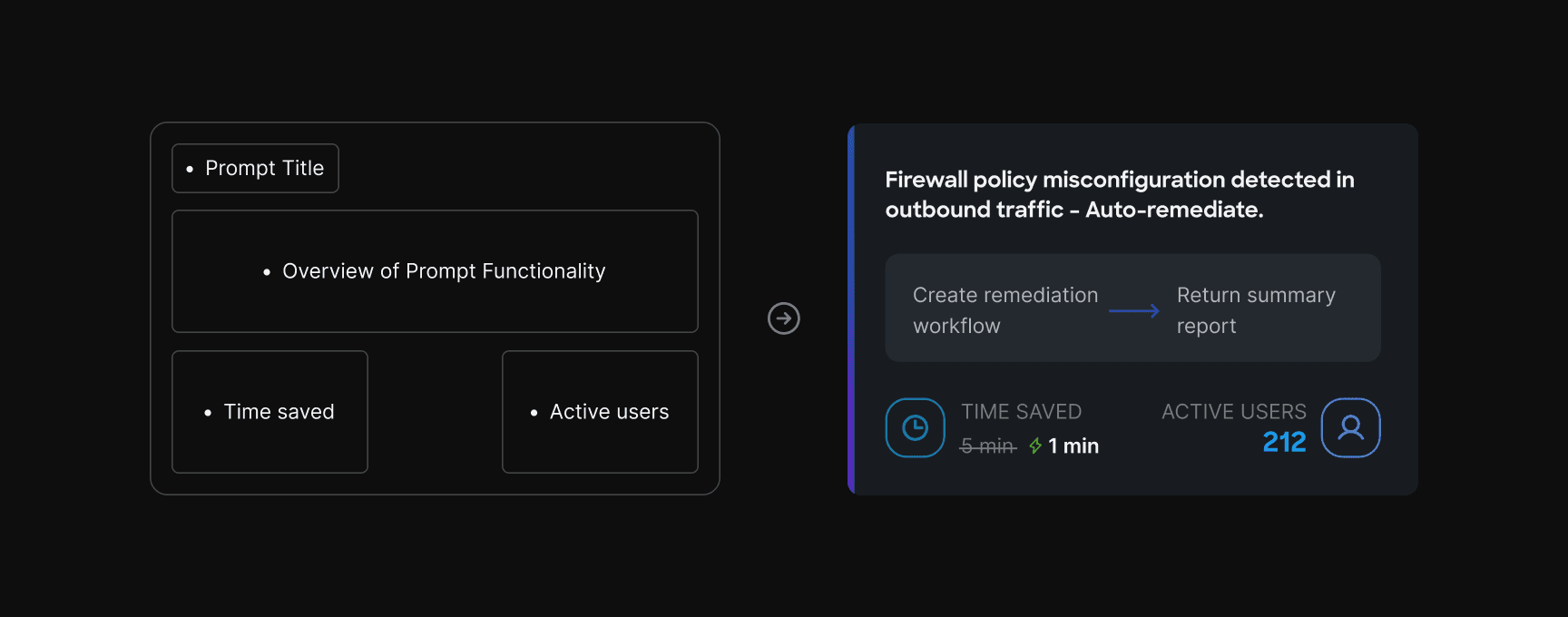
Each prompt card was designed to earn a click before a thread opens. Title and a short summary explain what the prompt does. Time saved compares doing the task via assistant versus navigating product pages. Active users signal adoption. Together, those fields turn abstract AI capability into a concrete, low-risk starting point.
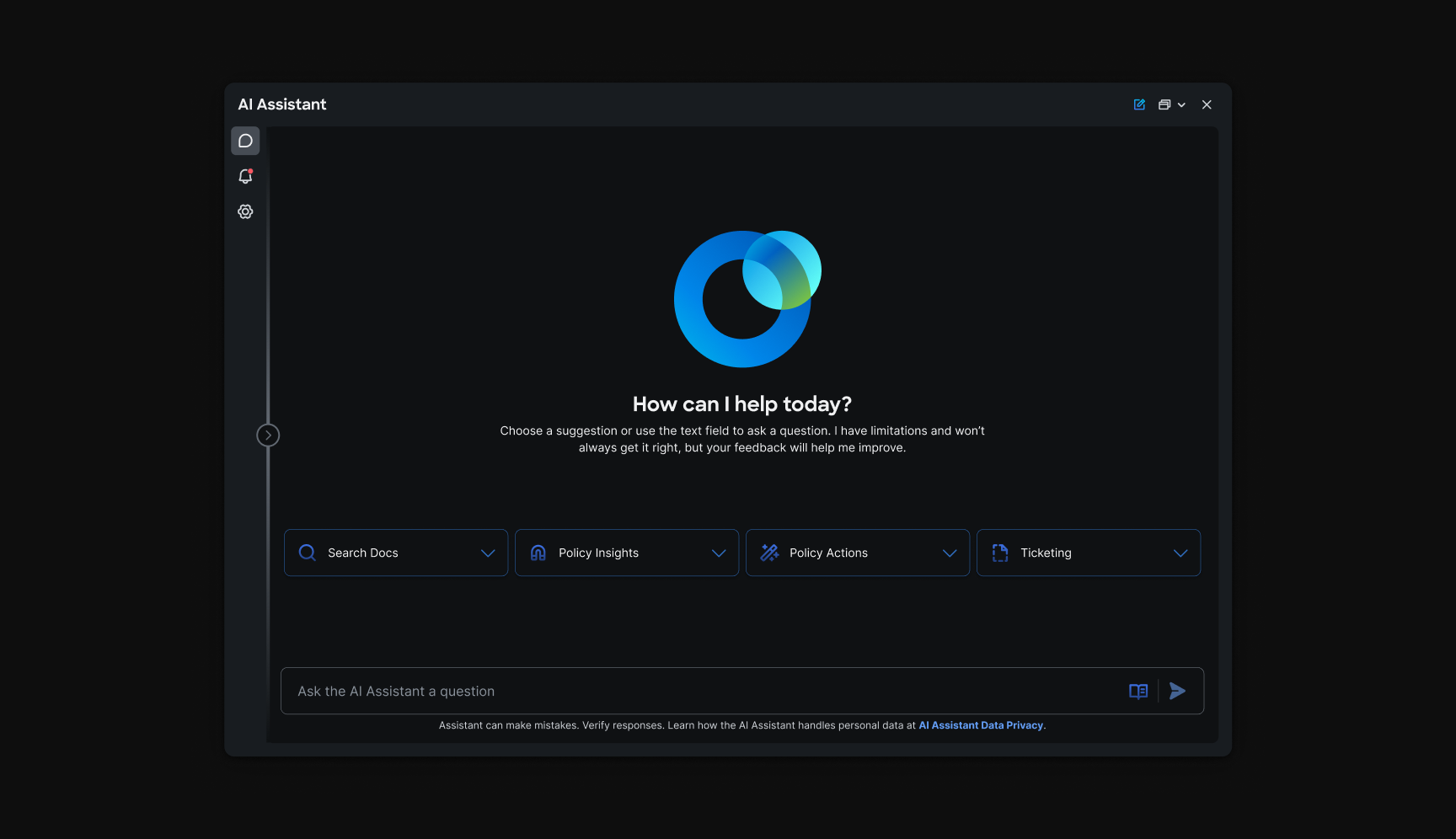
Discovery page
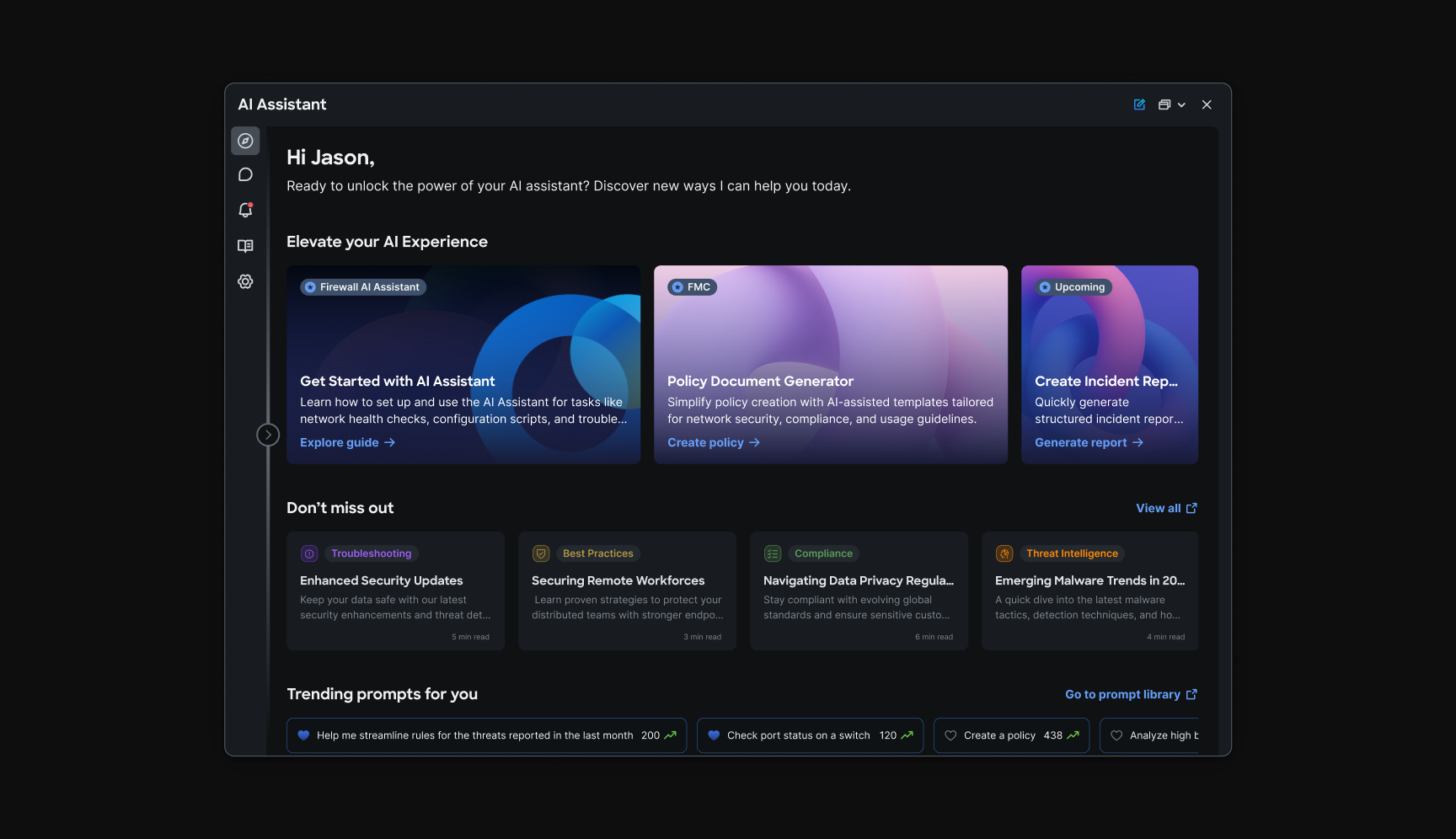
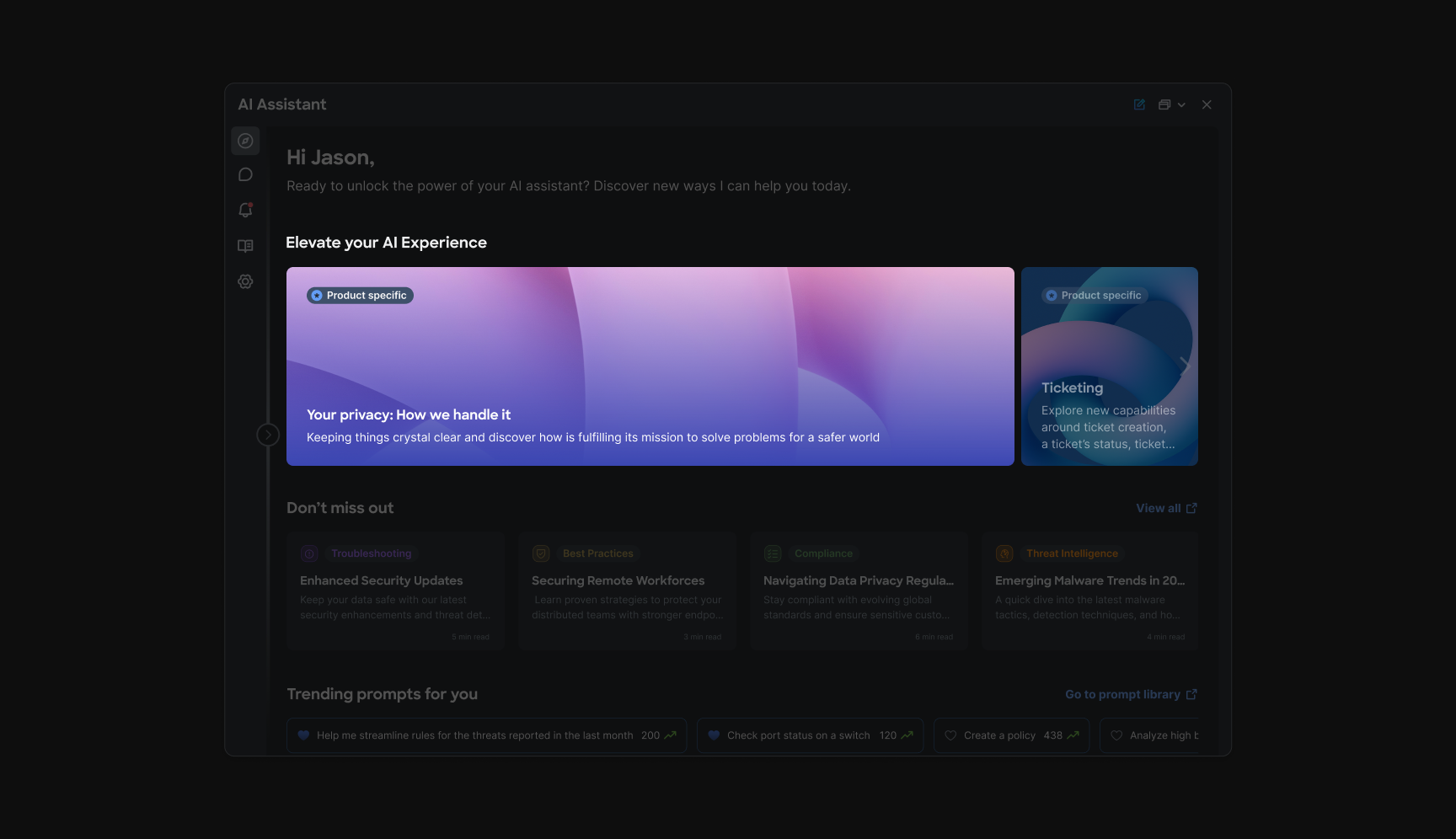
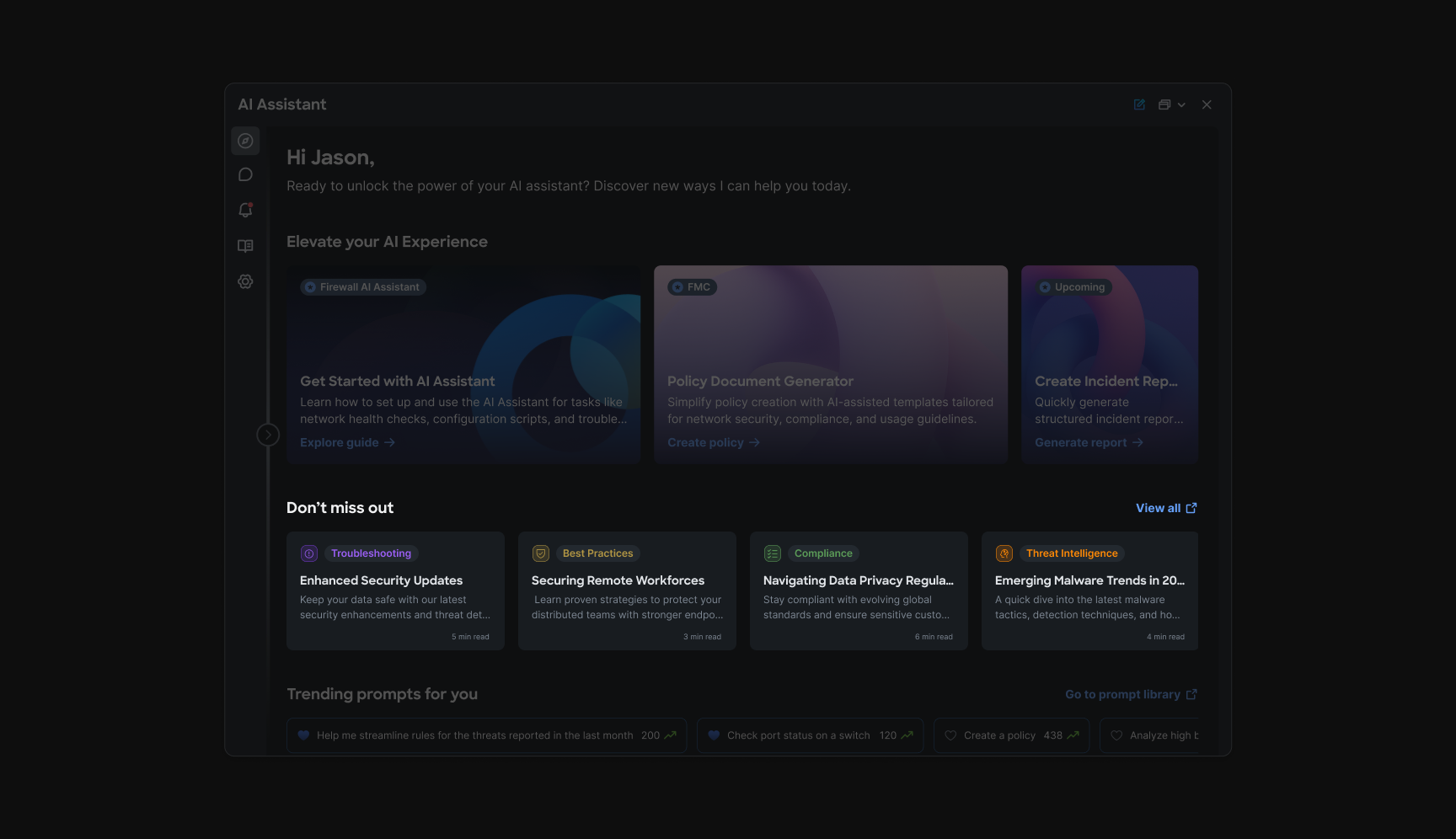
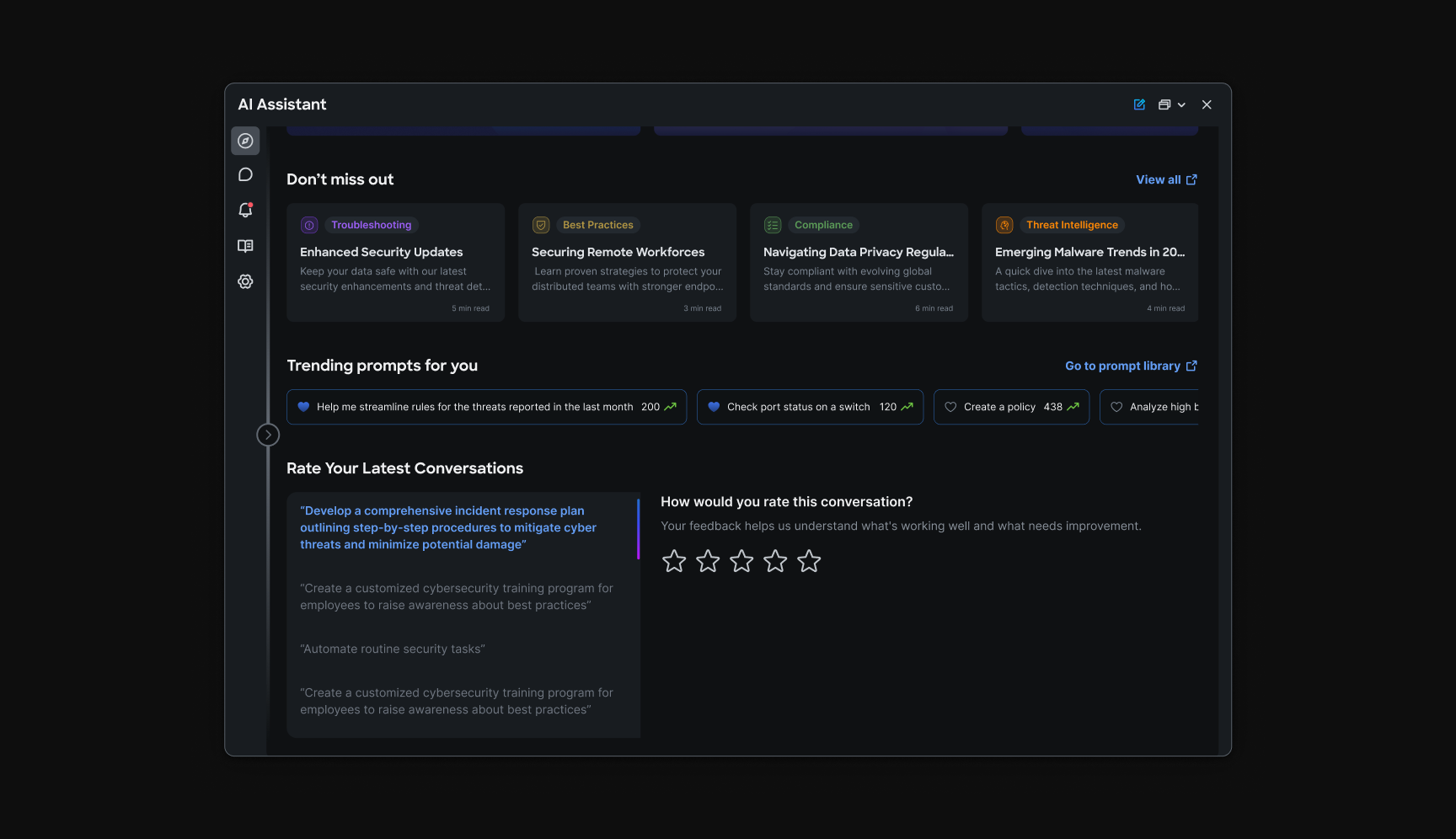
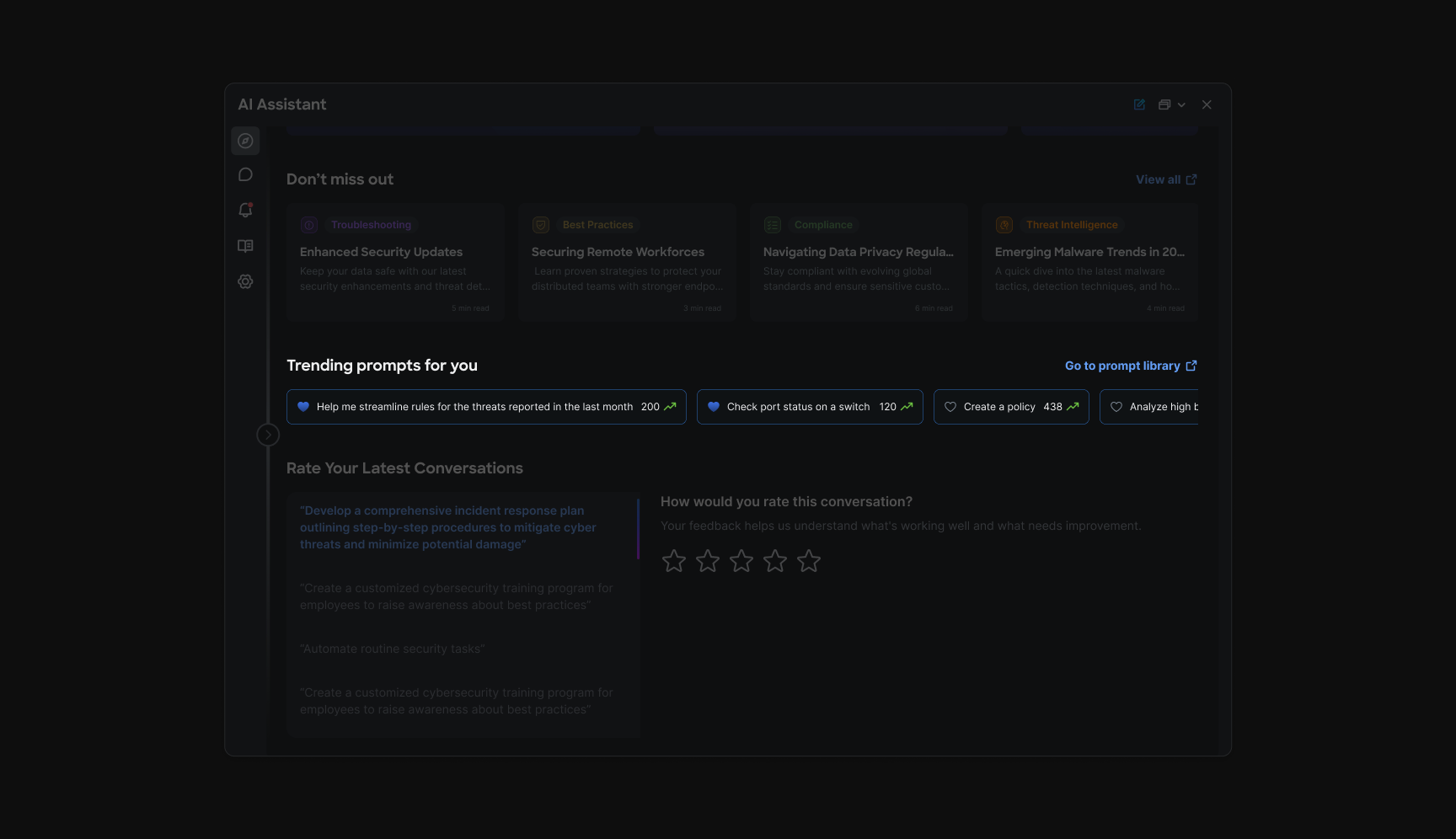
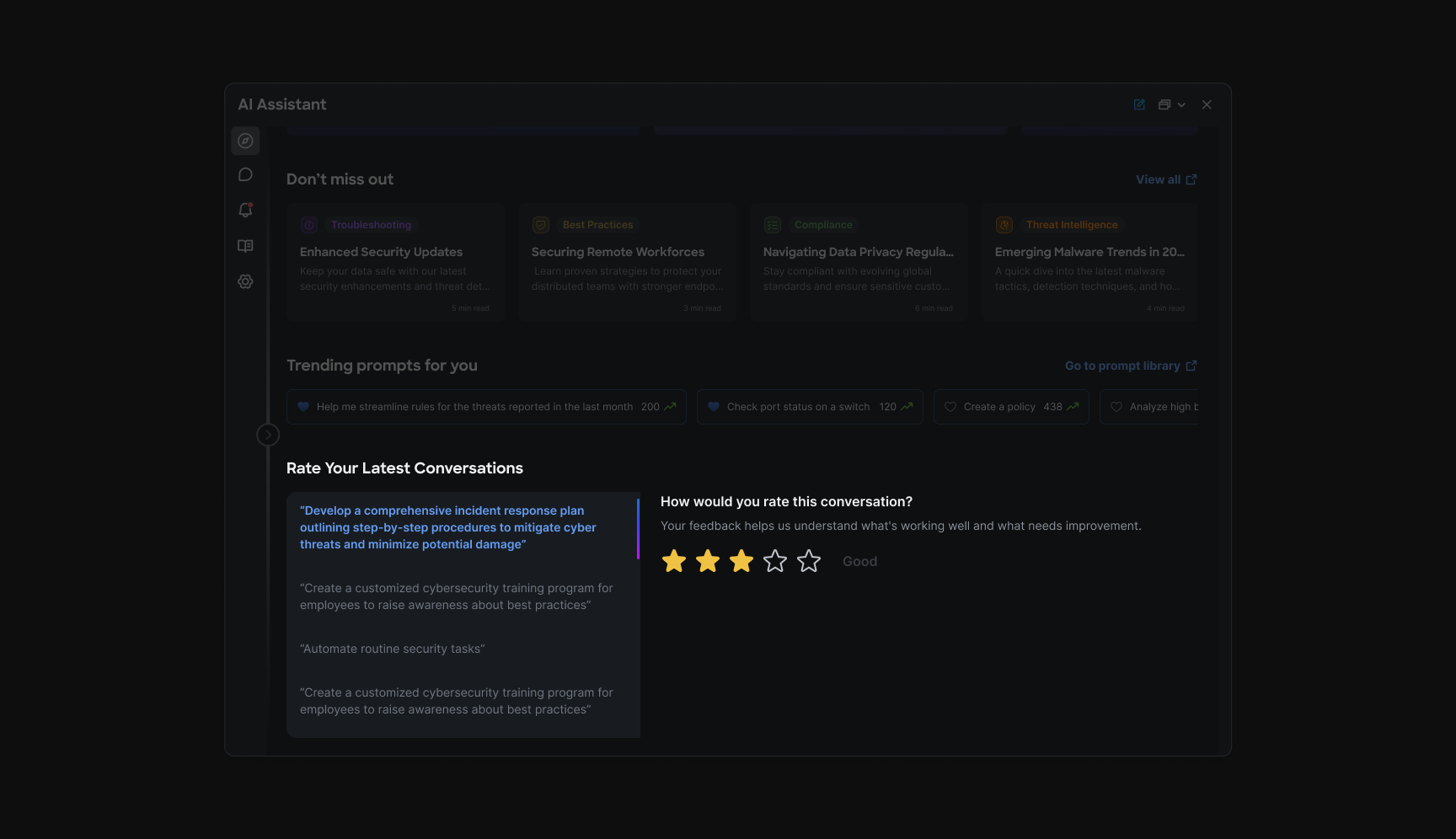
Discovery was a parallel exploration for day-one users: a full-width surface to introduce the assistant's capabilities, surface trending prompts, and room for articles, promotions, and future features. The goal was adoption, helping newly onboarded operators see what they could delegate to AI in daily work across and , not just on their first visit.
Rule creation (PRC)
Chapter 3: Creating policy without the page maze
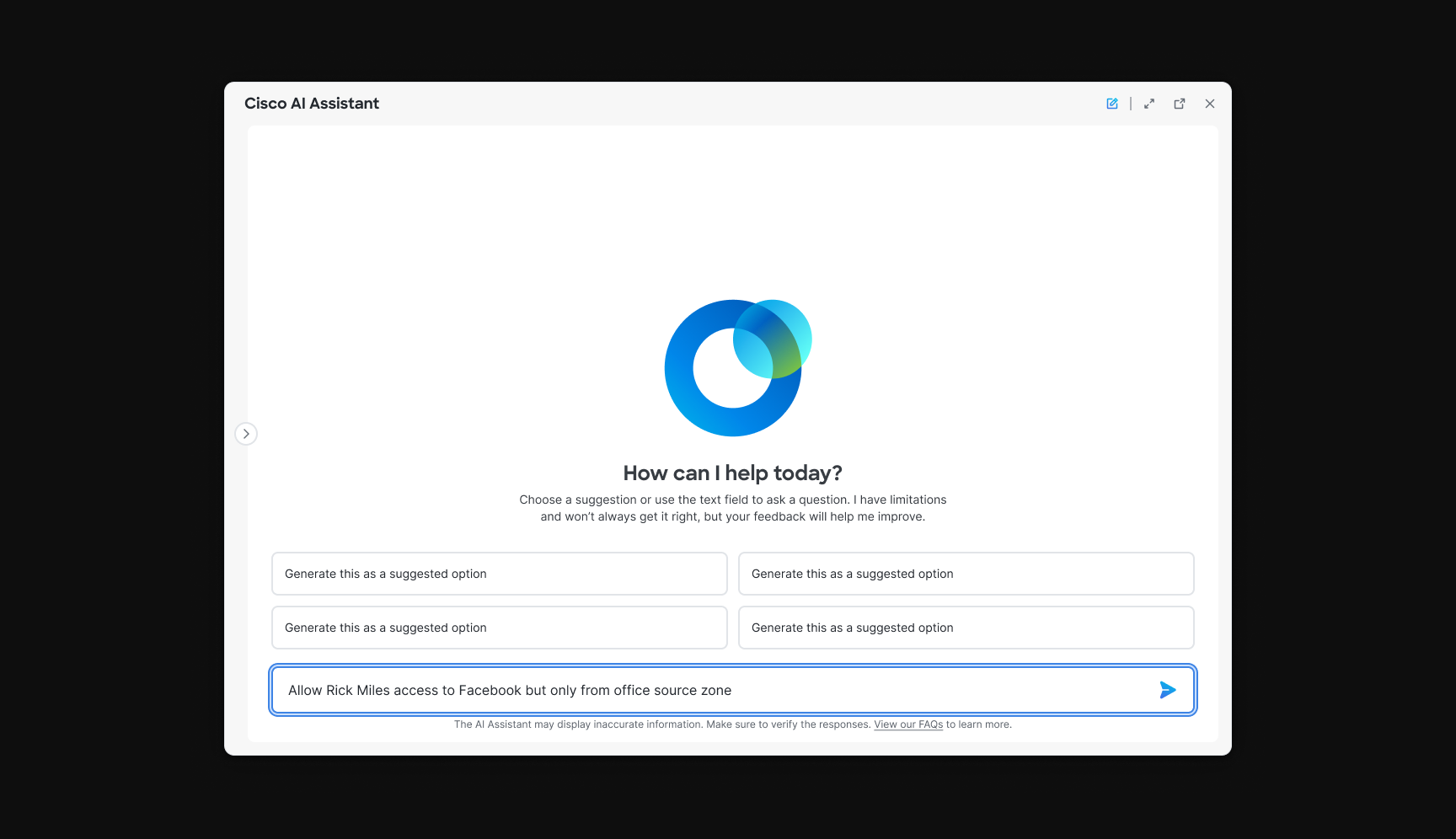
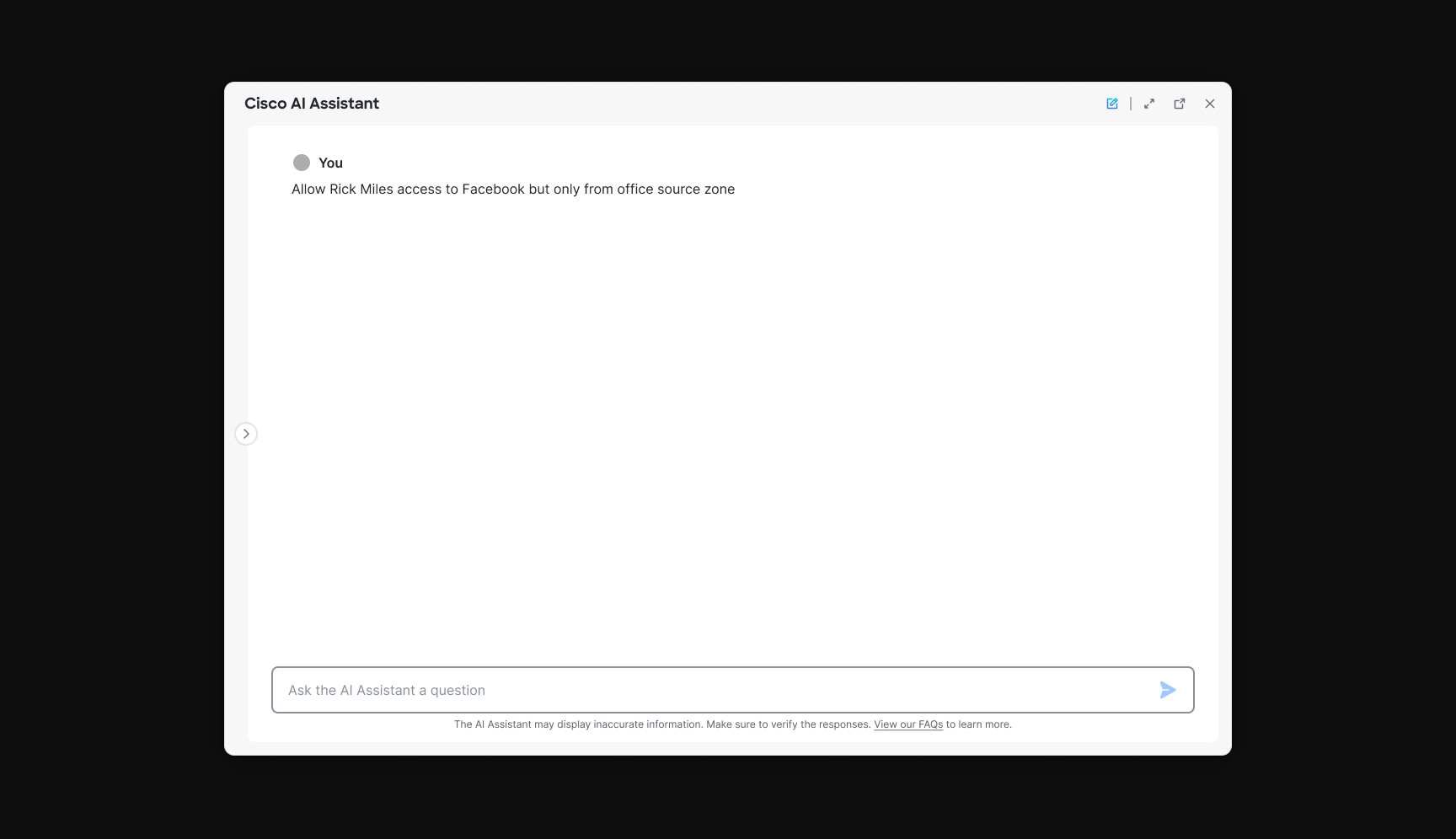
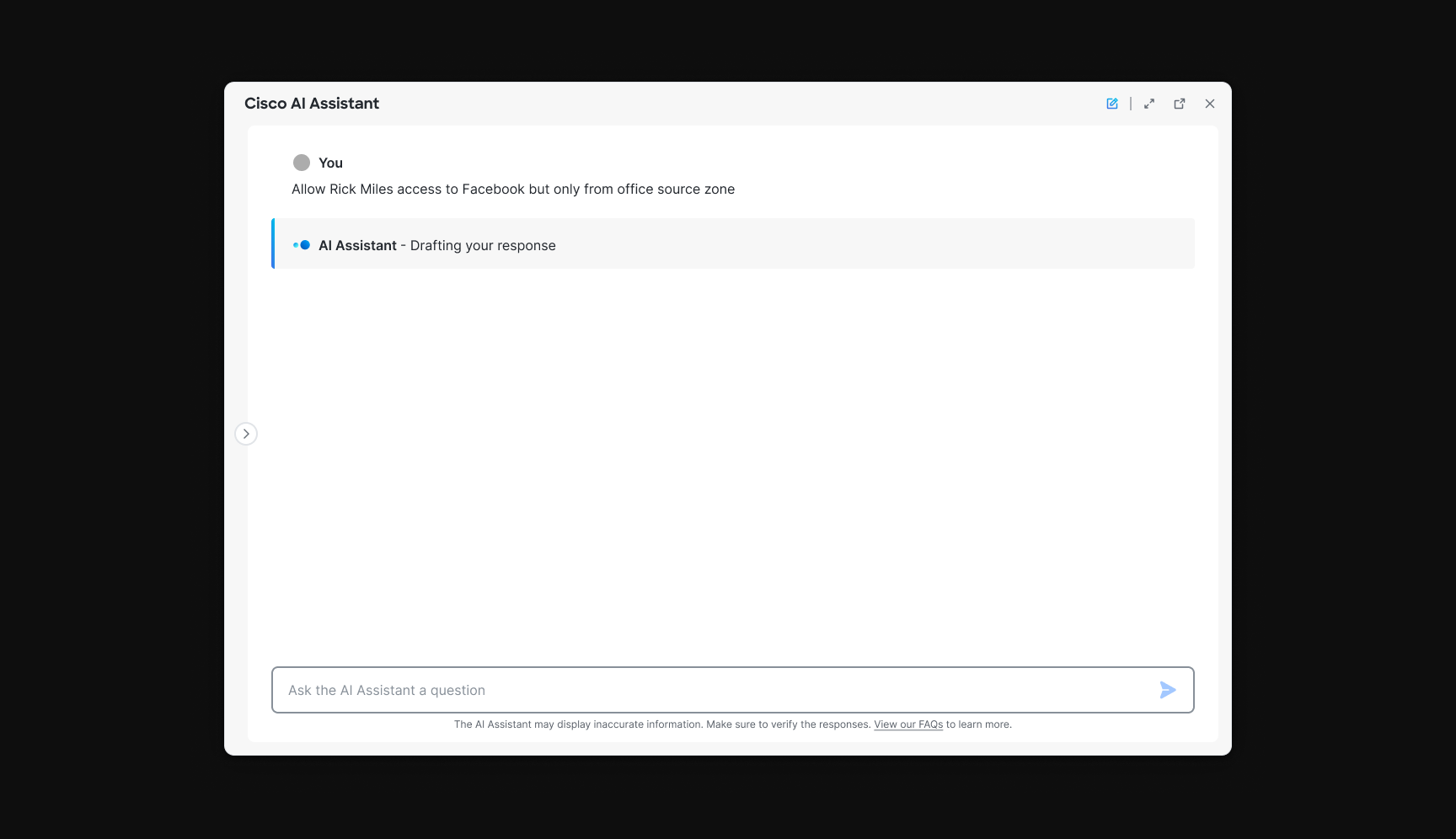
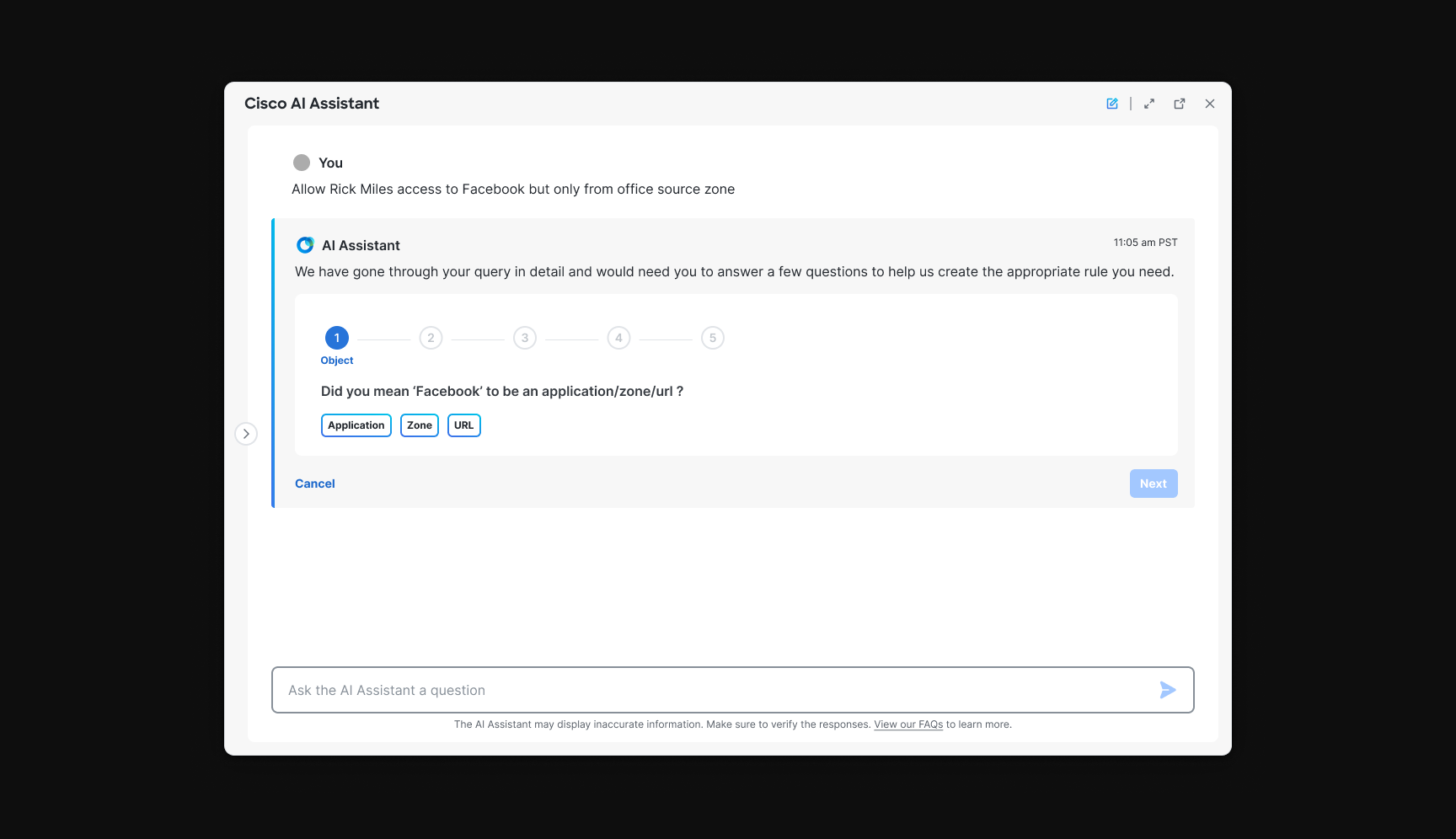
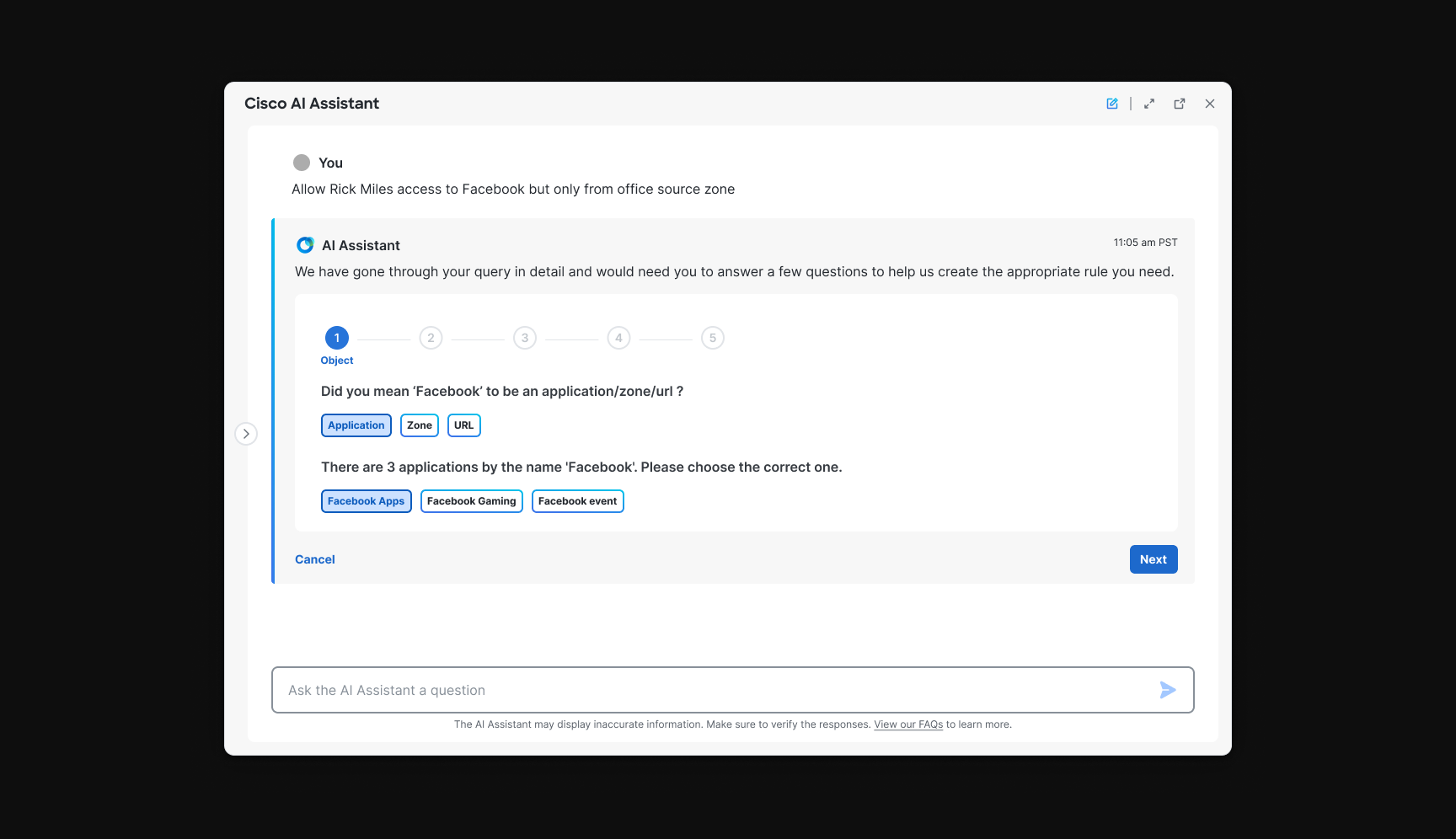
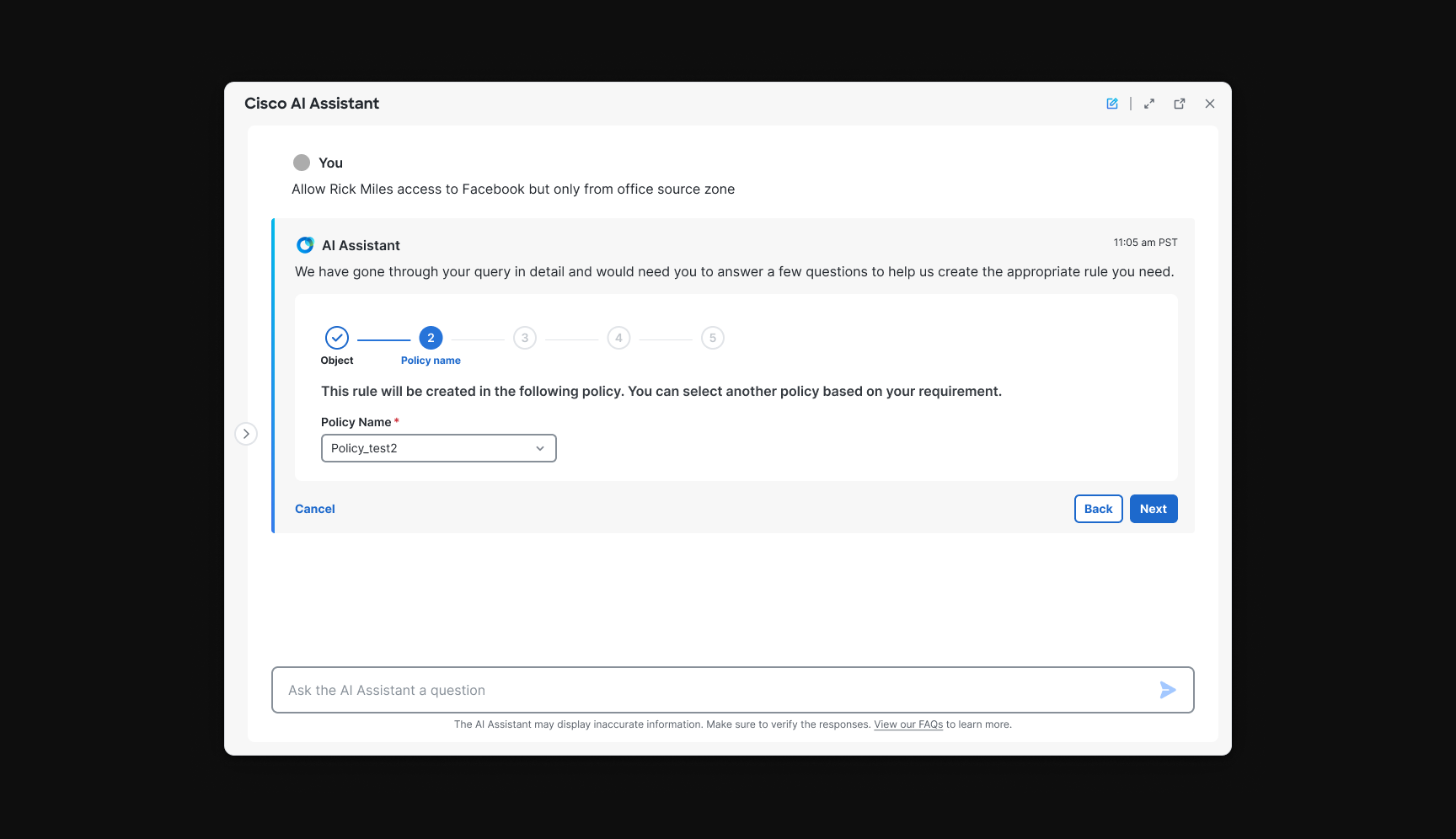
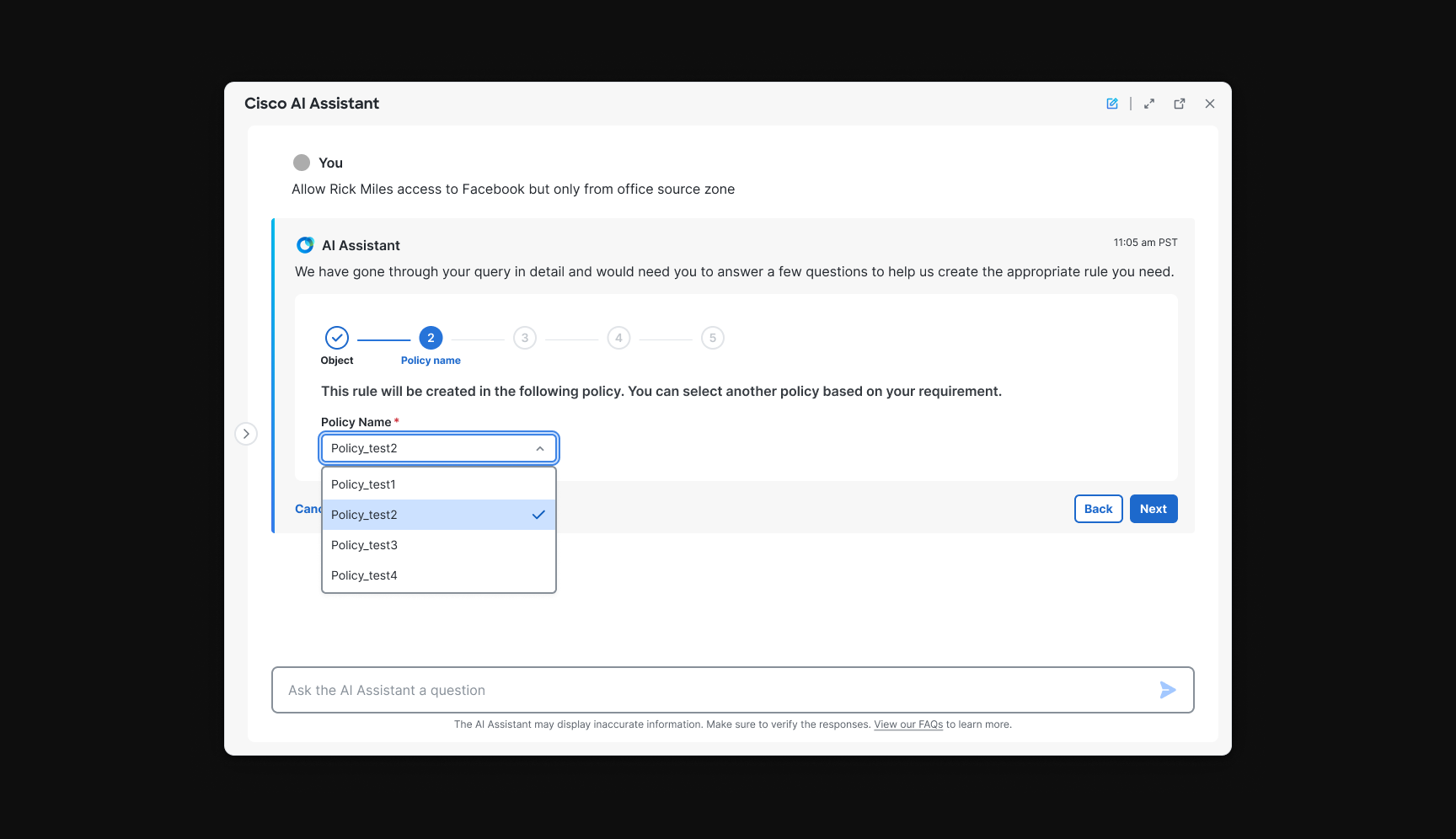
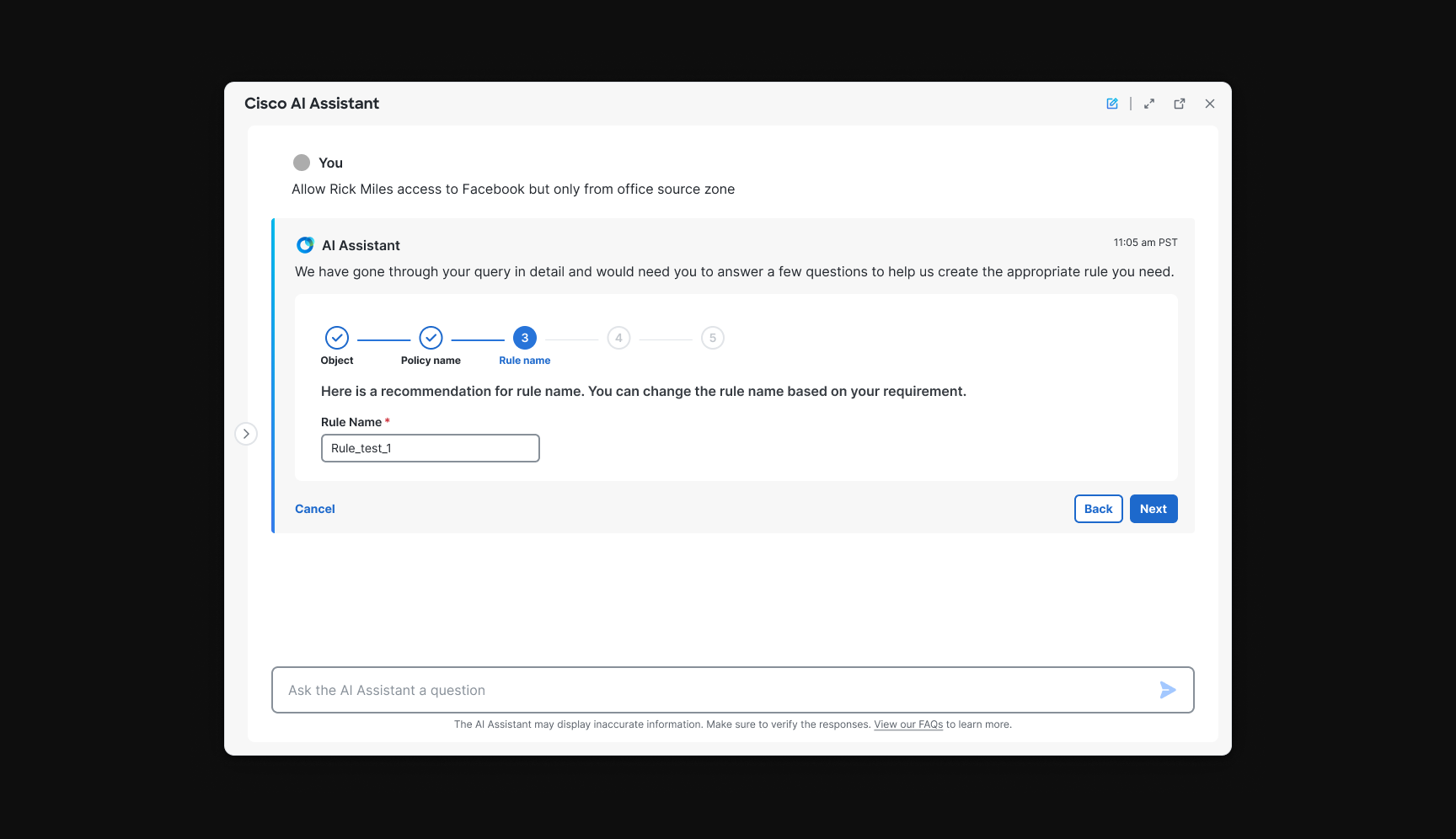
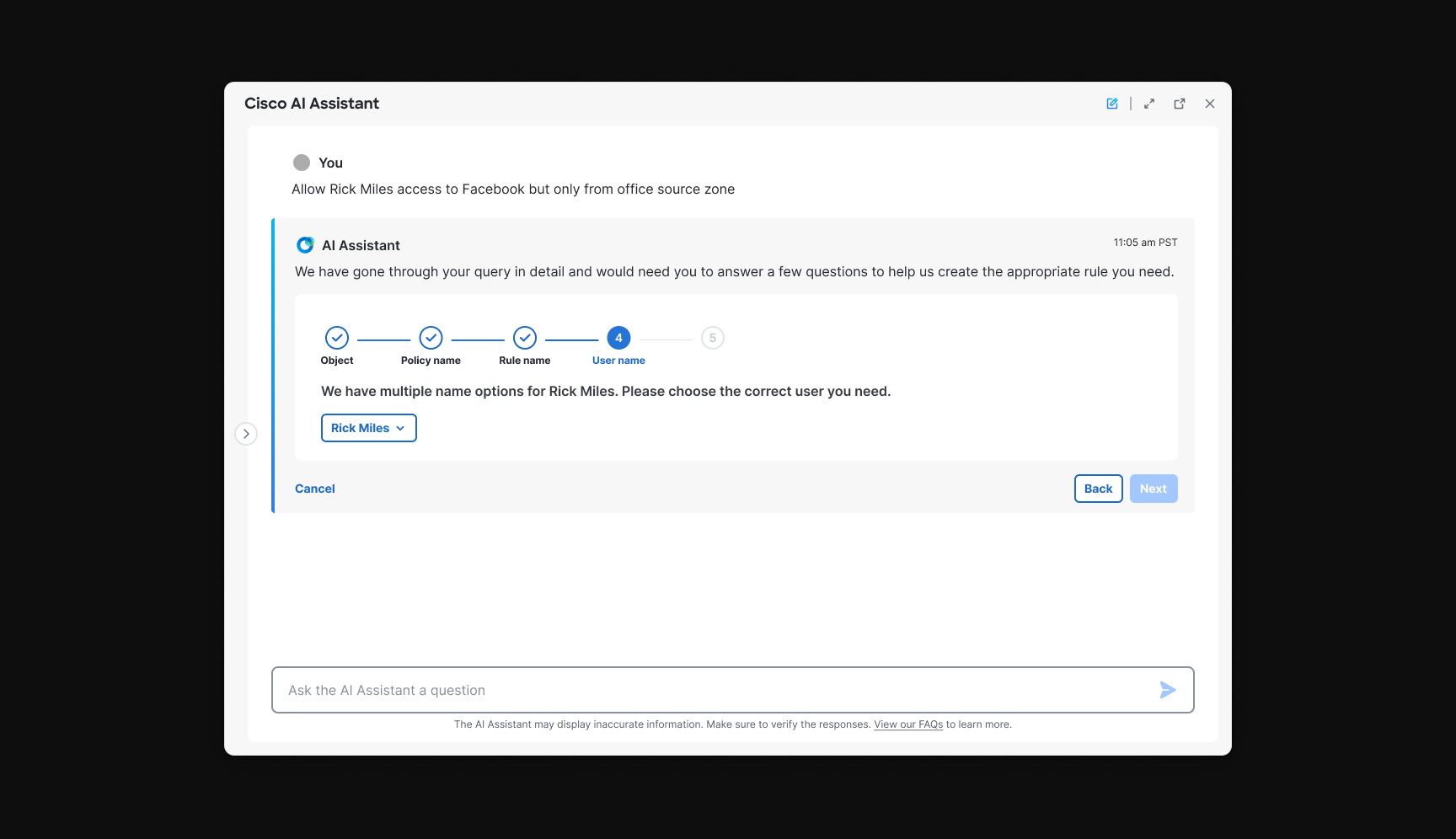
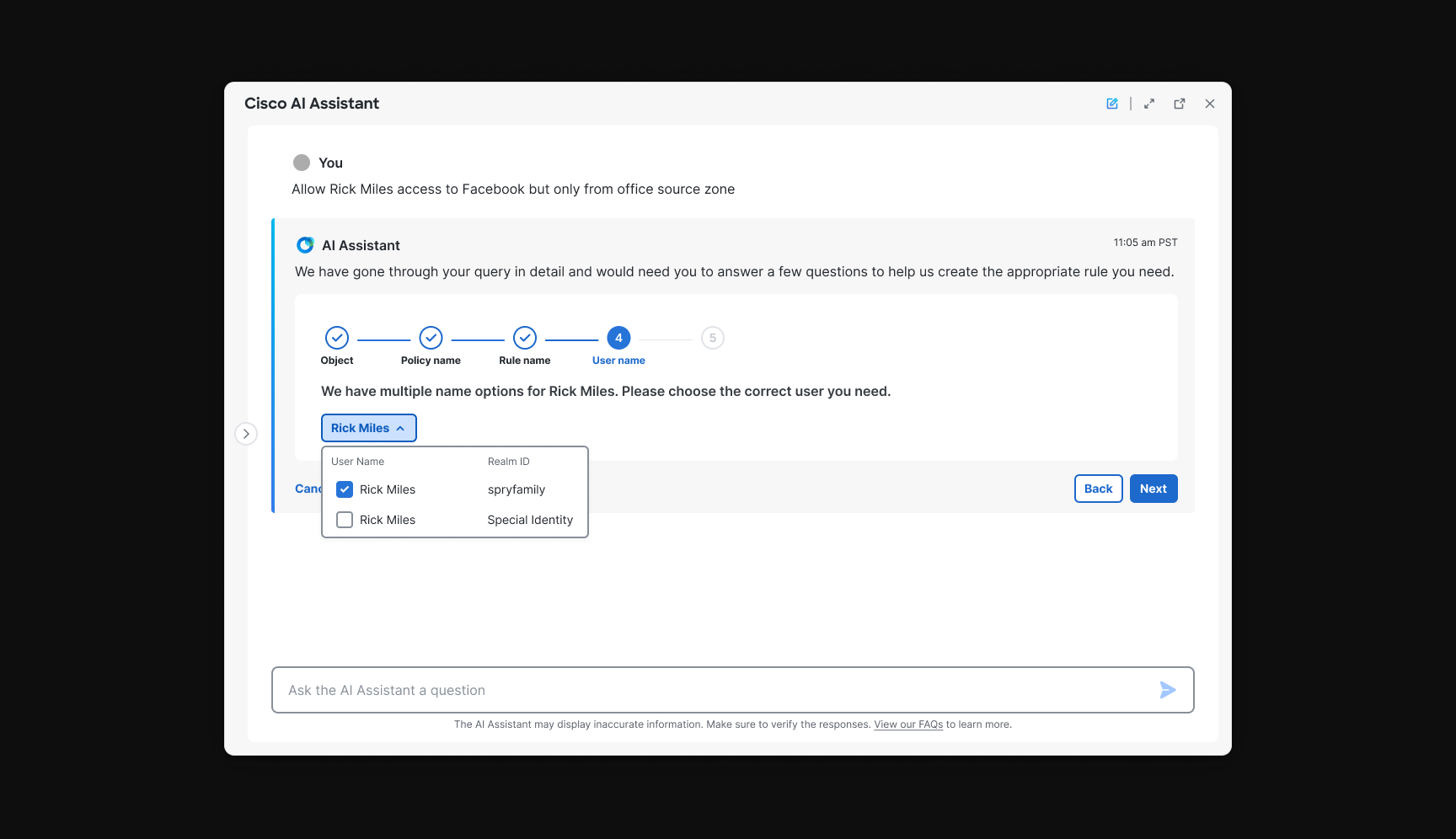
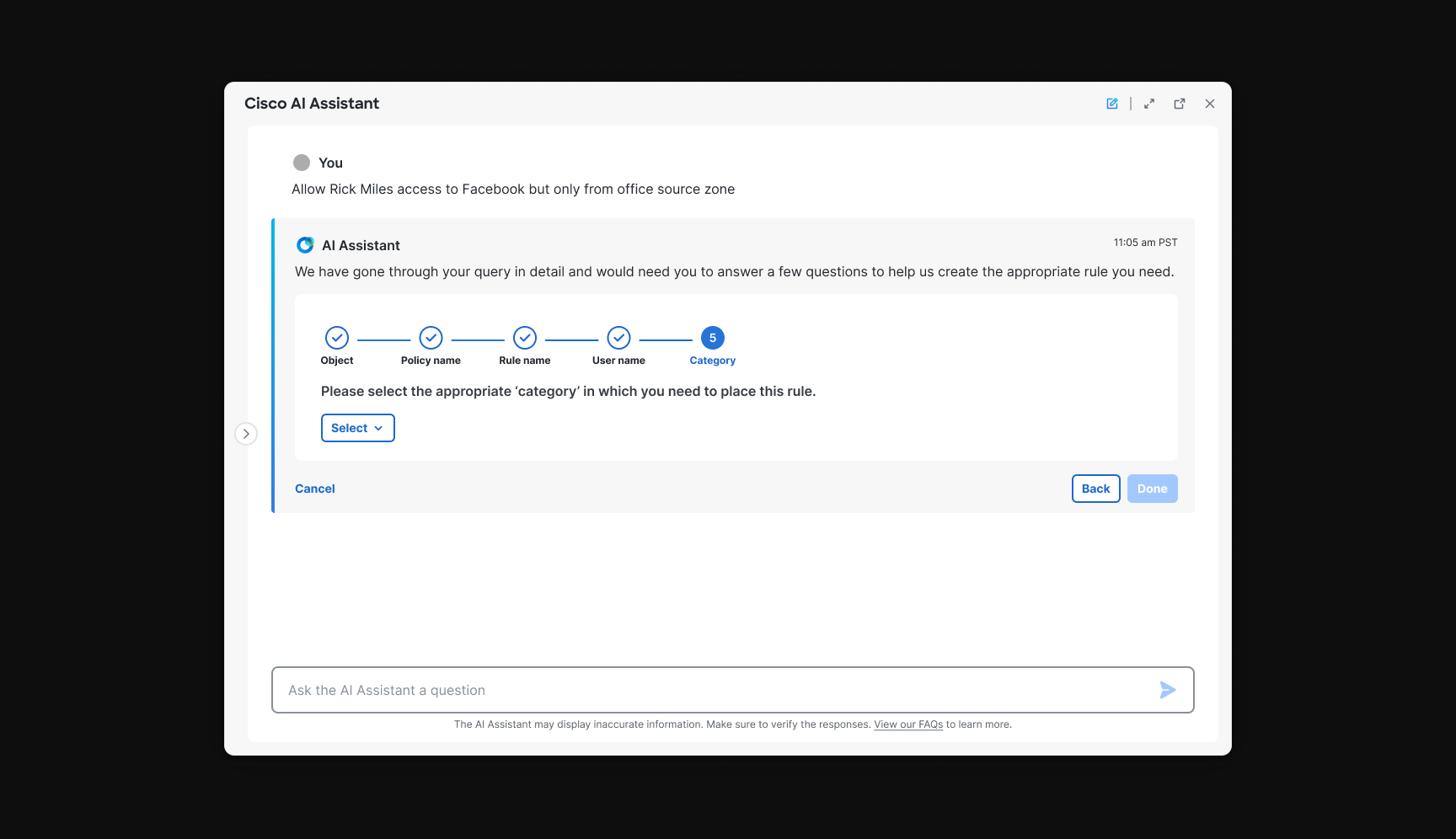
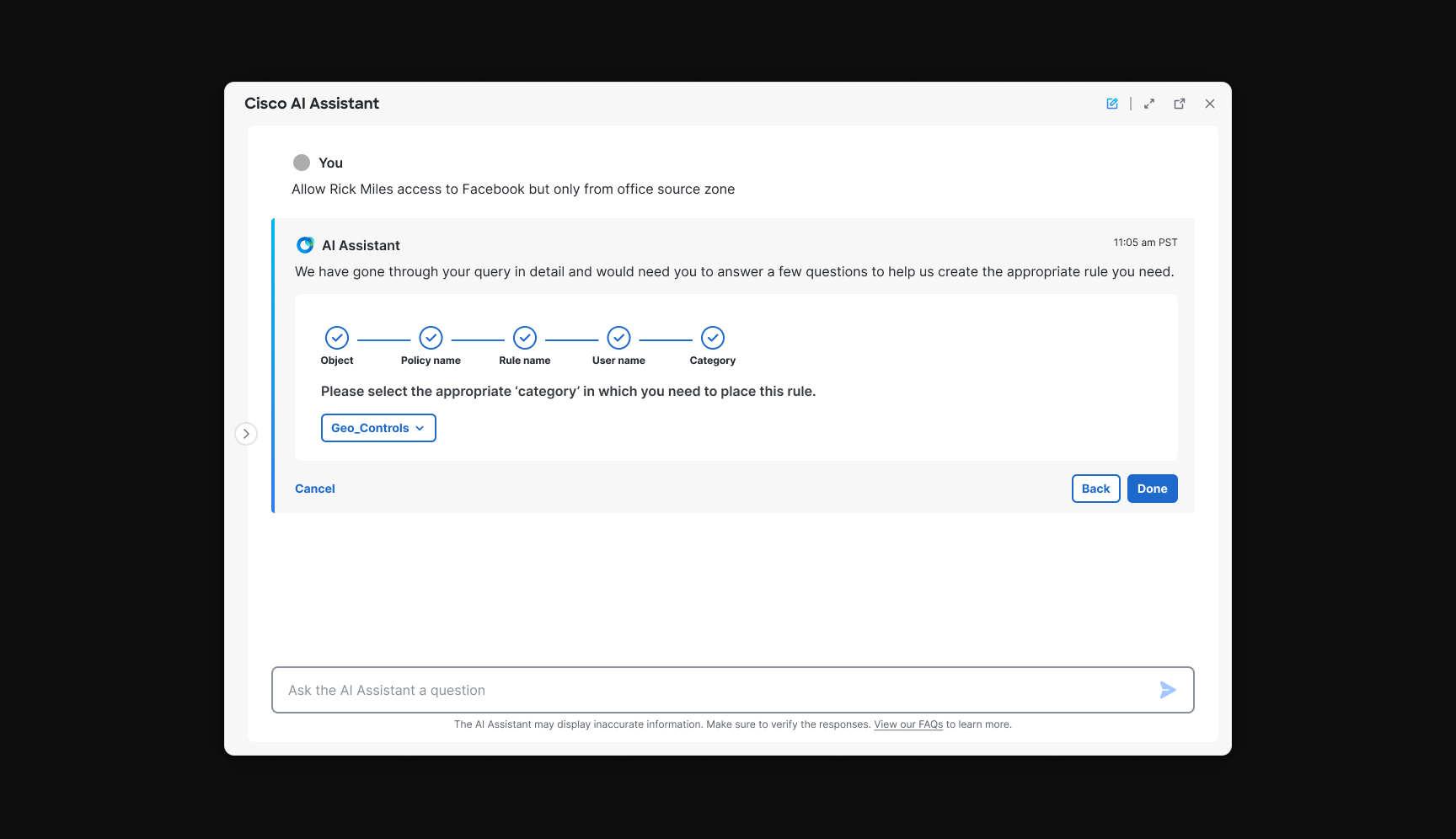
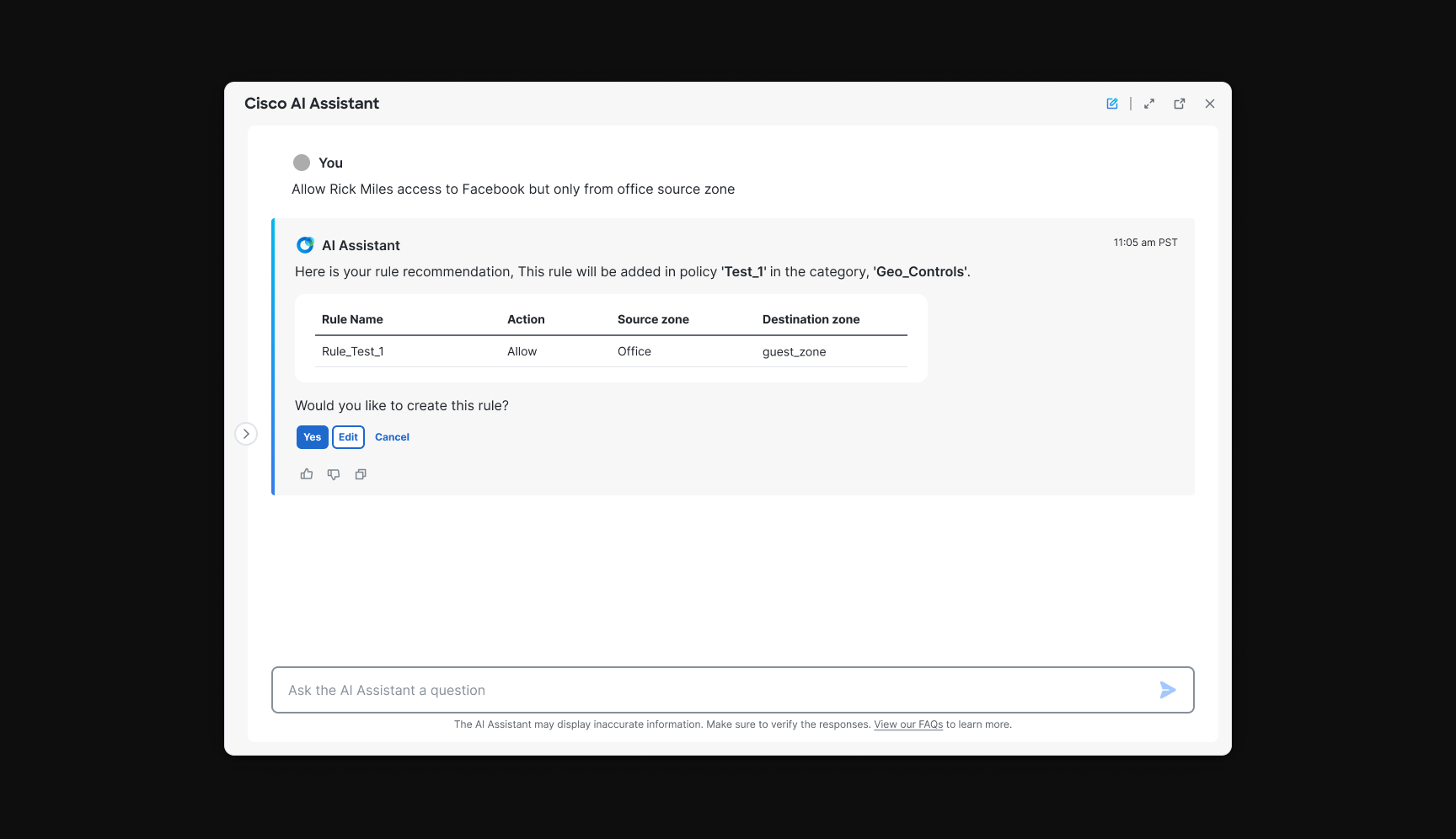
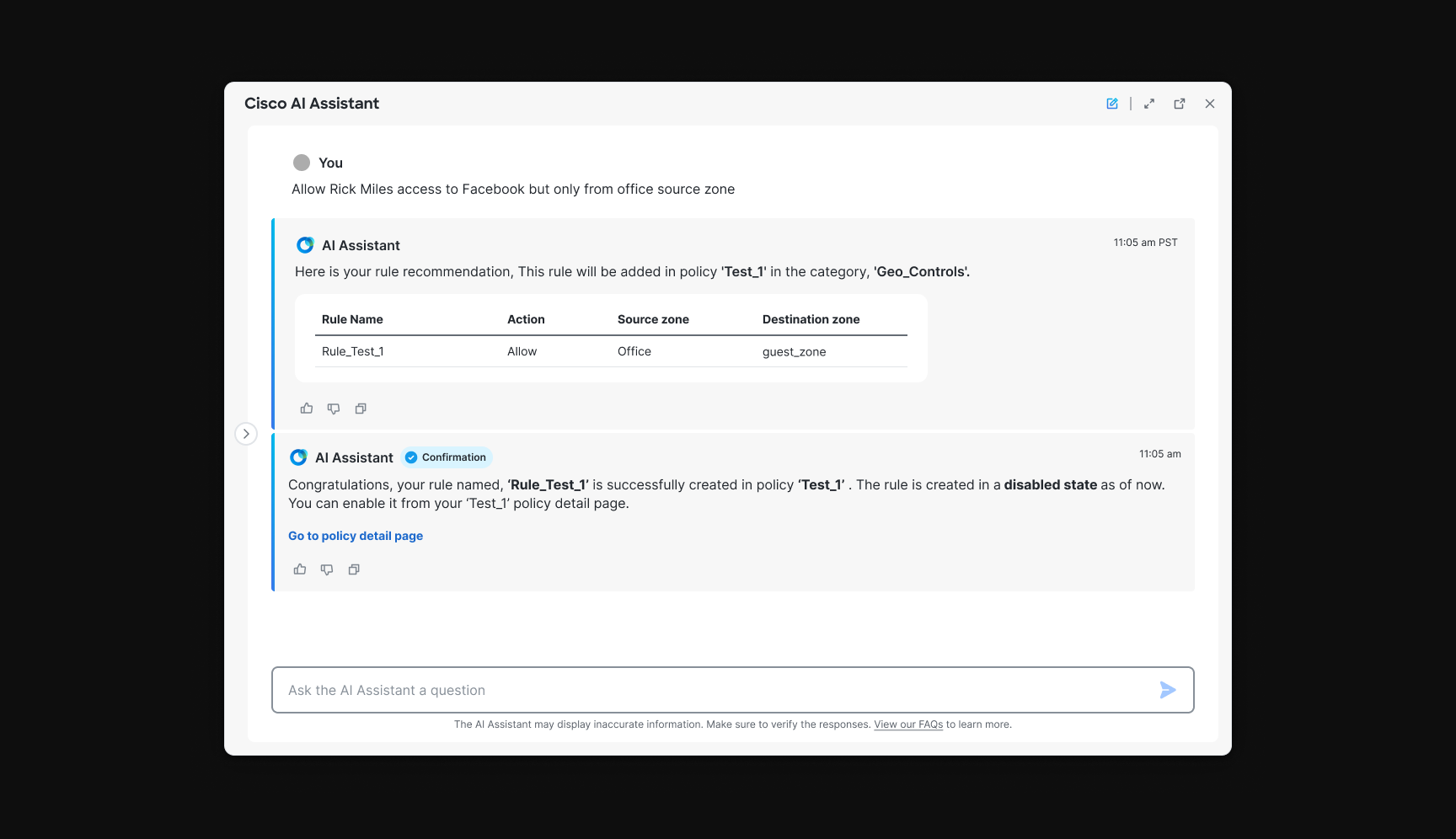
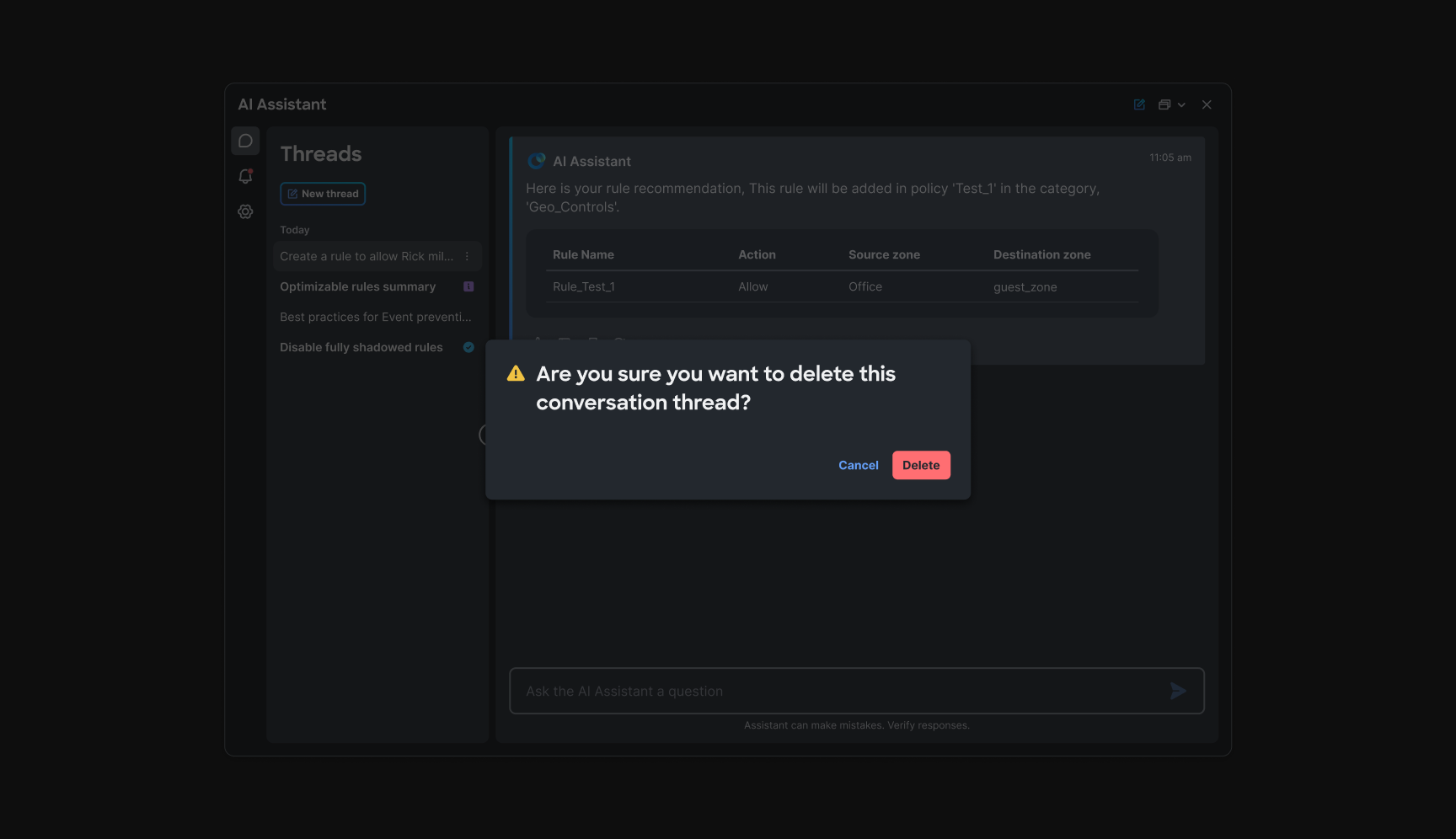
Policy Rule Creation was phase one: basic rule creation through natural language, without the page navigation operators normally endure in . Engineering constraints mattered, multi-turn conversations were slow and heavy on memory, so I designed a single-response stepper: intent, fuzzy matching and object resolution, formatted review, then explicit confirmation before commit. User identity and audit considerations were built into the checkpoint model from the start.
Single-response stepper with fuzzy matching
Operators describe the rule they need. When object names do not match exactly, fuzzy matching surfaces candidates and asks for explicit selection, no silent assumptions. The entire flow lives in one guided response: propose, resolve ambiguity, review formatted policy output, confirm. That structure kept the experience predictable for operators and bounded for the system.
PAO
Chapter 4: Familiar optimizer patterns inside chat
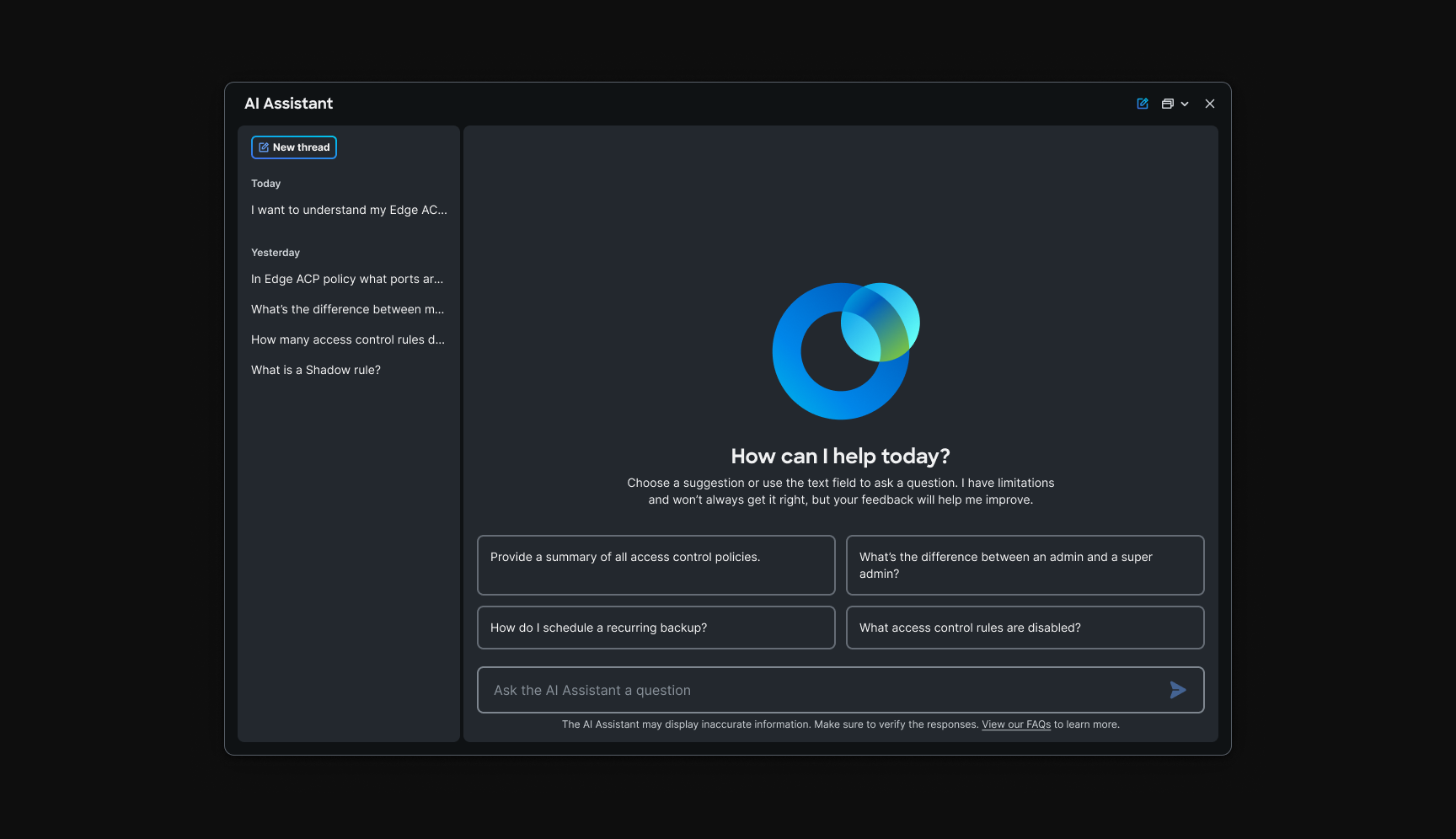
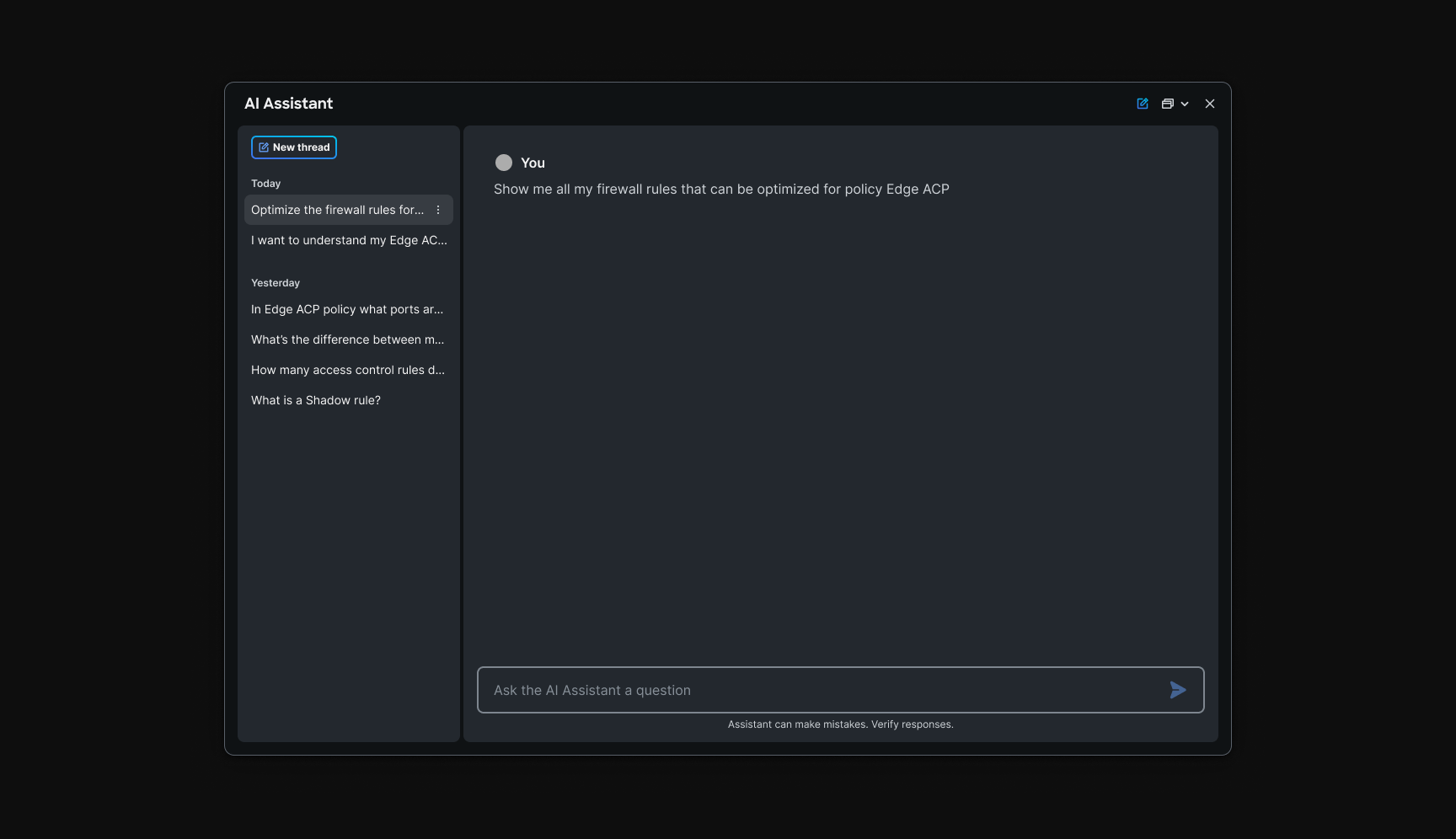
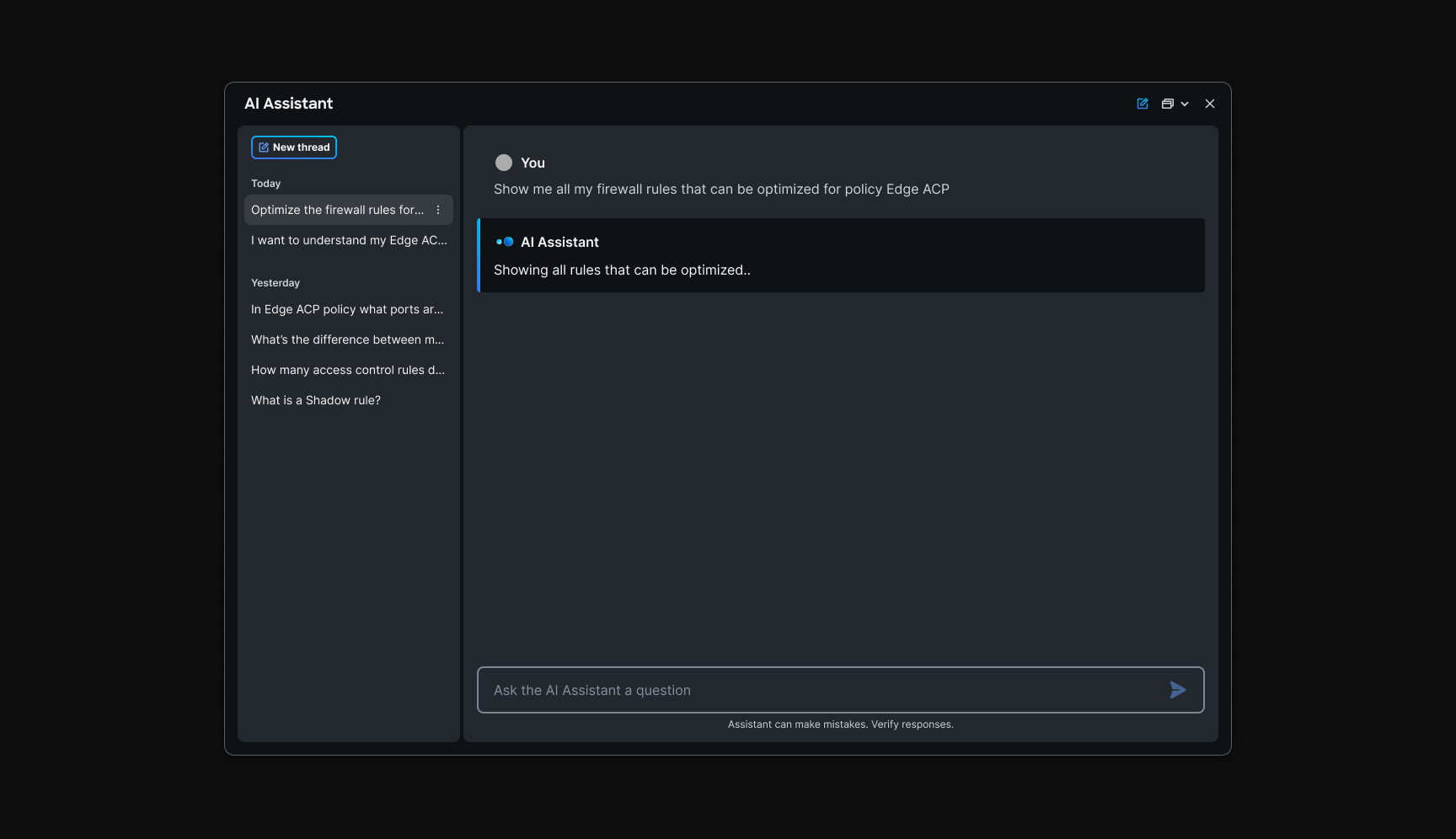
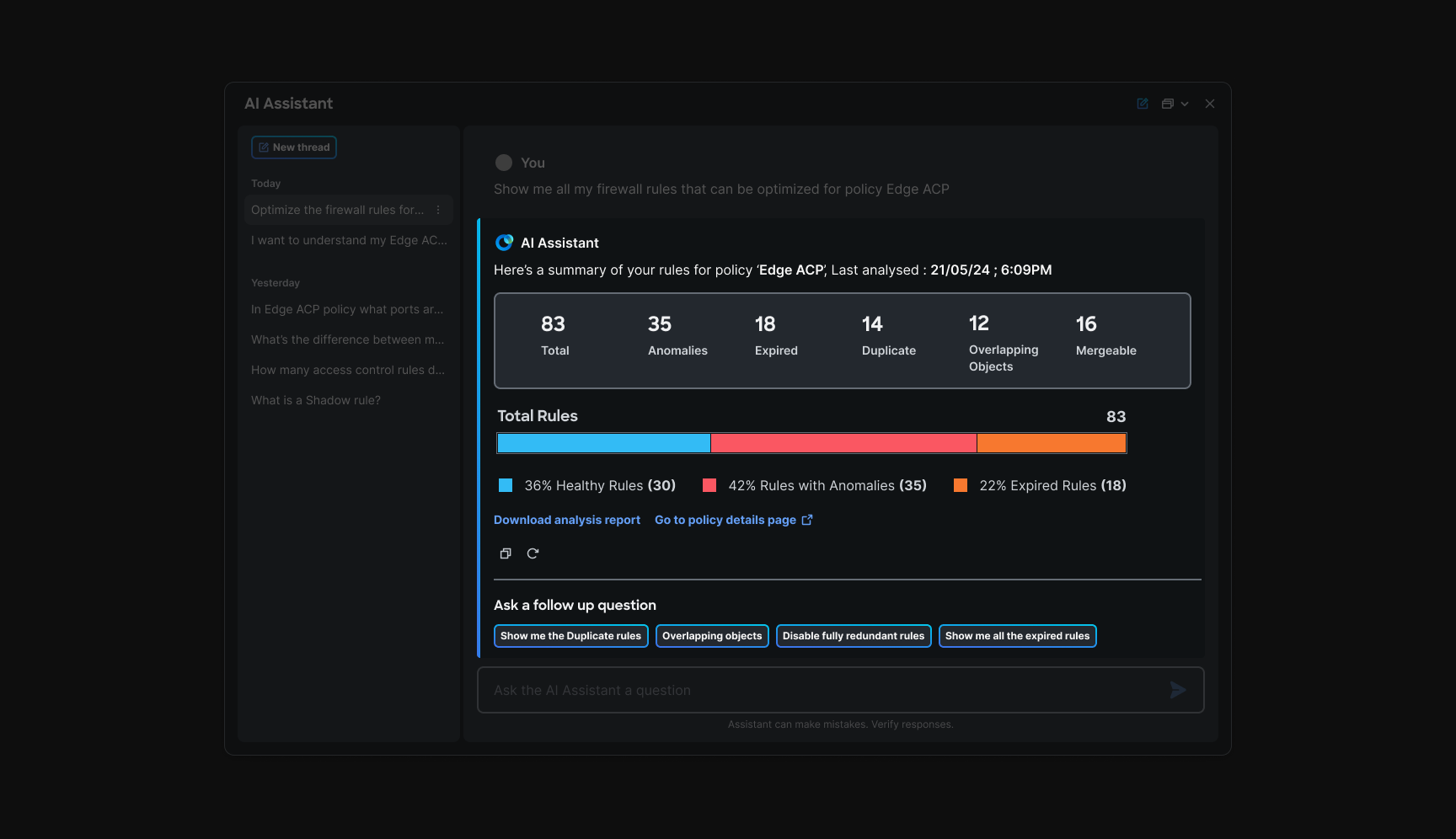
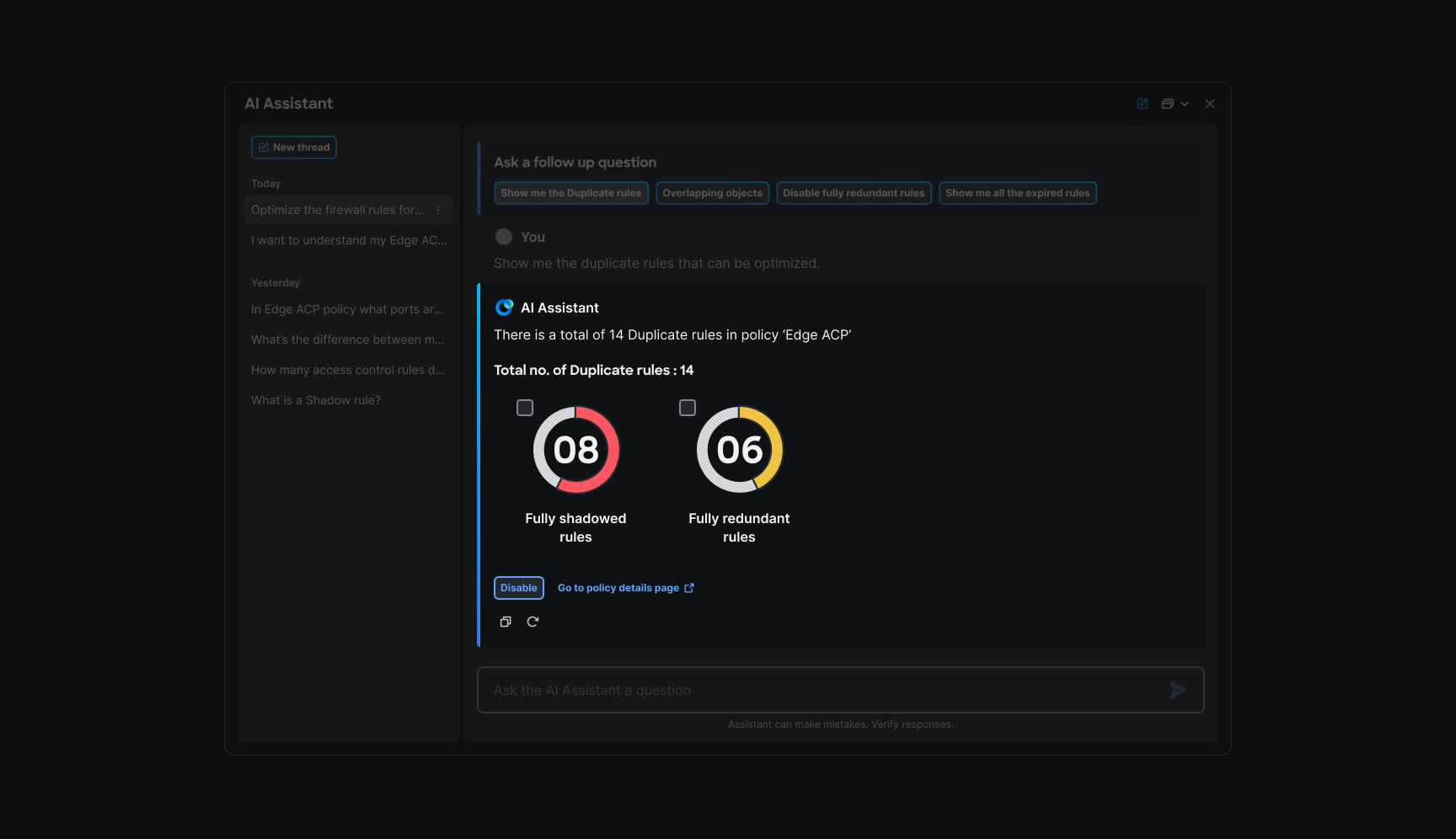
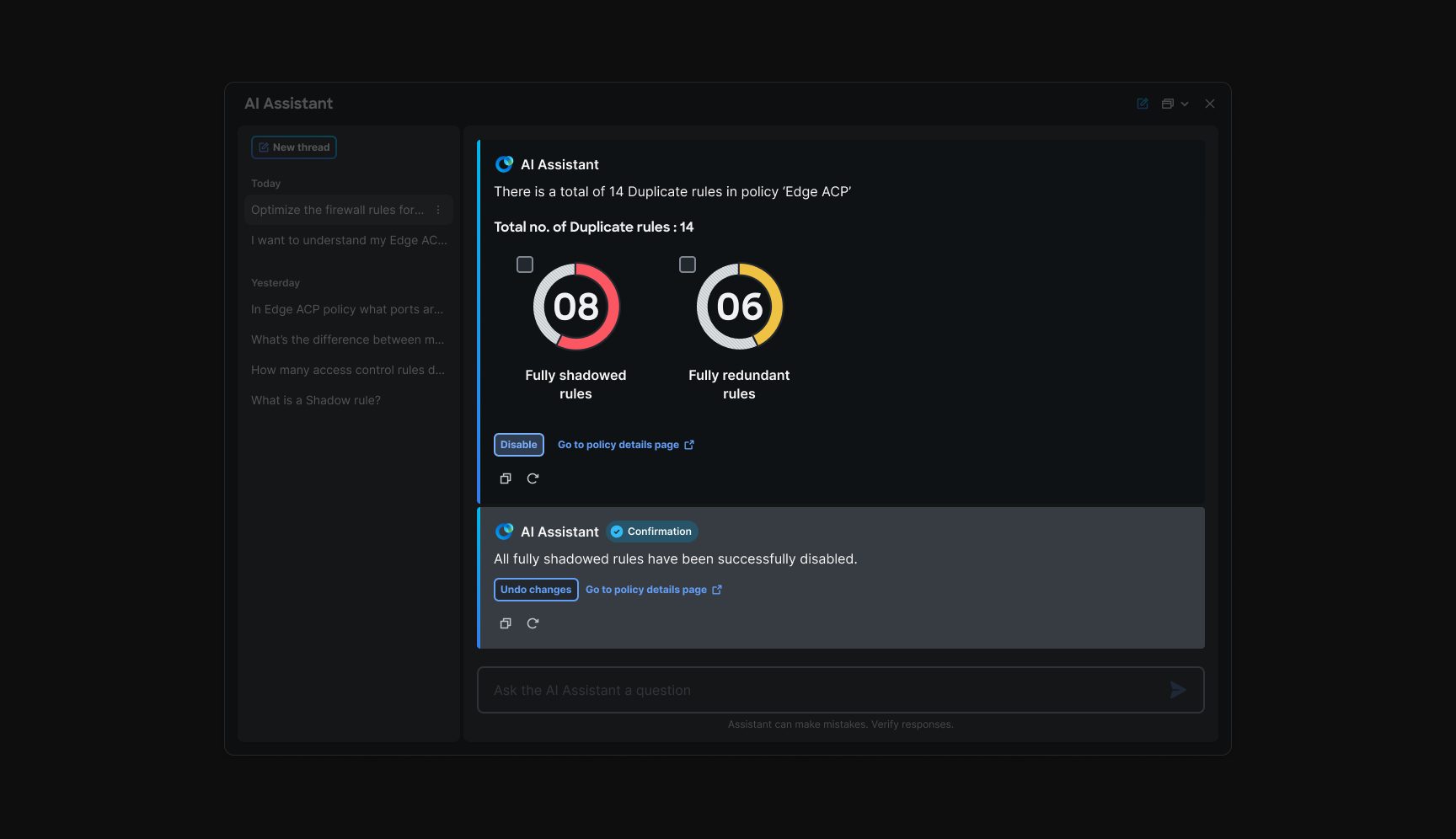
Policy Analyzer and Optimizer already exists in . My job was not to reinvent it, it was to wrap it in assistant flows that felt simple in chat but visually and structurally close to the native pages, so operators never felt a disconnect when moving between panel and product.
Recommendations arrive as scannable cards with plain-language impact. Operators can go deeper, choosing which anomaly types to inspect, and take action from the thread itself. Accept and reject language matches other assistant workflows; nothing applies without an explicit operator decision.
AIOps elephant flow
Chapter 5: Making AIOps data consumable
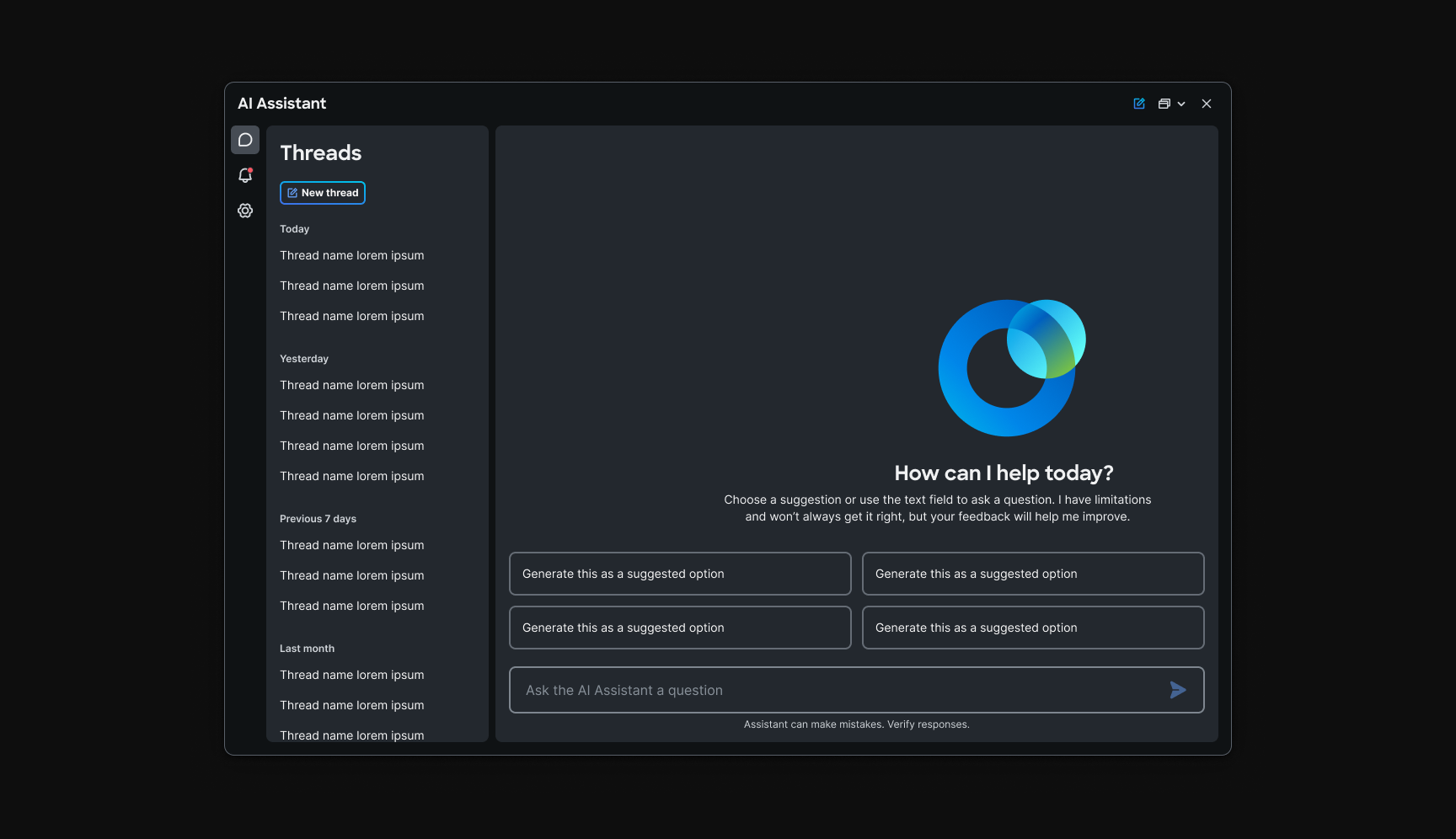
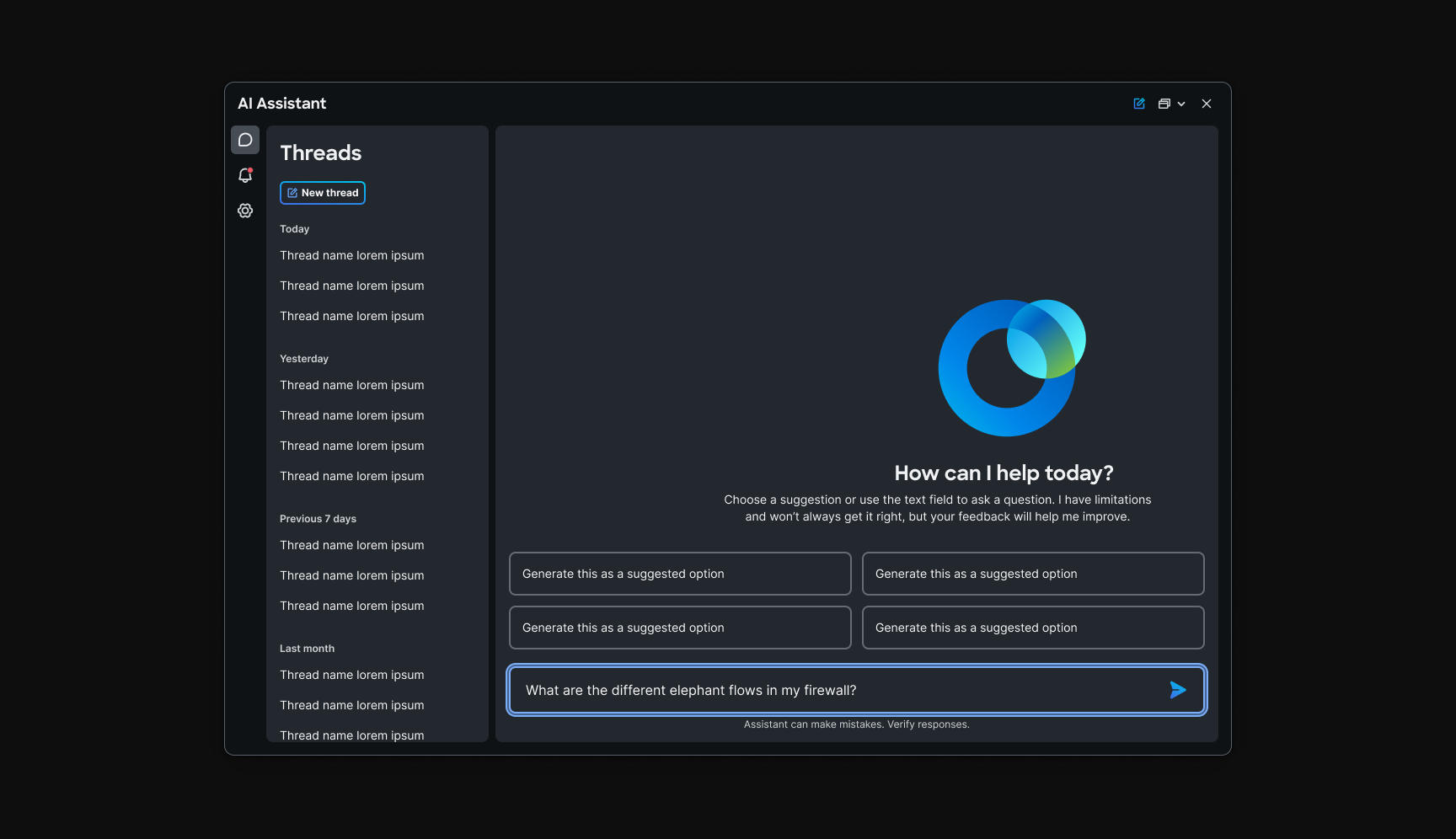
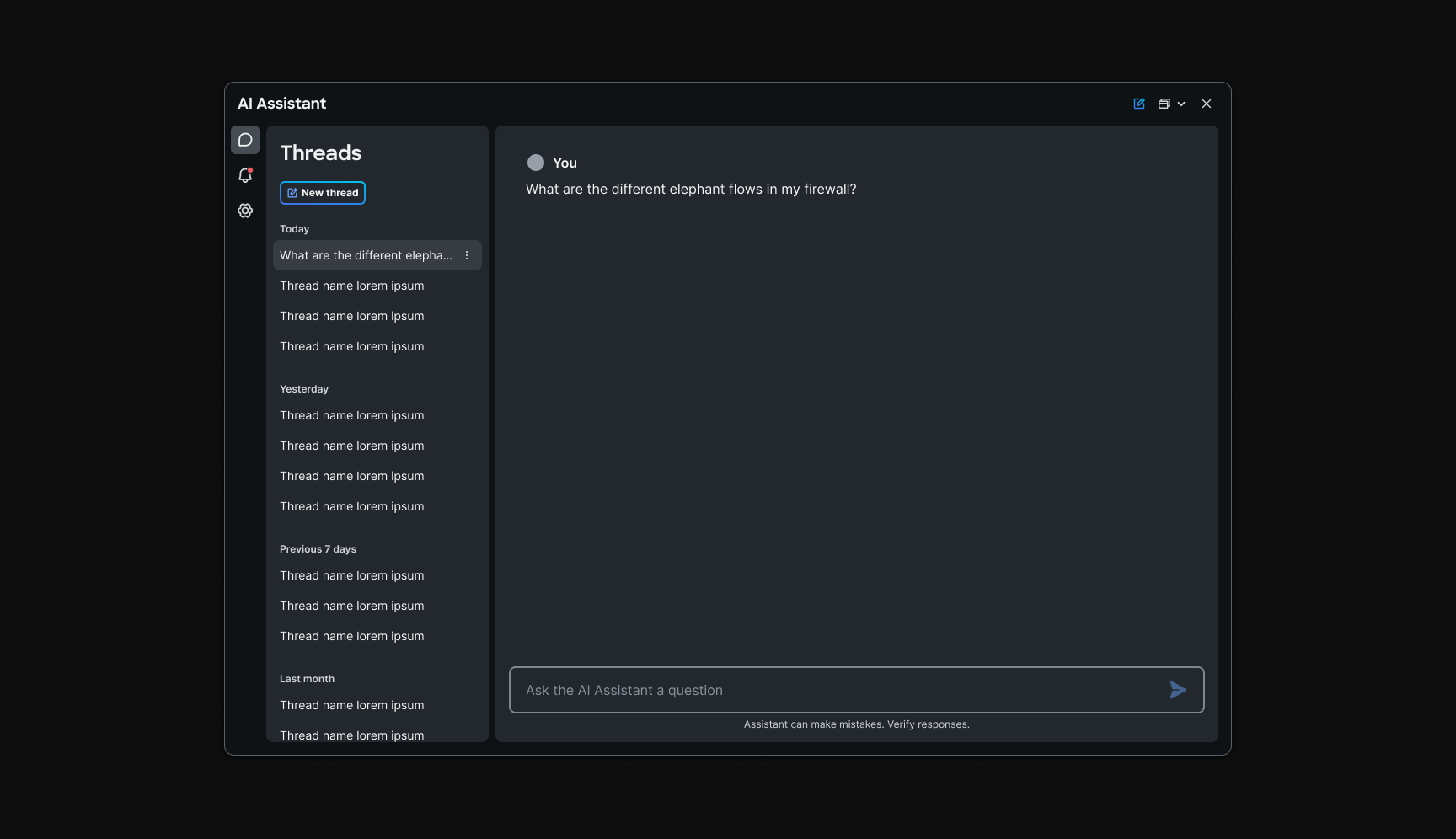
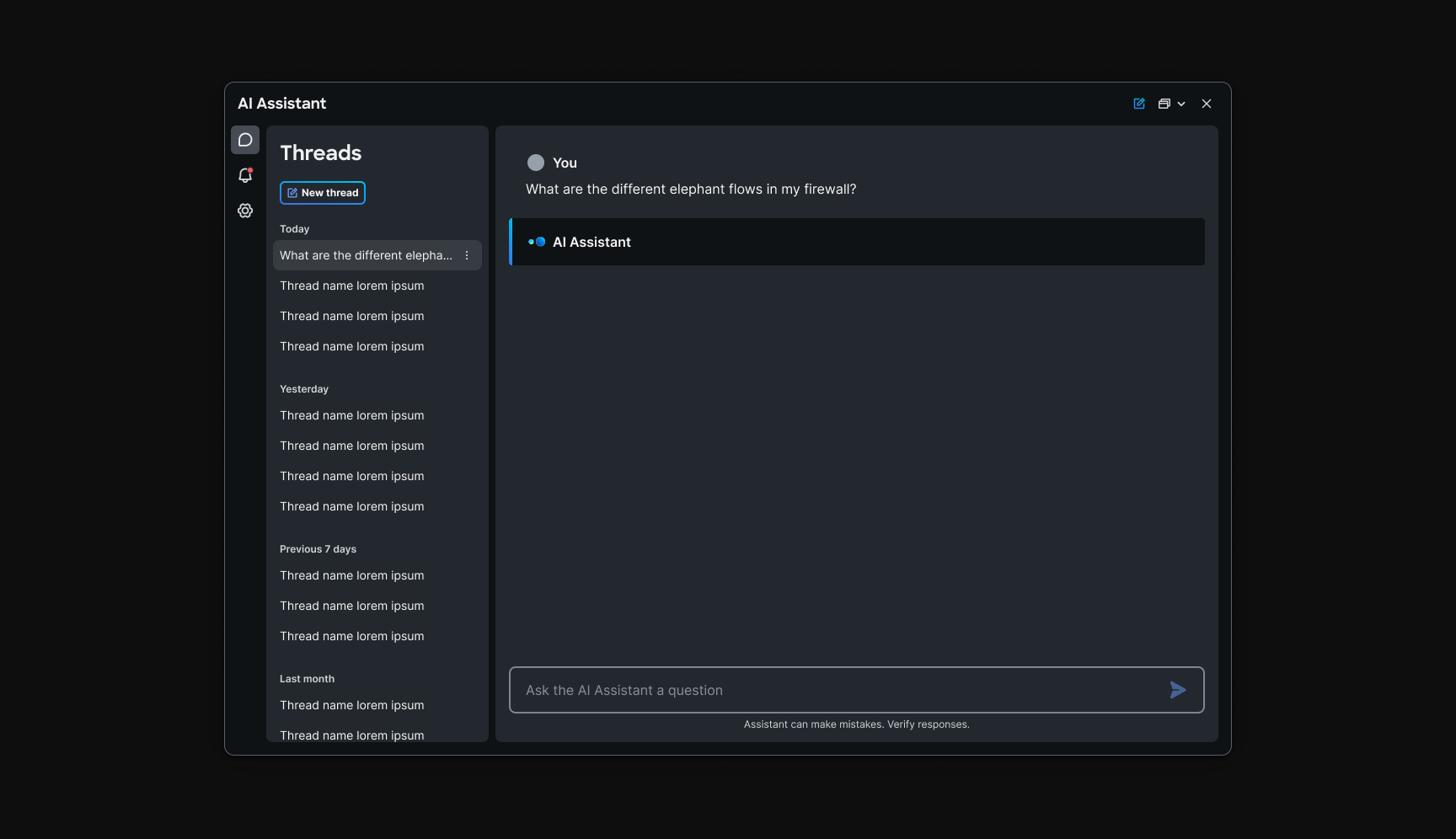
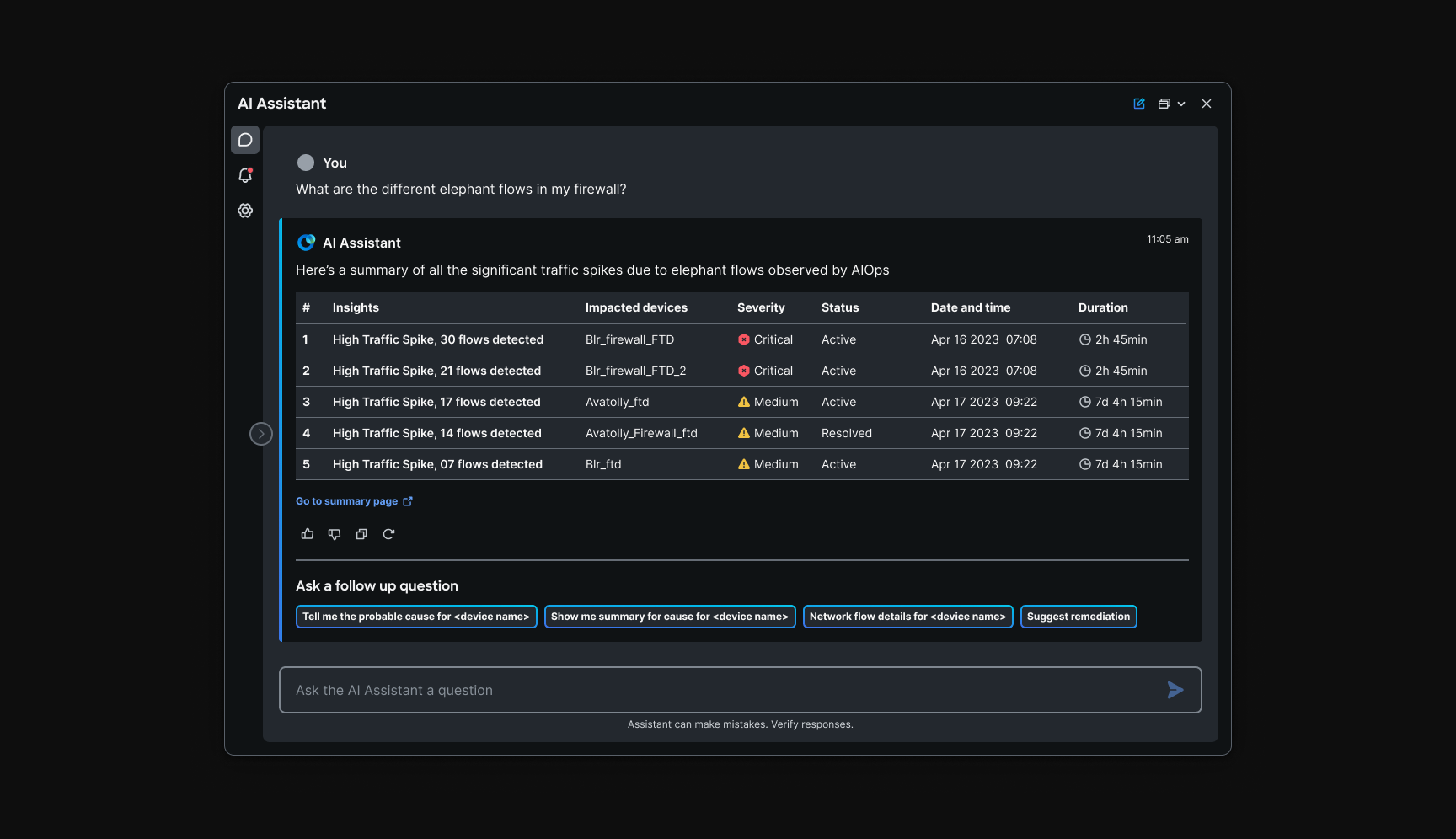
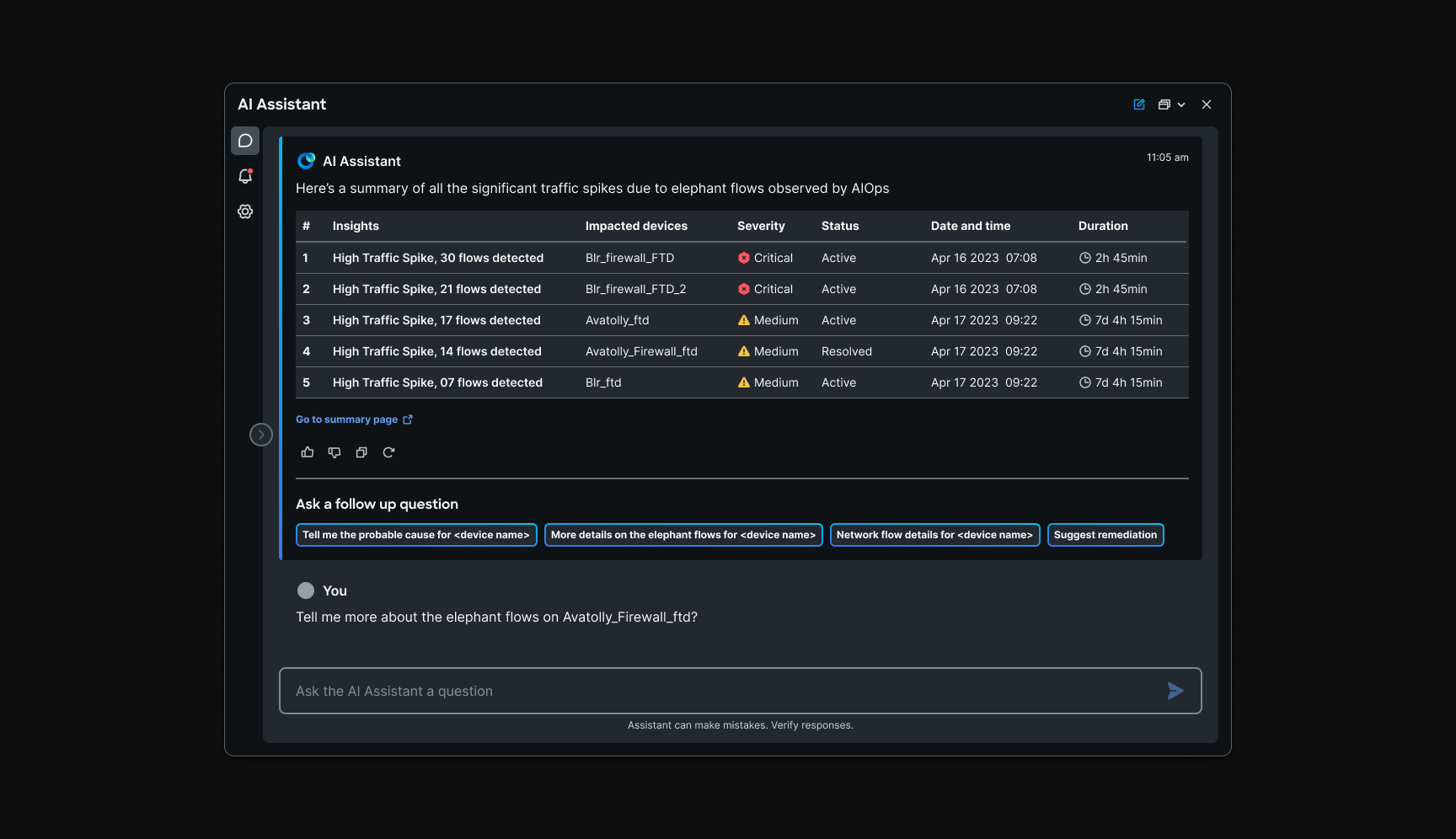
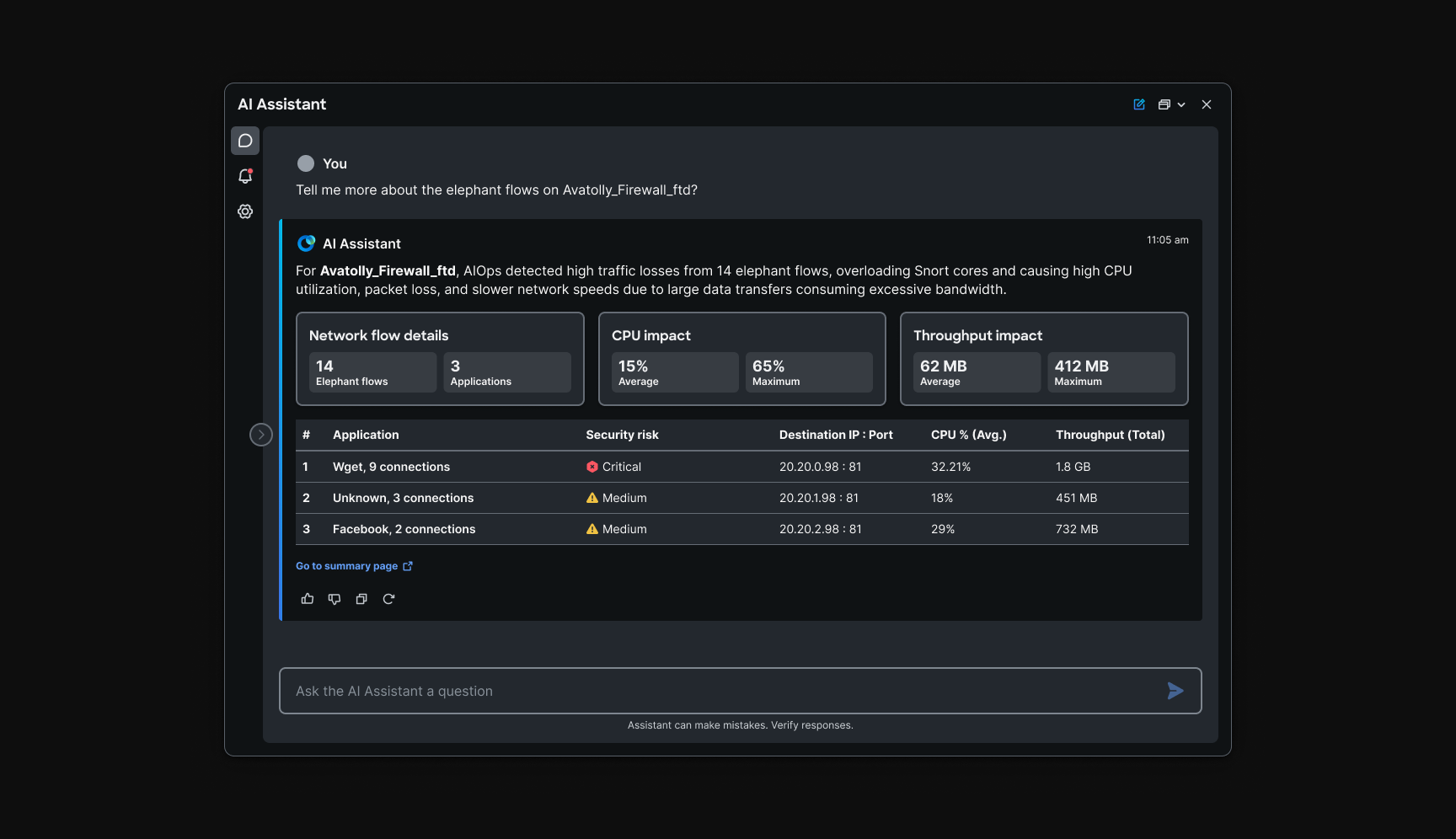
draws on AIOps telemetry, high-volume network flows that are hard to parse in raw form. The assistant's role is translation: turn a wall of data into staged, readable summaries with probable causes and documentation-backed fixes operators can act on.
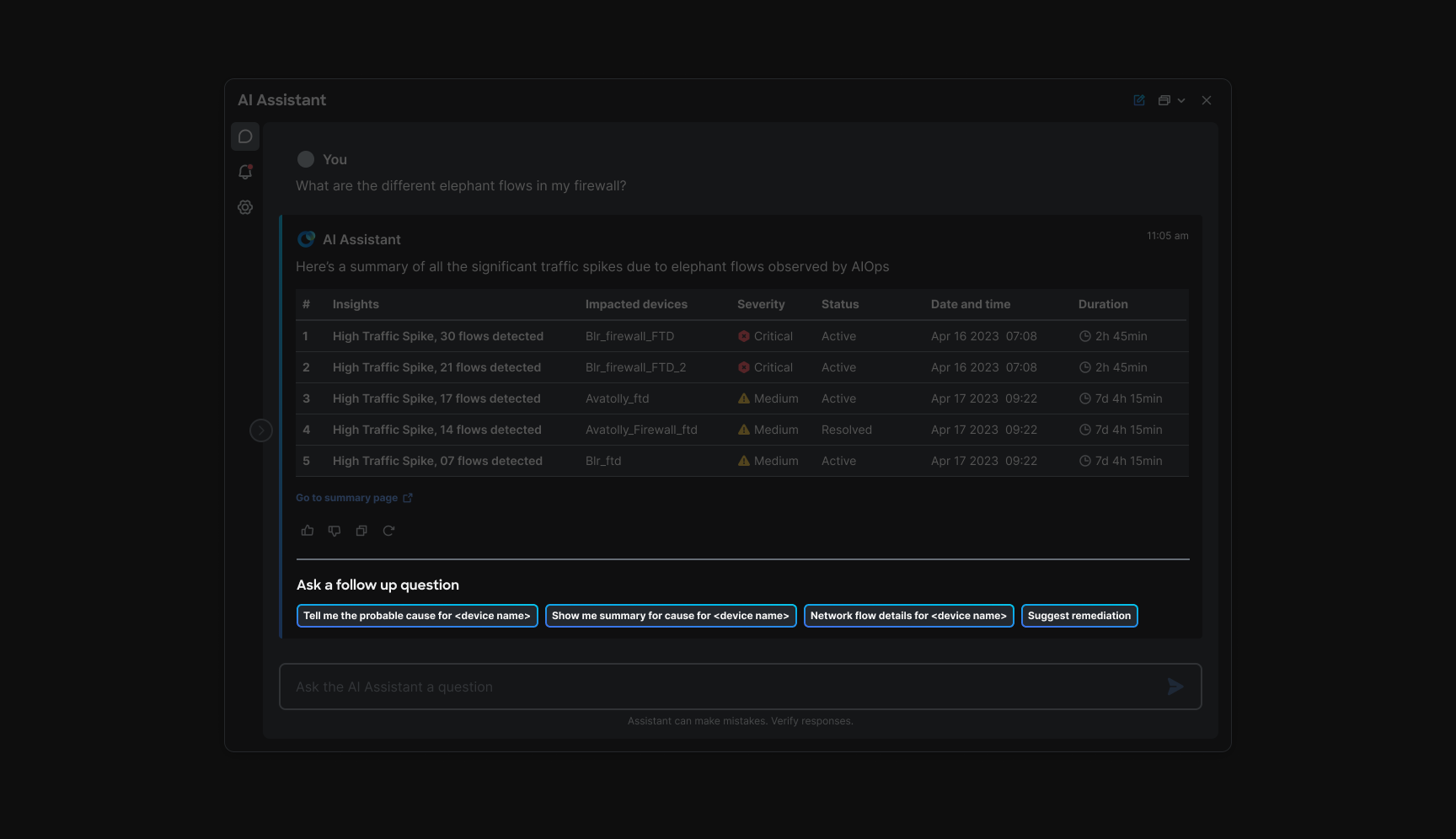
An operator asks about elephant flows in their firewall. The breaks the answer into steps: spike summaries in table form, follow-up chips to drill into cause and remediation, and links to fixes operators can verify before going deeper. The thread stays the audit trail; the format keeps dense AIOps output legible.
Alerts
Chapter 6: Closing the feedback loop
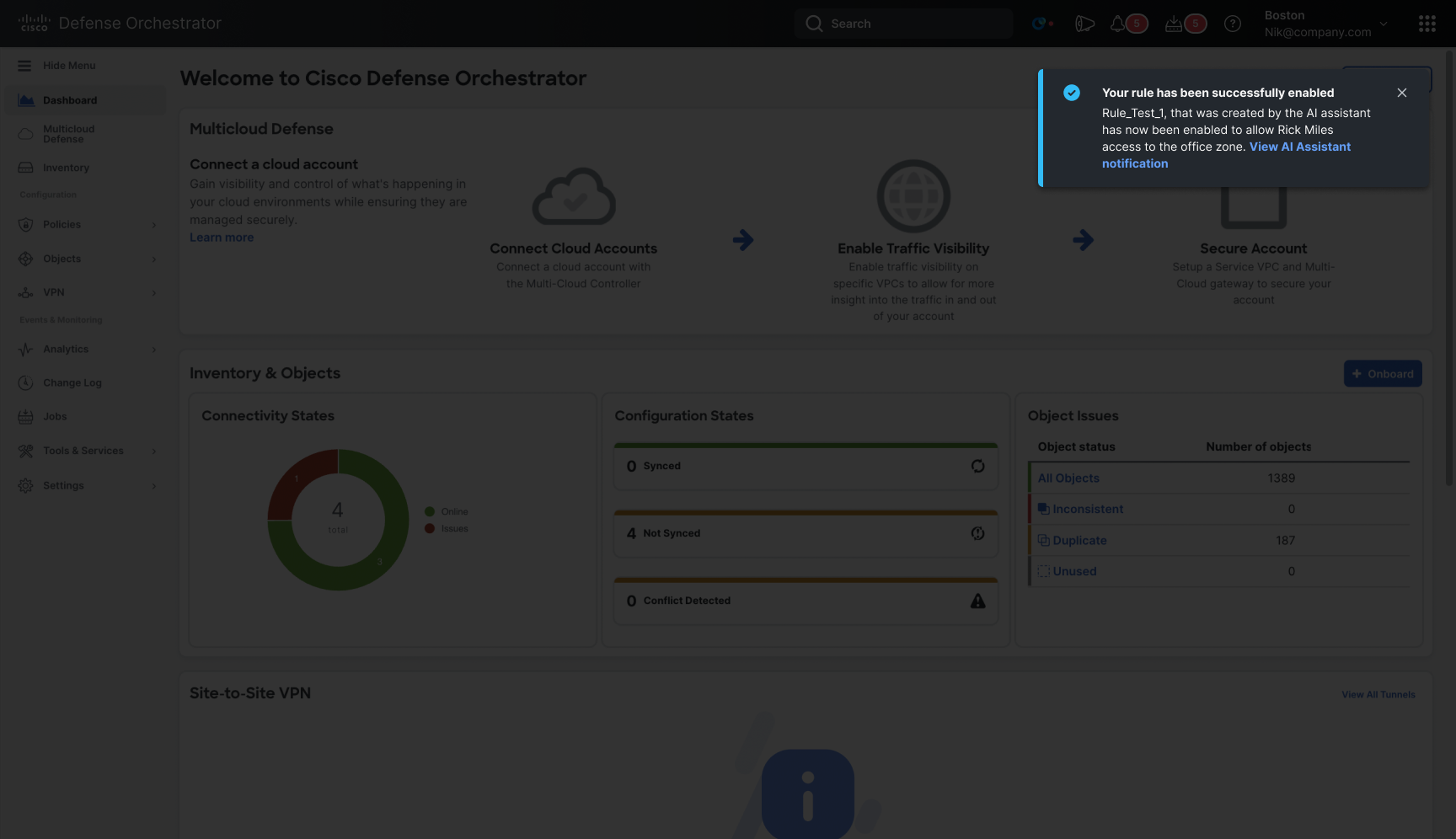
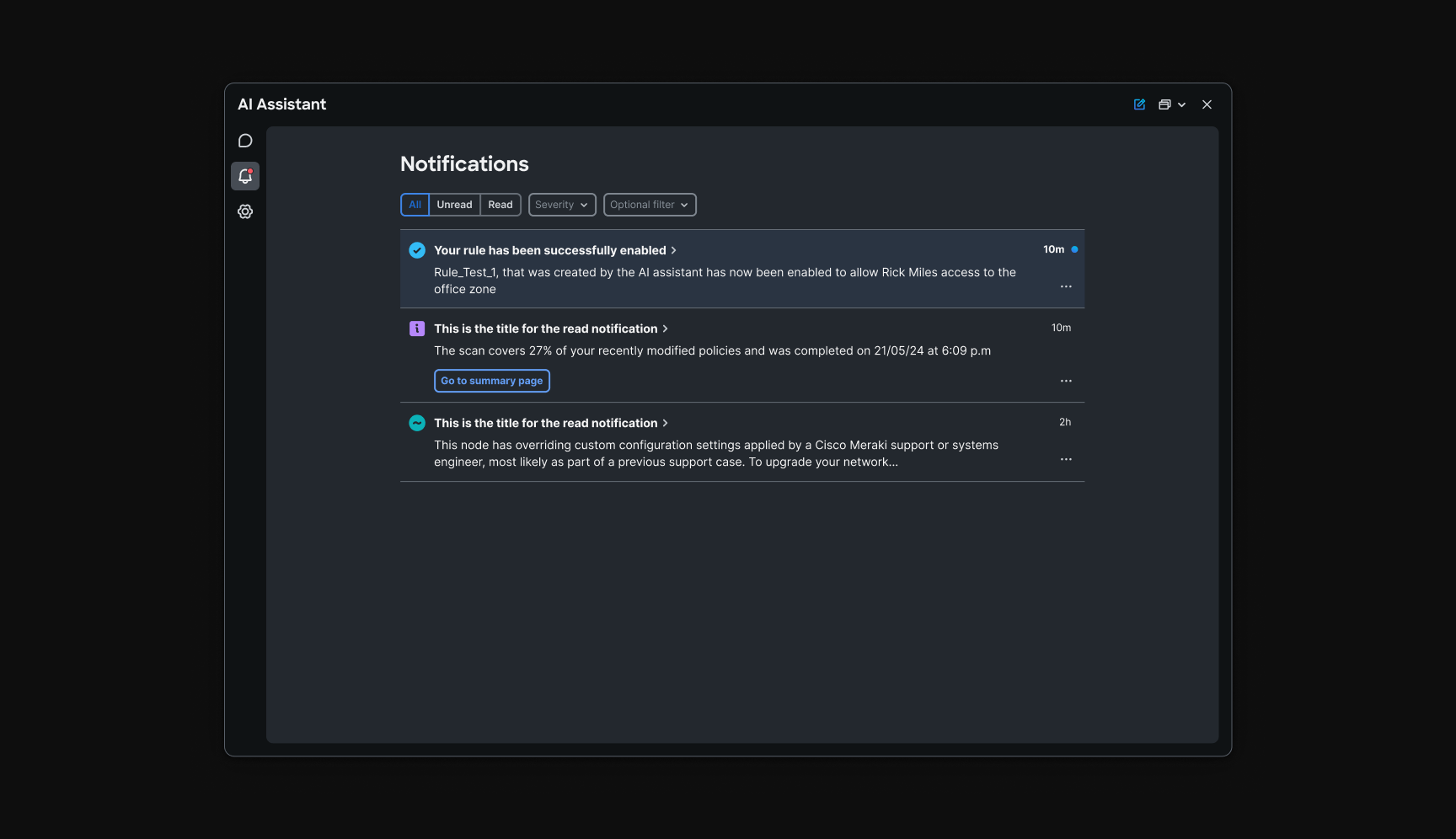
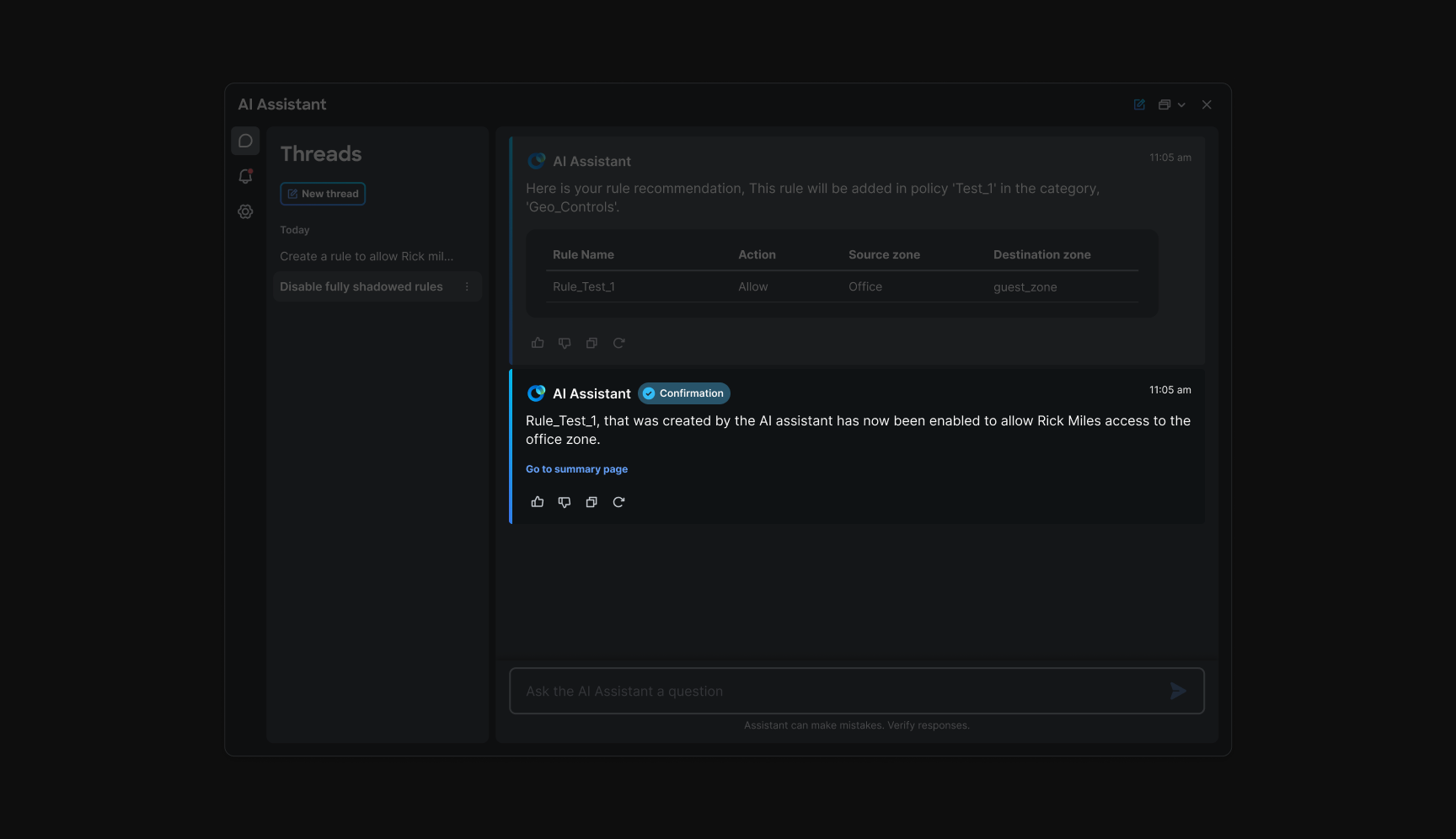
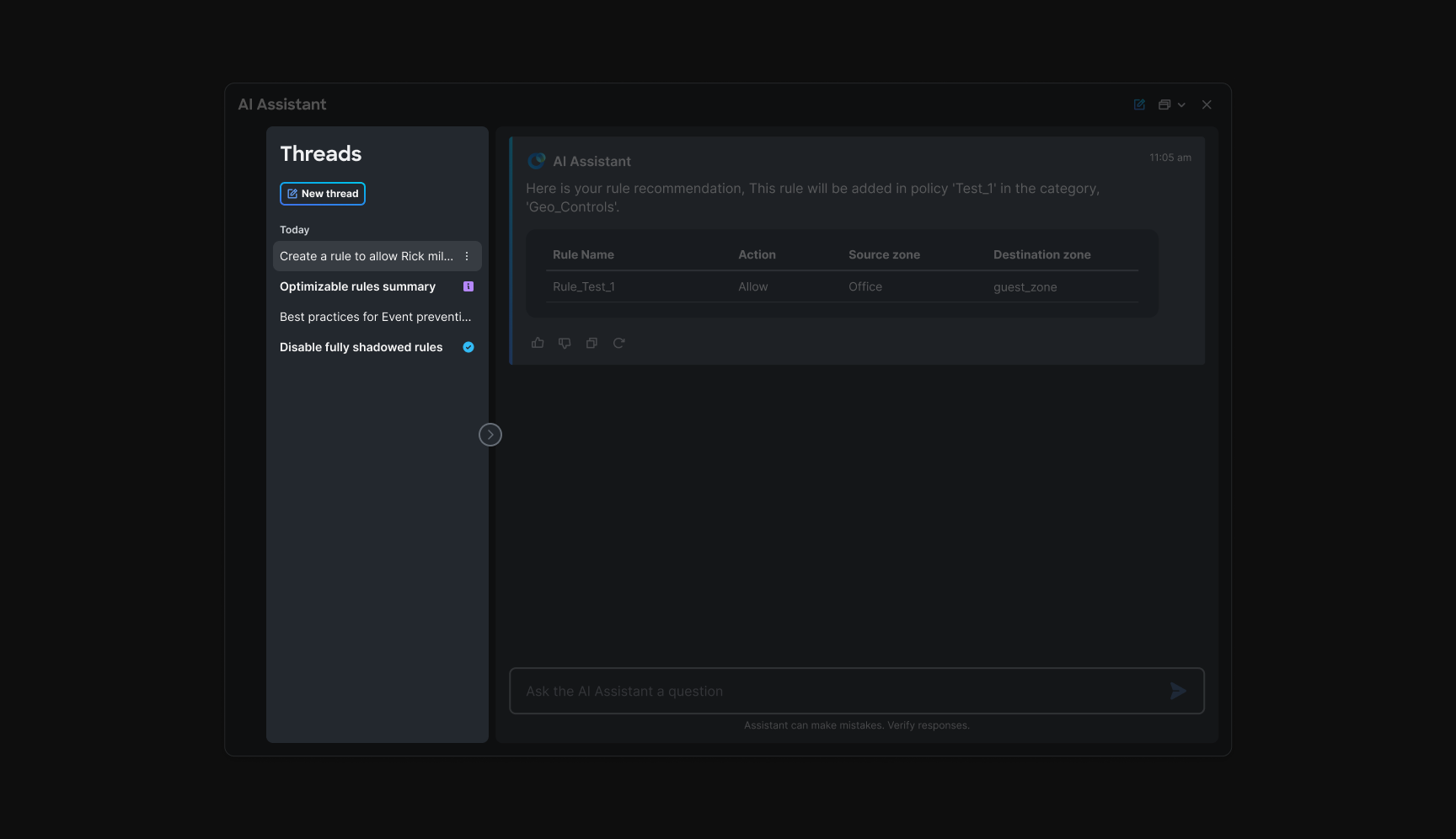
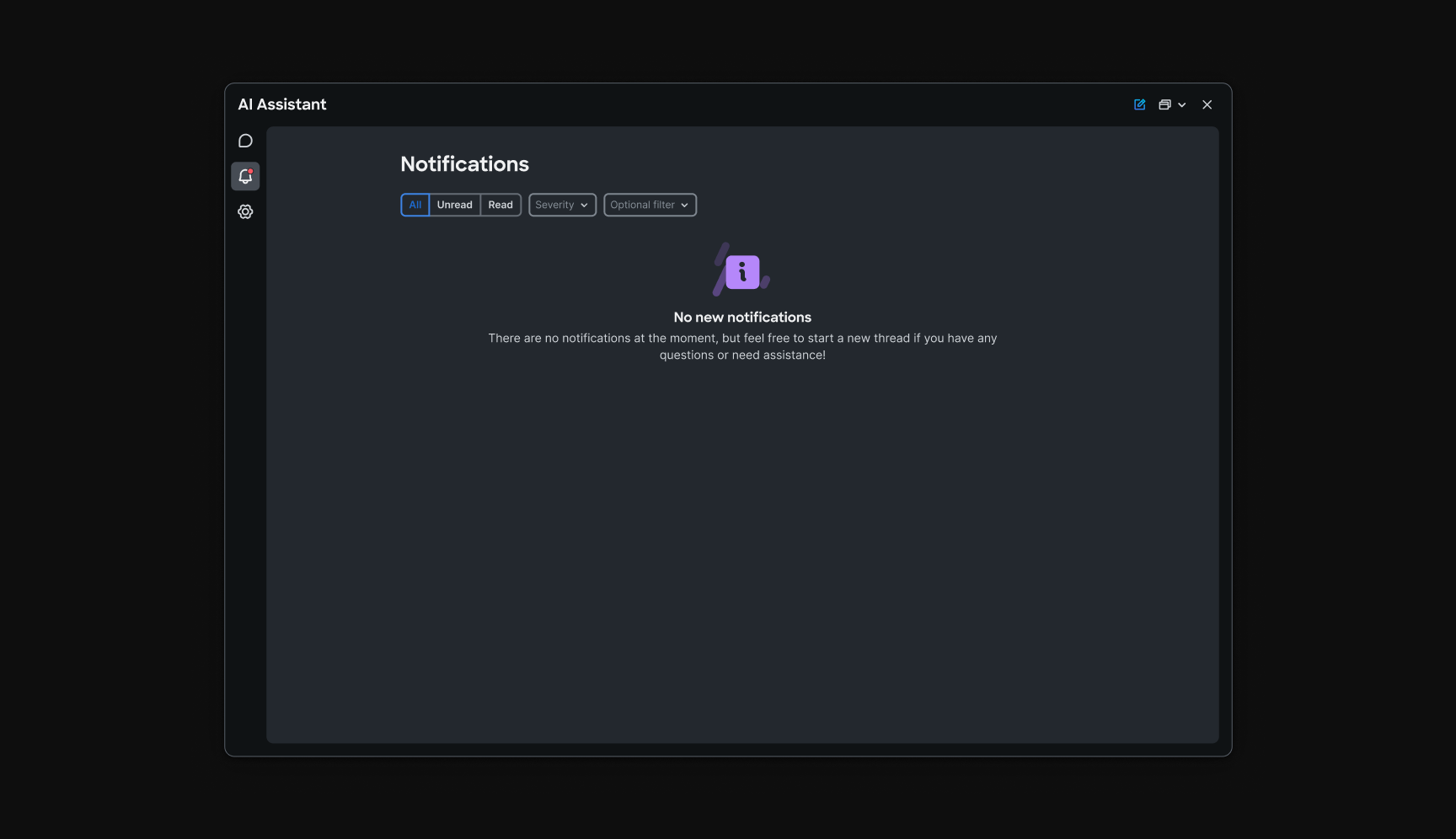
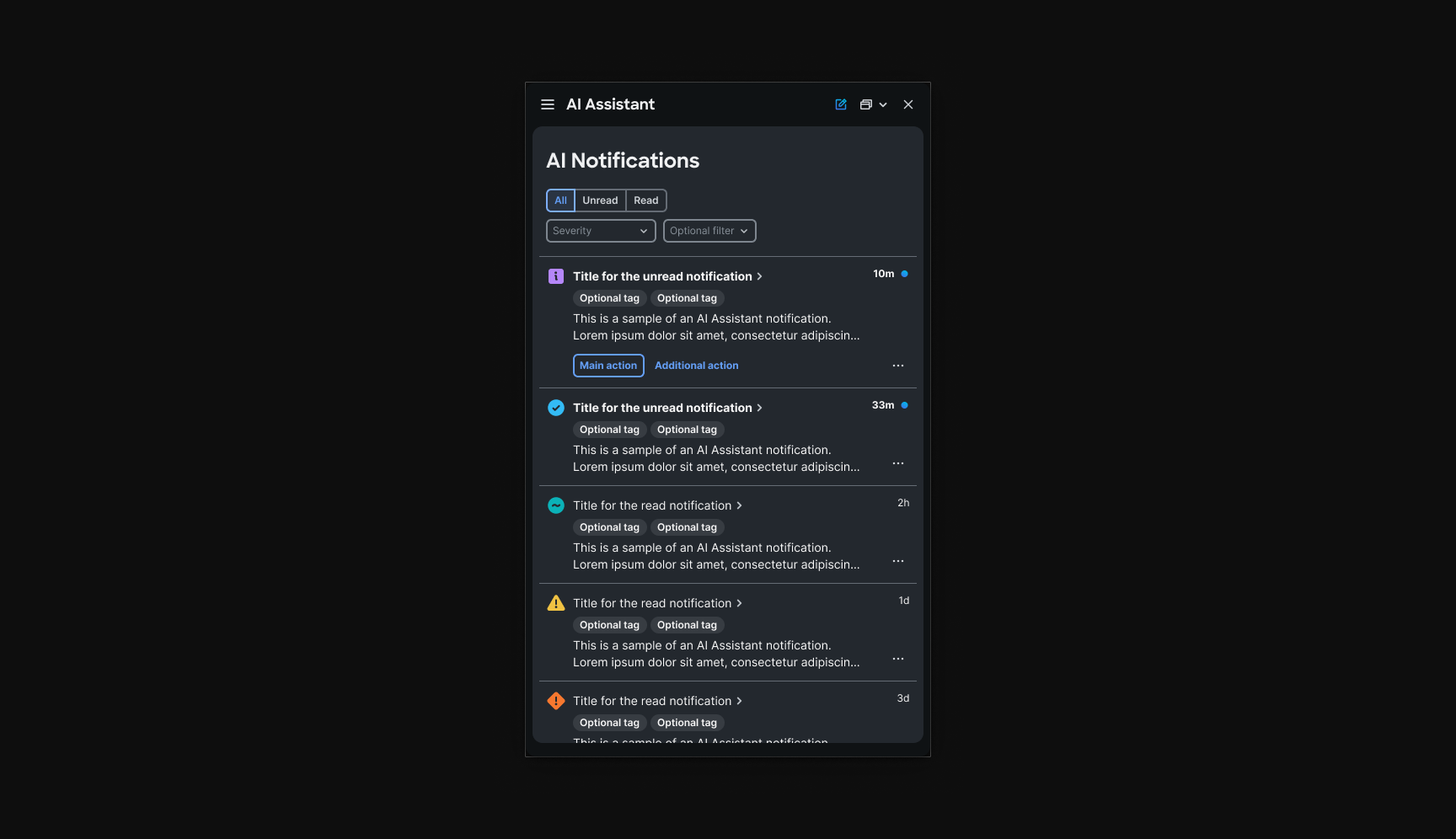
When the assistant changes policy or enables a rule, operators need to know what happened, and be able to trace it. I designed a notification system that categorizes alert types, defines where each surfaces in or , and ties page-level toasts back to the originating chat thread with quick actions. Bulk-action flows were considered so operators managing many changes still had a coherent path back to context.
Notifications appear where operators already work: a page-level confirmation for what changed, thread-level acknowledgment inside the assistant, and quick-action buttons that jump back to the conversation that triggered the change. The same event is readable in both places, outside the panel for audit, inside the thread for continuity.
Key design decisions
Cross-cutting choices that held the program together.
One shell, many domains
Threads, response containers, and footers stay fixed across , , , and alerts. Squads ship content blocks inside a shared assistant panel in or .
Entry before depth
Onboarding, the , and discovery come before high-risk workflows so operators learn the model, and see capabilities, before they commit changes.
Single-response steppers over multi-turn chat
and similar flows use one guided response with checkpoints. Fewer turns mean lower latency, less memory load, and clearer audit paths for operators.
Mirror the product, don't replace it
and notification patterns echo native product screens in and so the assistant feels like an extension of each console, not a parallel product.
Checkpoints before commit
Rule creation, optimizer apply, and alert publish all pause on structured review. The assistant proposes; the operator confirms, with user identity in the loop.
“I don't need the assistant to be clever. I need to see what it changed, what it couldn't match, and what I'm about to apply.”
Systems thinking
Patterns that let parallel teams ship without forking the assistant.
A shared story file and critique cadence defined what was canonical: , library handoff, prompt card anatomy, table-in-chat, checkpoint footer, notification taxonomy. Exceptions needed justification so , , AIOps, and alerts teams did not each invent their own chat dialect.
New workflows assembled from that kit. Prompt cards solved adoption at the entry layer; single-response steppers solved performance at the execution layer; notification categories solved feedback at the exit layer.
Response container
Header, body blocks, tables, and actions repeat across , , , and alerts.
Prompt card
Title, summary, time saved, and active users give operators a reason to click before they commit to a thread.
Library-to-thread
Template selection pre-fills context; the operator edits intent, not structure.
Checkpoint footer
Shared language for suggestion, ready to apply, and blocked states, with confirmation before any production change.
Notification loop
Page-level and thread-level feedback with quick actions back to the originating conversation.
Final reflection
What designing AI inside an operational console taught me
This was never a chat UI project. It was a contract for how AI appears next to production firewall and security systems across and : where it enters, how it formats answers, when it must stop for human approval, and how operators trace what changed.
The through-line runs adoption, execution, and feedback. The and discovery surfaces solved blank-slate anxiety. and solved task friction without abandoning product familiarity. made AIOps legible. Alerts closed the loop. Each chapter in this study follows that same arc.
Trust came as much from systems design as from model quality, shared formatting, bounded steppers, product-familiar patterns, and categorized notifications made the assistant feel governable across domains.
“If the panel feels like a separate product, operators won't commit production changes through it. Familiarity across cdFMC and SCC was the feature.”